CAPINTEC, INC. CAPTUS
®
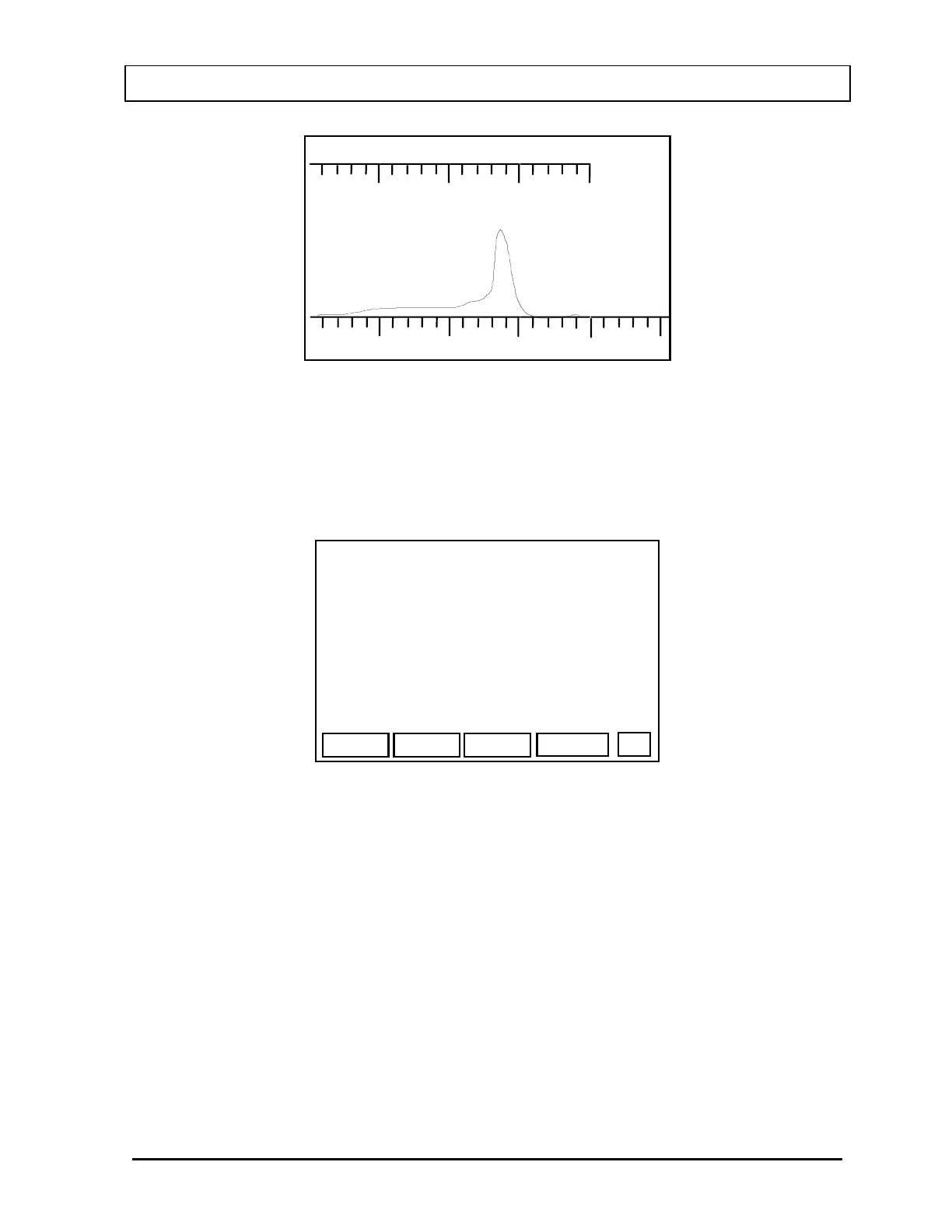
600
200 CTS FS
200 keV
4335. cpm
OK?
(Y OR N)
Figure 5-27
If the data is OK, press Y. You will then be asked to measure background.
After you accept the background, a summary screen (
Figure 5-28) will appear. The
example is for a measurement of Co57.
SAVE
EXIT
CO57
NET: 4335. cpm
CALIB: 268.6kdpm
CURRENT: 5503 dpm
CF: 1.27
P
Figure 5-28
Press F4 [SAVE] to save the Conversion Factor.
Press PRINT [P] to print a report with the original calibration data, measured values
and calculated Conversion Factor.
Press F1 [EXIT] when finished.
Note: If F1 [EXIT] is pressed without first pressing F4 [SAVE], the Conversion
Factor will not be saved.
November 07 SYSTEM INITIALIZATION 5-17



 To Next Page