CAPINTEC, INC. CAPTUS
®
600
13:06
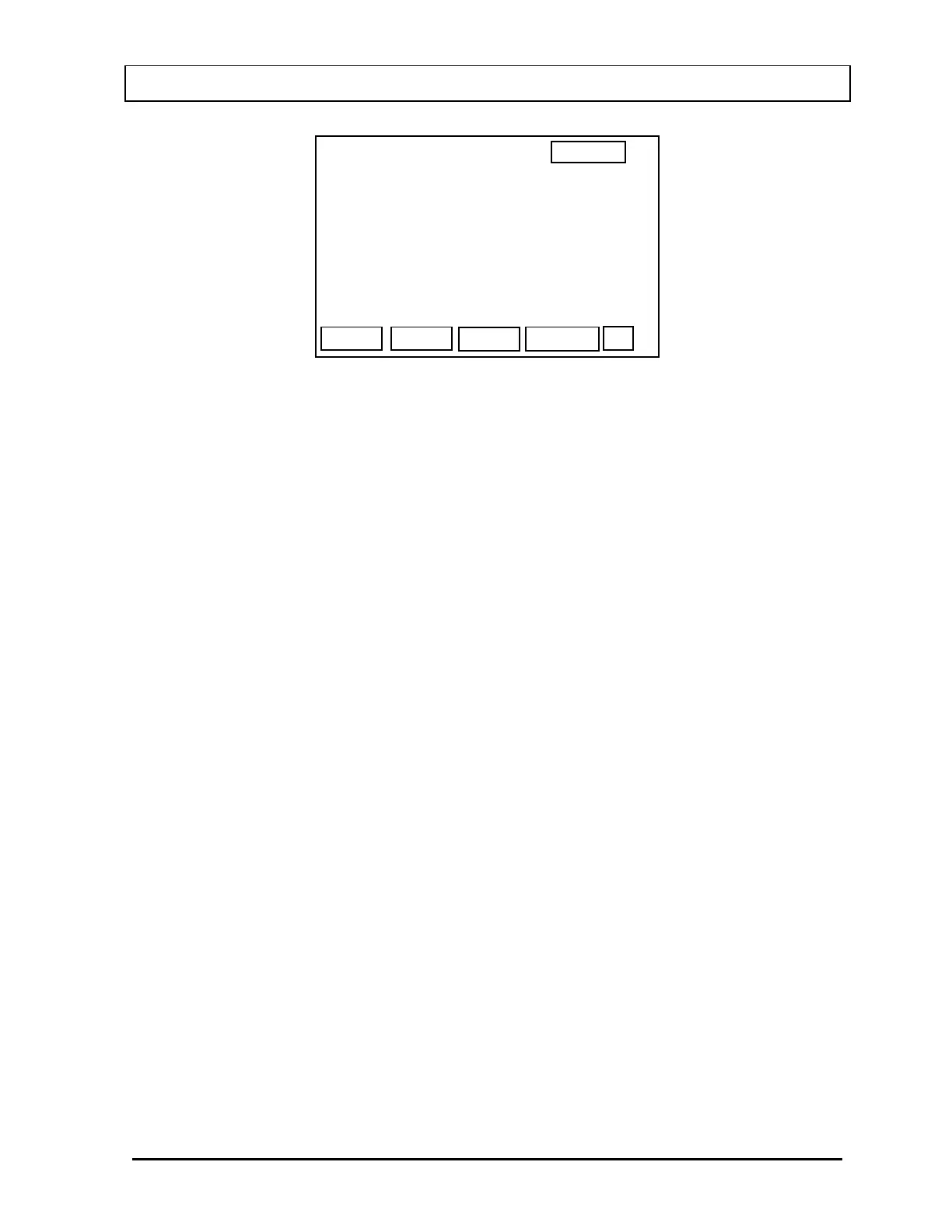
MDA TEST
COUNTING PERIOD: >6O SEC
PREC
WELL
PRECISION : 3 ST. DEV.
START
Figure 6-16
Input the desired counting period (60 sec is the minimum allowed).
Press
F1 [PREC] to change the precision from 1 to 9 standard deviations (the default value
is 3).
When the desired counting period and precision have been entered, MAKE SURE THAT
THERE ARE NO SOURCES NEARBY and press
F4 [START].
After the background has been counted, the Region of Interest corresponding to the selected
nuclide will be shaded and the counting rate in that ROI will be displayed for verification. If
the counting rate is OK, (i.e., there were counts but no source), press
Y and ENTER.
A report with the selected nuclide, desired precision, Minimum Detectable Counting Rate and
Minimum Detectable Activity (if there is a Conversion Factor for the selected nuclide) will be
printed.
If the printer is off-line, or there is no printer connected to the CAPTUS
®
600, a check printer
message will appear on the screen and prompt you to press any key to continue. If the
printer is still off-line, or no printer is attached to the system, the results will be displayed on
the screen.
November 07 ACCEPTANCE & QUALITY ASSURANCE TESTS 6-11



 To Next Page