Horizon Imager User’s Manual 10-5
Preventive Maintenance
6. Press the key to move the ribbon carriage down and out of
the way.
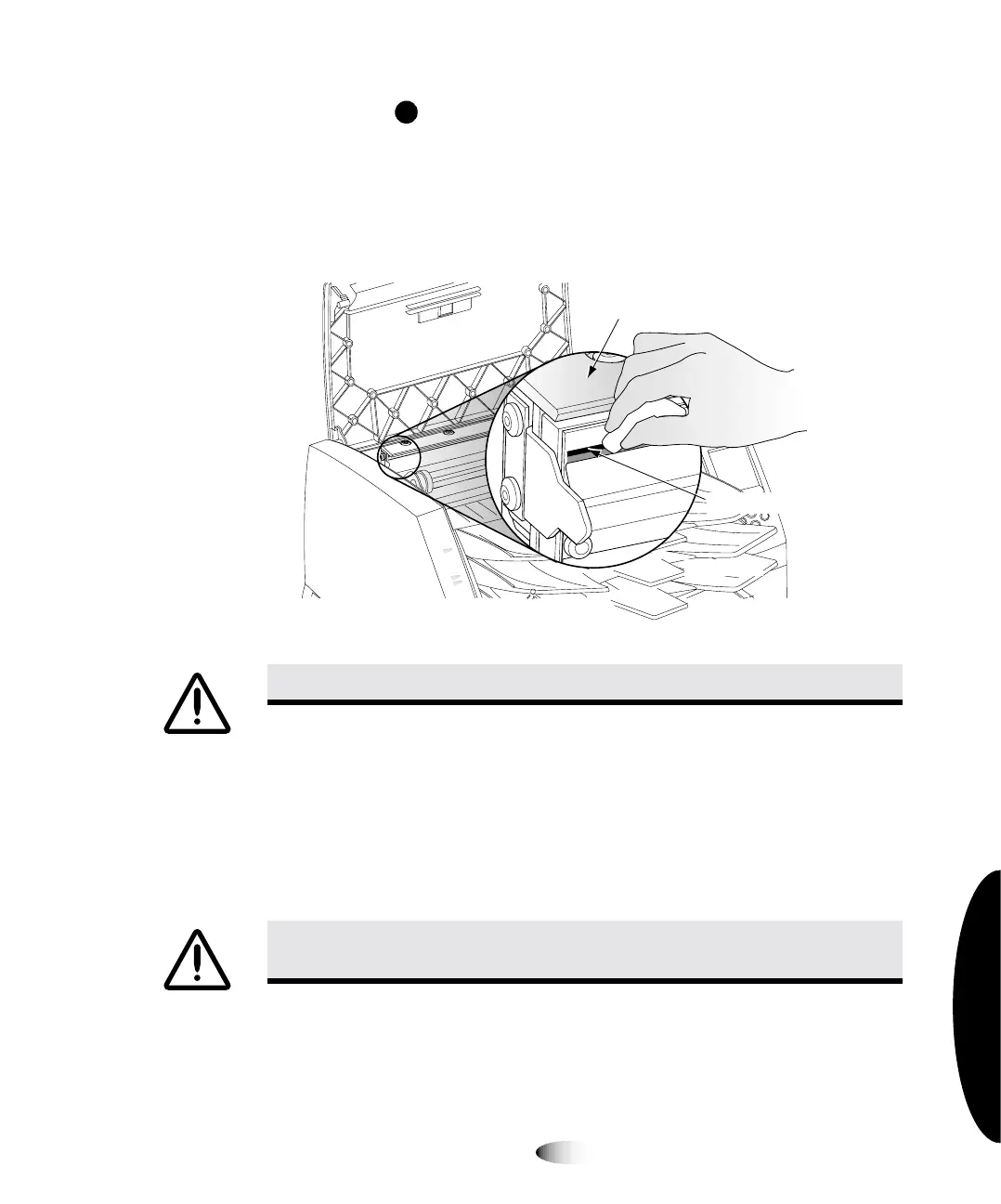
7. Locate the print bead and nosepiece, shown in the following
figure.
8. Using the print head cleaning wipe provided with the Platen and
Print Head Cleaning kit, carefully wipe back and forth along the
entire length of the print bead line with moderate pressure.
Repeat the back and forth motion until the print bead is
completely clean. Note that the cleaning pad may become
discolored.
WARNING The thermal print head may be hot.
WARNING When cleaning the print head, avoid the extreme ends of the print
head, which are sharp.
Print bead
Nosepiece
Carefully wipe along
print bead until clean



 To Next Page