Horizon Imager User’s Manual 2-5
Setting Up the Imager
7. Plug the other end of the power cord into a suitable receptacle
or into a UPS.
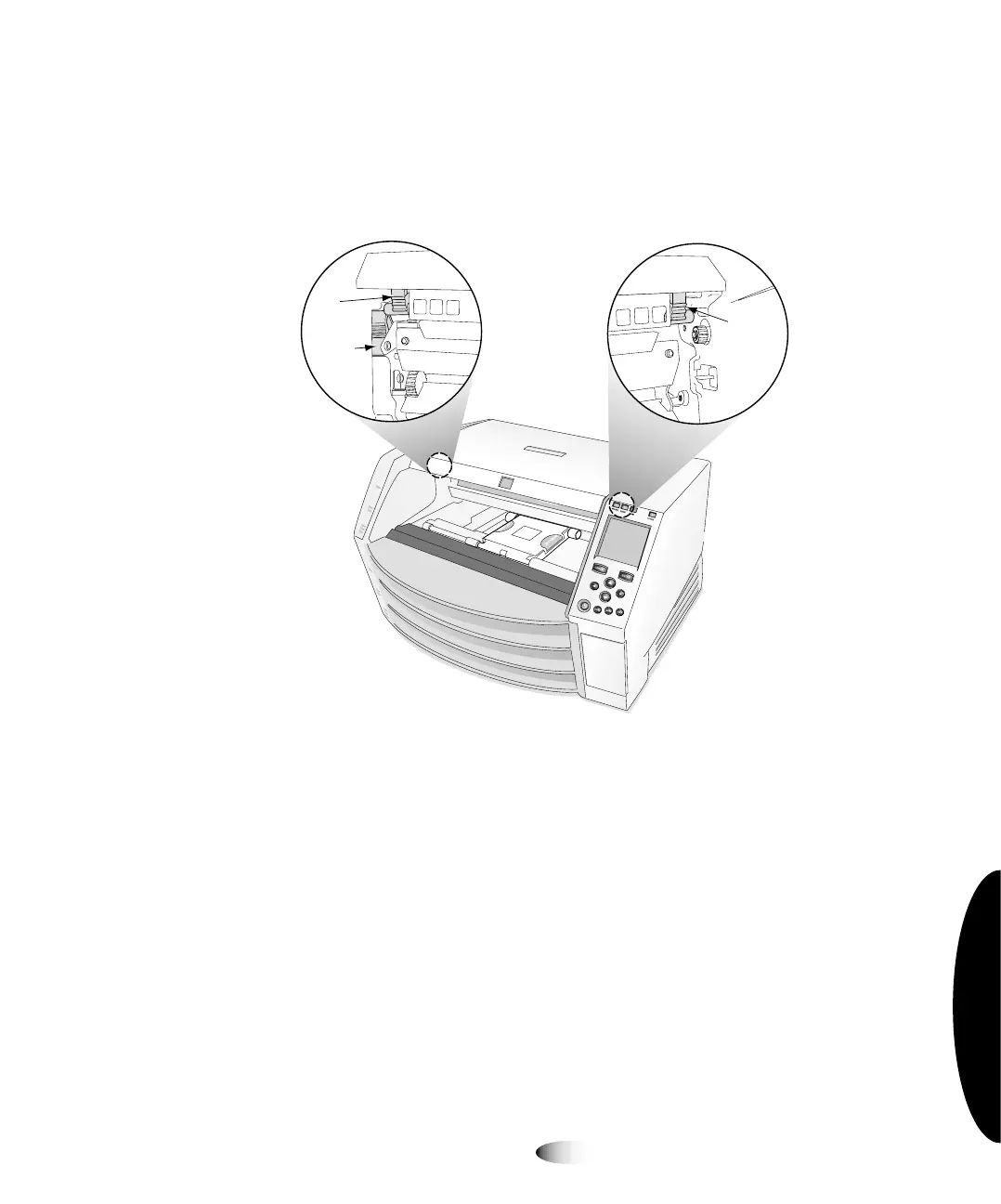
8. Open the top cover by pressing any of the green releases shown
in the following figure.
9. Remove any packing material that is inside the imager.
NOTE:
If using a UPS, make sure that it is plugged into a suitable receptacle and powered
on. If necessary, refer to its accompanying documentation.
Right
release
Left
release
Master
release
3



 To Next Page