Horizon Imager User’s Manual 2-15
Setting Up the Imager
1. At the imager’s control panel, press and hold the key, and
while holding it press the key.
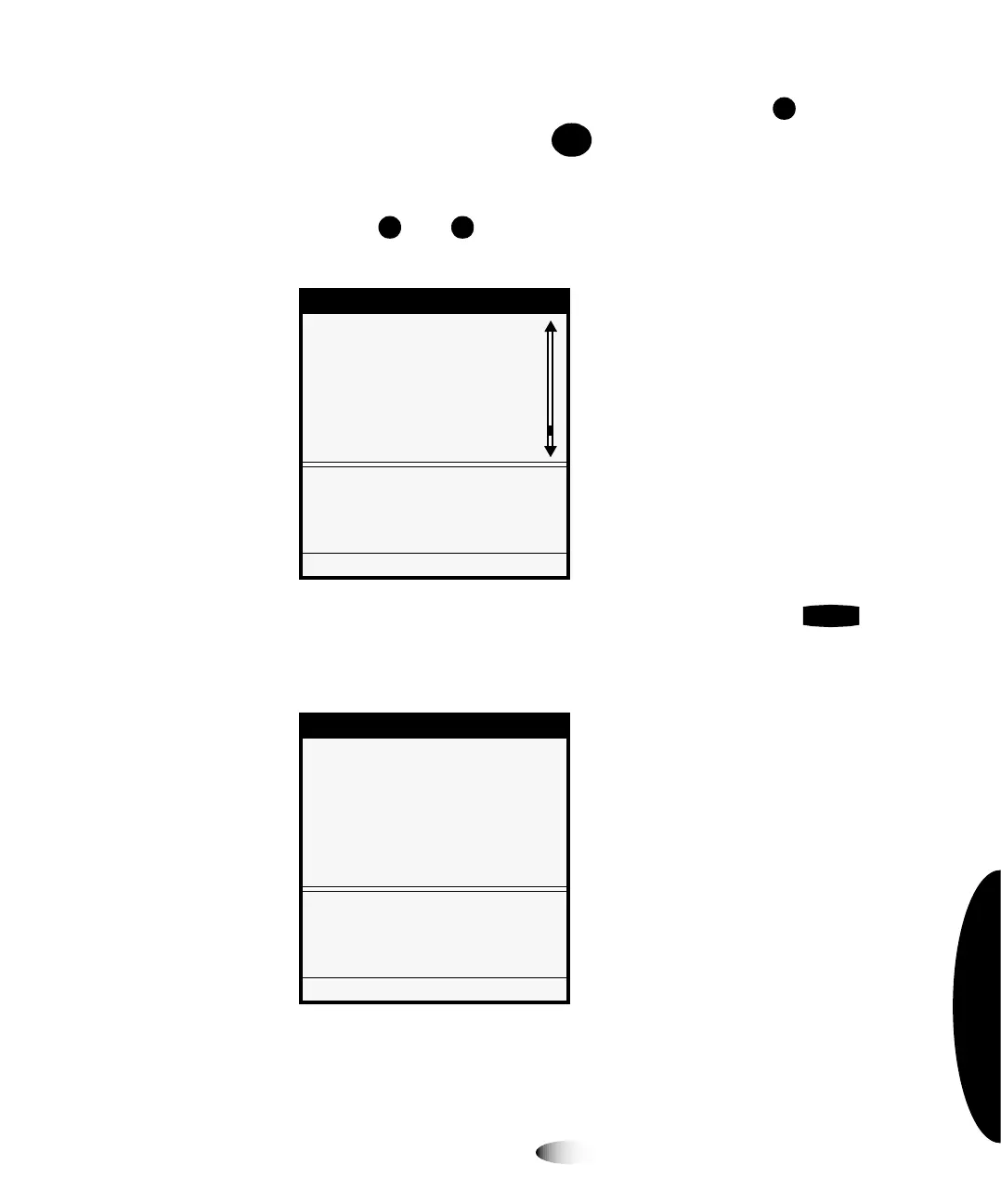
The Main Menu with administrative options displays.
2. Use the and keys to move the selector arrow through the
option list until it points to
Network Settings
, as shown below.
3. With the
Network Settings
option selected, press the key.
The Network Settings menu displays. Note that the current
settings are displayed in square brackets.
Menu
Load/Remove Ribbon...
Custom Job Settings...
Utilities...
Test Prints...
Print From USB Drive...
Feature Management...
Network Settings...
Configure TCP/IP network
settings
Press MENU to exit menus
Network Settings
Network Settings
Speed [Auto Sense]...
Addresses...
Reset Network Settings
Set network addresses of this
Imager.
Press MENU to exit menus
8
To specify the
imager’s IP
address
MENU
ENTER



 To Next Page