NAME and SYMBOL DESCRIPTION
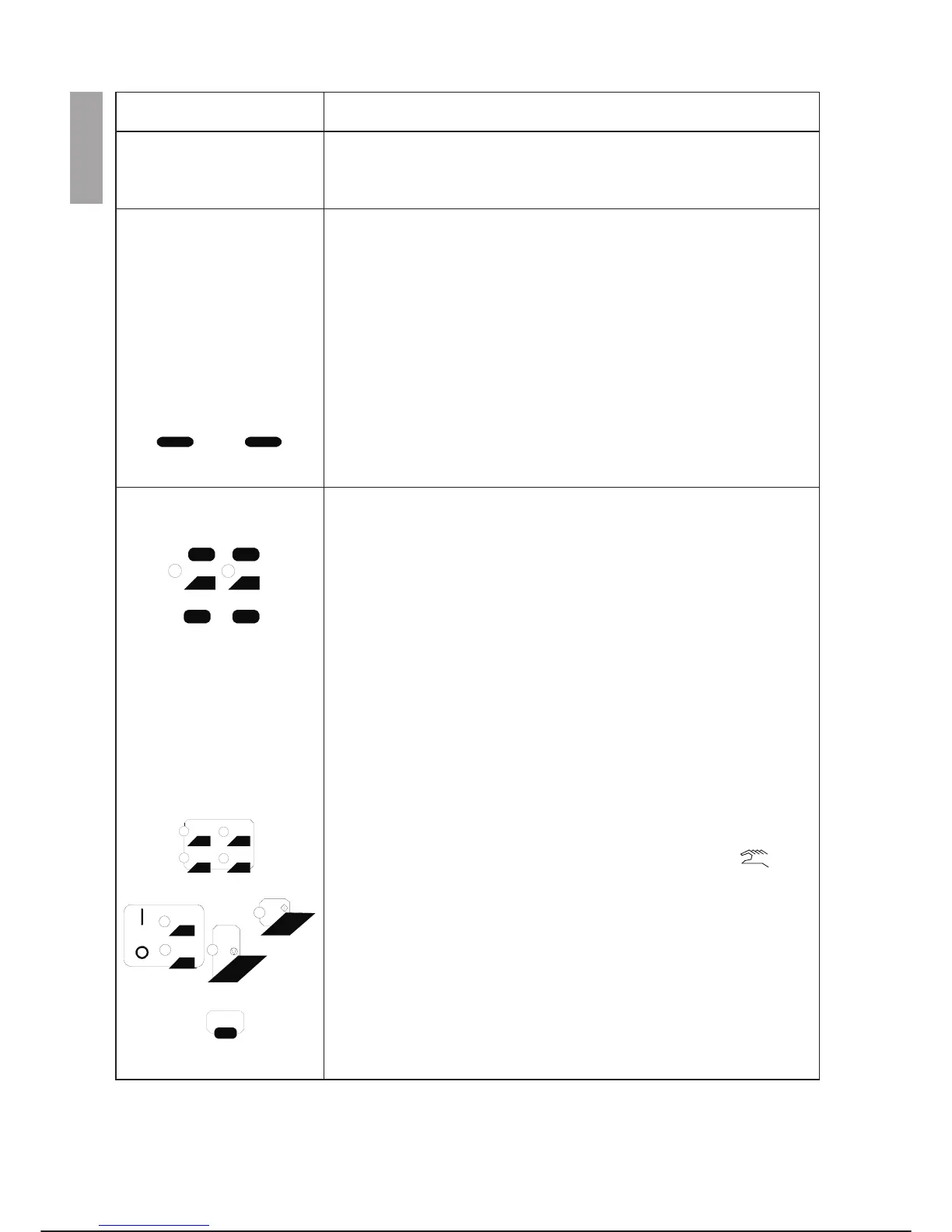
Function keys
The Command Menu keys (F1-F8) located below the liquid crystal dis
-
play send the corresponding command, displayed on the menu line to the
control unit. For example the F1 key enters the CONF command from
main menu.
Teach/Test keys
The BACK key moves back to the start position of the current movement
during step-by-step checking of a programme.
The RUN key starts running of programmes during step-by-step checking
of a programme created with the editor.
Keys T1 and T2 control tools 1 and 2 switching between OPEN and
CLOSE. The tool is correlated to the arm selected. The Leds are on when
the tool position is CLOSE.
The REC key inserts a move instruction and the position variable state
-
ment and records the current position of the arm in the case of editing in
DATA or MEMORY DEBUG mode.
The MOD key modifies the value of the co-ordinates of an existing posi
-
tion.
Tasti Controllo
Keys from U1 to U4 are user-programmable keys. Their functions and
leds depend on the programme being run.
The DRIVE ON key powers the drives for all the arms. The LED indicates
that the function is active.
The DRIVE OFF key cuts off the power to the drives for all arms. The LED
indicates that the function is active.
The START key runs all programmes in the ready status and activates
movement during step-by-step checking of a programme or immediate ex-
ecution of a programme until it is released. The green LED indicates that
the function is active.
The HOLD key stops all holdable programmes and movement of all the
arms. The yellow LED indicates that the function is active.
The EXCL key allows overriding of the flange and electric limit switch
alarms of the robot for 60 seconds. If it is pressed a second time (before
60 seconds have passed) it allows immediate alarm activation.
This key is active only with the controller in programming status
In case, during an EXCL session, the axis is taken beyond the electric
stroke end, an error message is displayed anyway and the robot goes to
DRIVE OFF. In order to quit this condition, press the EXCL key, put the
system in DRIVE ON and move the axis in the direction opposite to the
stroke end.
OPERATOR INTERFACE C3G Plus
3-4 07/1200
F1
F8
......
BACK
T2
RUN
T1
REC MOD
U1
U2
U3
U4
DRIVE
OFF
ON
HOLD
STAR



 To Next Page