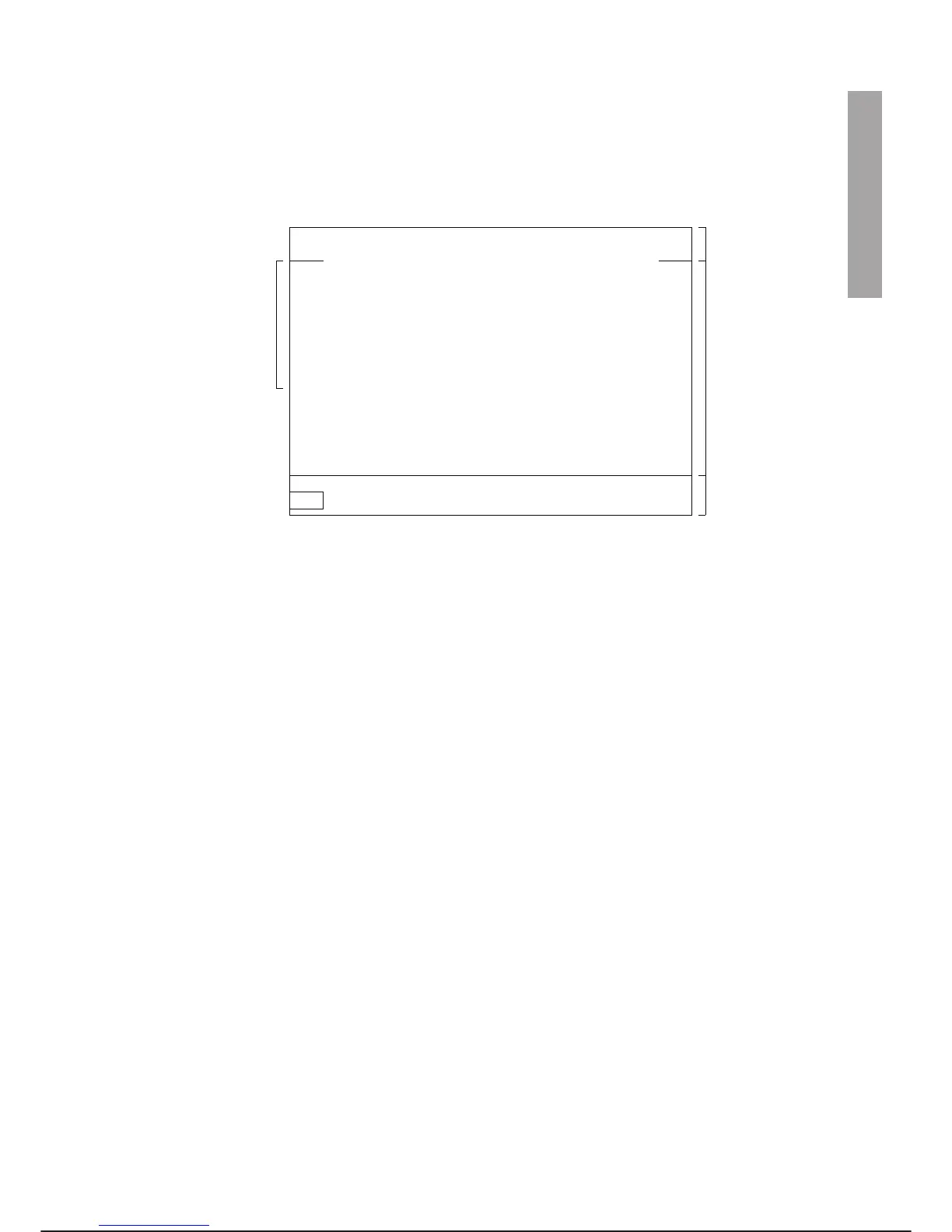
C3G-PTU4 DISPLAY
The programming terminal display is in the form shown below and it is split into three windows: status win
-
dow, scroll window, command window. Substantially the display gives the same information displayed on the
video emulator of the C3G
Plus. Owing to reasons of space, the commands and information are abbreviated.
· STATUS WINDOW: displays the following information about system status:
The First Field shows the status set by the key selector on the control panel and the AUTO/MAN key on
the programming terminal:
LOCAL ☞ (automatic local)
REMOTE ☞ (automatic remote)
AUTO-T ☞ (automatic operation controlled by the operator through PTU4, for testing
programmes at normal speed)
PROGR ☞ (programming)
The Second Field in the display shows the status of the system, of the Holdable programmes and of the
movement being programmed.
With the selectors in positions LOCAL, REMOTE, AUTO-T it has the following meanings:
**** ☞ means that no holdable programme is being run
RUN ☞ means that at least one holdable programme is being run.
With the selector in the PROGR position it has the following meanings:
**** ☞ means that no movement is in progress
JOG ☞ means that a jog movement is in progress
FORW ☞ means that a FORWARD movement is in progress
BACK ☞ means that a BACKWARD movement is in progress.
The meaning of HOLD and ALARM remains unchanged in any status of the selectors:
HOLD ☞ means that the HOLD button is pressed, thus execution of the holdable
programmes and the movement of all arms are stopped.
ALARM ☞ means that the system is under alarm.
% indicates the movement percentage speed and it may vary 1 to 100.
C3G Plus OPERATOR INTERFACE
00/1097 3-9
Arm
Conf
Cntl
Displ
Iocf
Exec
Load
Filr
Save
Mem
Prog Set Util
PROGR HOLD %100 Arm:1 **** Typ:Jnt E
LOCAL
REMOTE
AUTO-T
ALARM
****
RUN
JOG
FORW
BACK
Bas
Tol
Usr
Uwr
Twr
Bwr
DIS
CAL
TURN
SIMU
LOCK
RES
COOP
STBY
P
Command window
Scrolling window
Status window
Possible fields of
the Status window
C3G-PTU4 DISPLAY



 To Next Page