SYSTEM COMMANDS
This paragraph describes how to enter the different commands and includes a description of each of them.
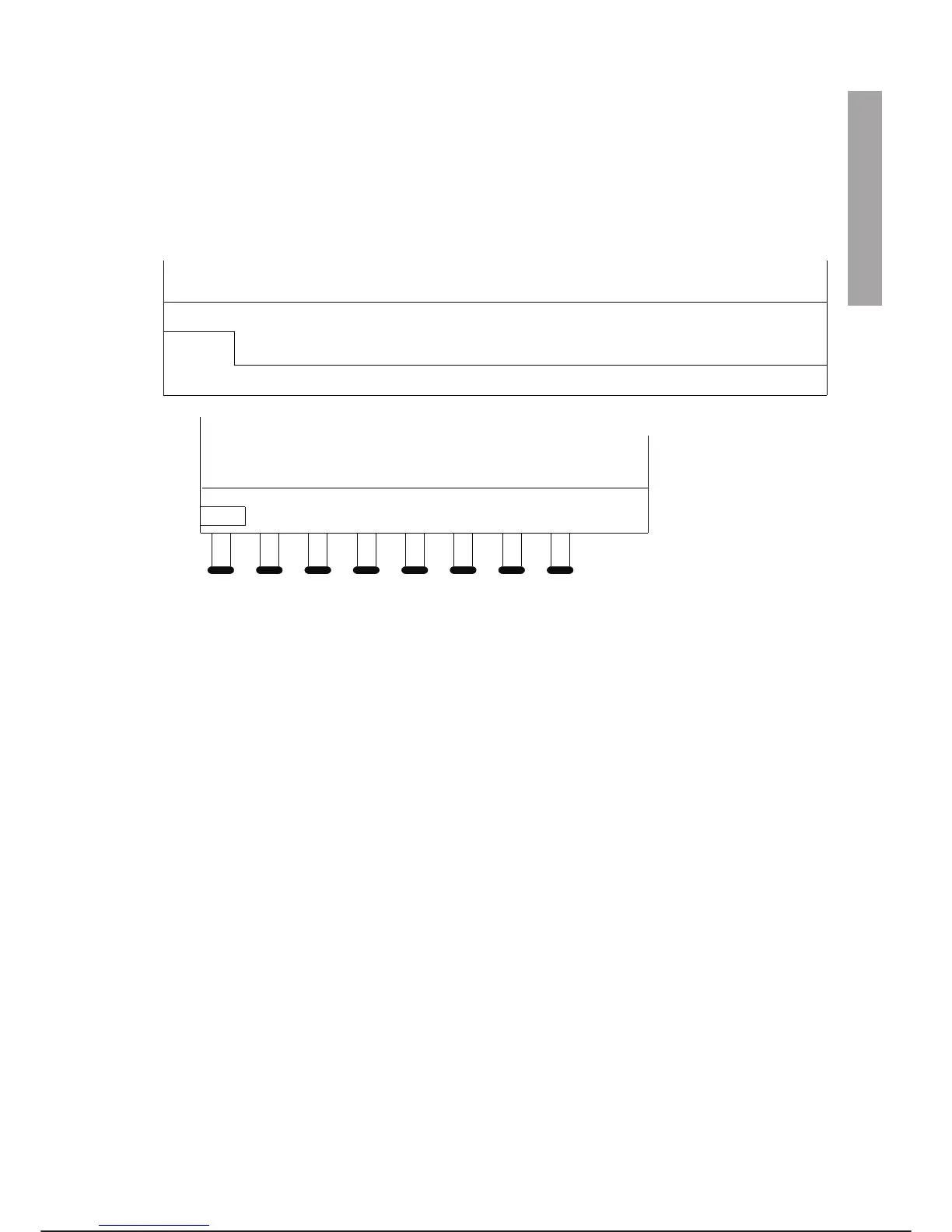
The figure below shows the system command windows on the PC screen and on the programming terminal
display. At the end of the paragraph there is a list which summarises the commands.
ENTERING COMMANDS
Commands may be entered using one of the following methods:
· Highlight the command using the arrow keys. Select the command using the ENTER key. Selecting a
command displays either another command menu or a brief description of the command itself above the
original menu.
The highlighted command is executed only after the ENTER key has been pressed. For example, high
-
lighting the EXECUTE command with the arrow keys displays a description of the command. Pressing
the ENTER key the command is executed.
On the PC screen and programming terminal any disabled or protected commands on the menu have a
lower case first letter while all available commands have an upper case first letter. On the PC screen an
available command will be highlighted in bold in addition to having an upper case first letter.
·
Press the function keys (F1-F8) on the PC or programming terminal keyboard to execute the corre
-
sponding command. For example, pressing F2 executes the DISPLAY command from the main menu.
·
Press the key corresponding to the first letter of the command. For example, pressing D executes the
DISPLAY command from the main menu.
In some cases, after entering a command, prompts are displayed which ask for additional information known
as parameters. For example, the PROGRAM GO command displays a prompt asking for a programme
name. To enter parameters in response to a prompt, use the alphanumerical keys of the PC keyboard or the
character menu of the programming terminal.
C3G Plus OPERATOR INTERFACE
00/1097 3-21
SYSTEM COMMANDS
Arm
Configure
F1
Cntrler
Display
F2
Io-conf
Execute
F3
Load
Filer
F4
Save
Memory
F5
Prog
F6
Set
F7
Util
F8
Arm
Conf
Cntl
Displ
Iocf
Exec
Load
Filr
Save
Mem
Prog Set Util
F1 F2 F3 F4 F5 F6 F7 F8
Command window on PC screen
Command window on PTU4
Function keys on PTU4



 To Next Page