©2024 Comba Telecom. All Rights Reserved.
568 Gibraltar Drive, Milpitas, CA 95035 | +1 408 526 0180
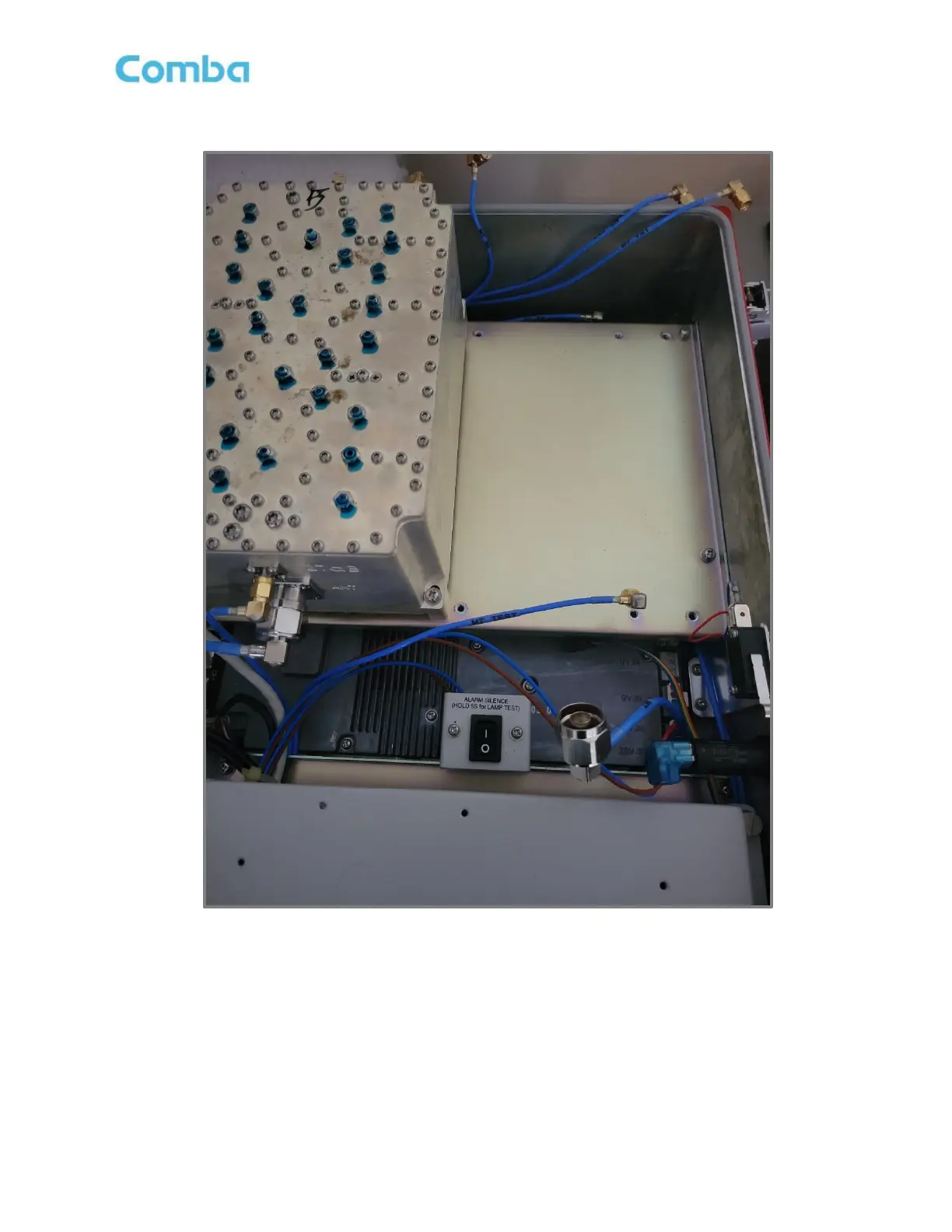
• Remove the Filter/Triplexer from the chassis tray
Figure 195: V3 BDA/MU/RU Cavity Filter/Triplexer Removed
• Place the new Filter/Triplexer into position on the chassis.
• Secure the new Filter/Triplexer to the chassis using the 4 screws removed from previous step
• Reinstall all RF cable connections to the Filter/Triplexer.
• Repeat for both Base and Mobile Triplexers if applicable



 To Next Page