©2025 Copeland LP.
026-1803 R13 Supervisor I&O User Guide D - 15
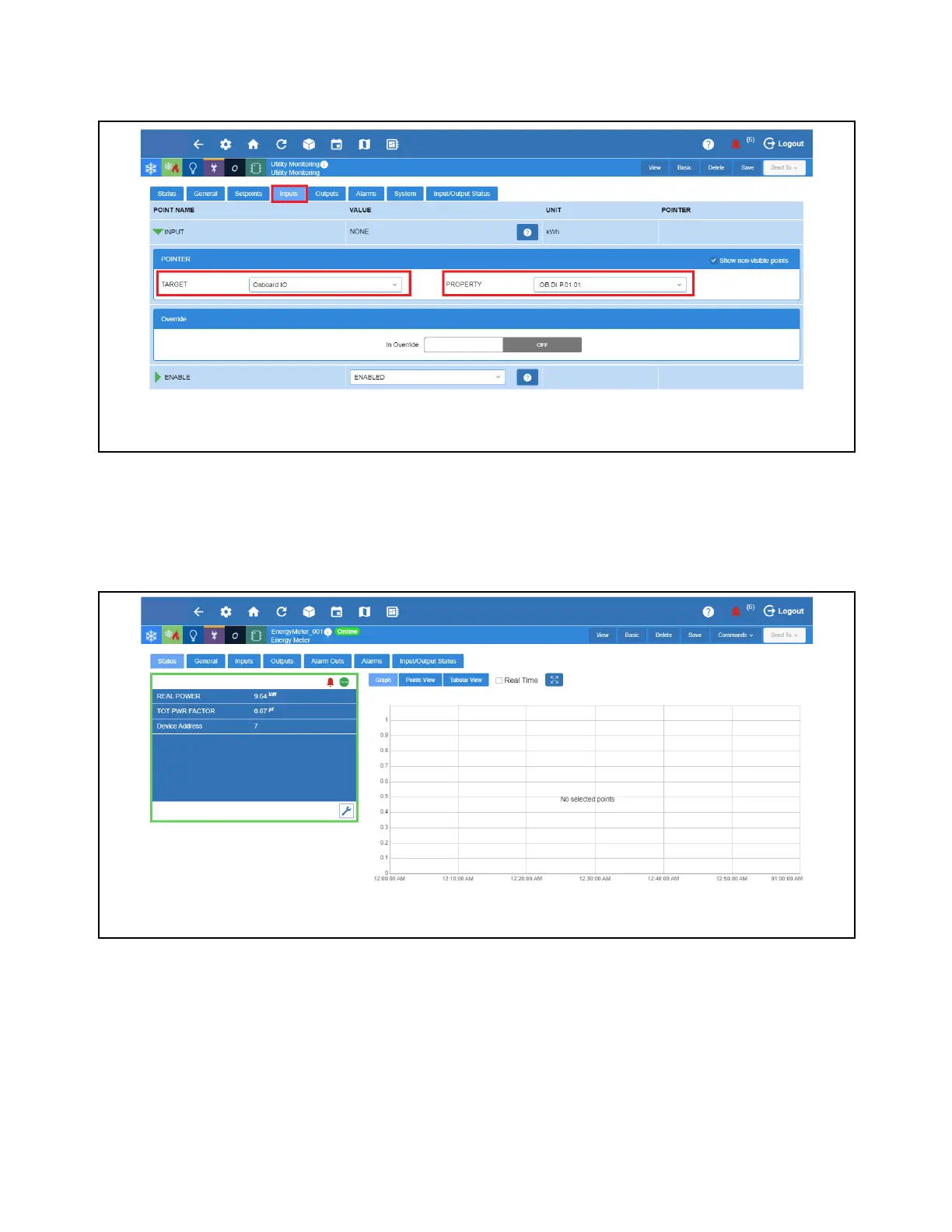
7. Go to Inputs tab and click the right arrow beside it. Under Target, select the device where your KWH Pulse is to be found.
For this example, select Onboard IO which was configured for pulse earlier. Under Property, select the pointer where the
KWH Pulse is connected to and click Save.
Note: Only points configured as Pulse Counter will be shown here, so it is important to follow steps shown earlier.
How to Configure an Energy Meter for Power Monitoring
1. From the Home screen, go down to Energy and select the Energy Meter to be configured.
Select Pointer
Select Energy Meter



 To Next Page