©2025 Copeland LP.
026-1803 R13 Supervisor I&O User Guide F - 3
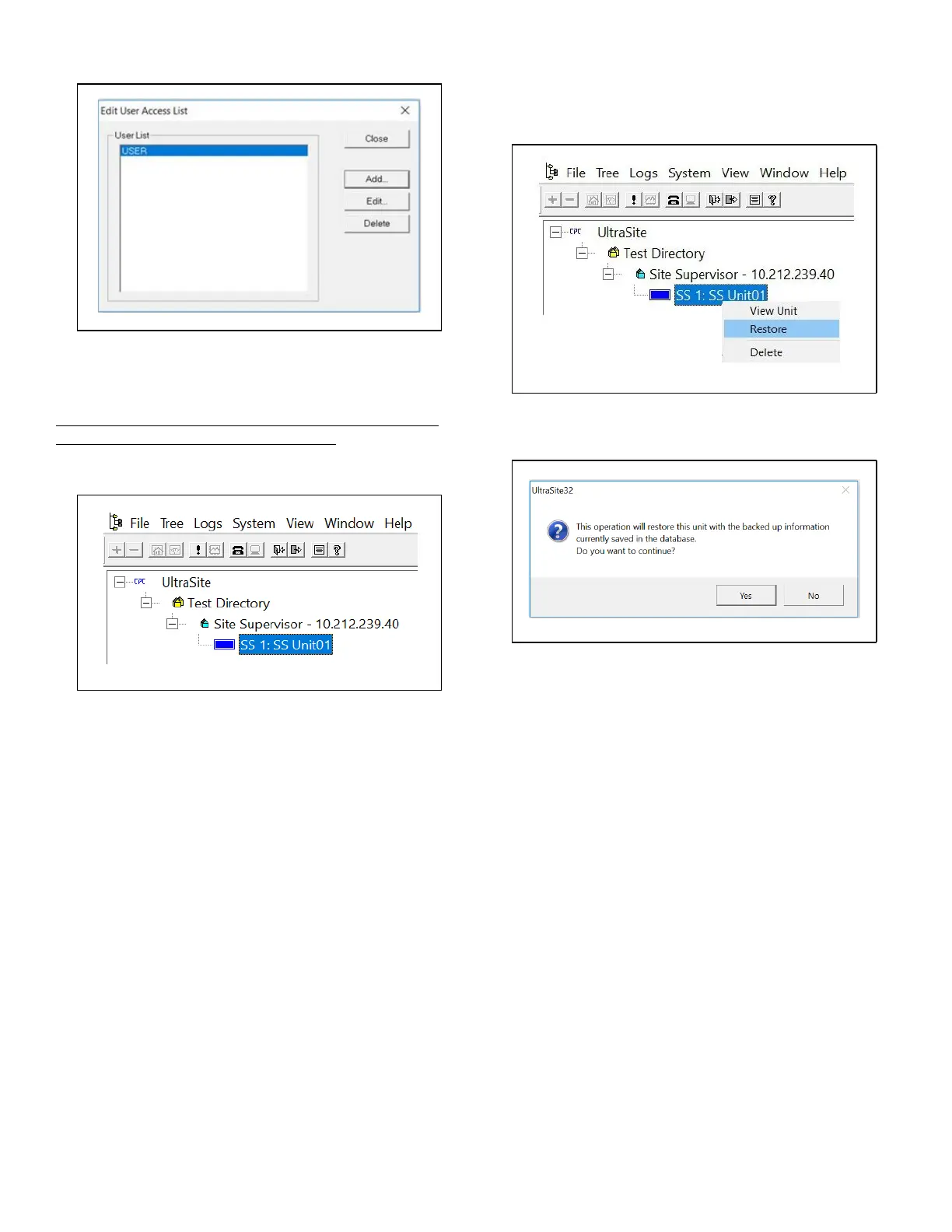
30. The Edit User Access window displays - click Close.
31. Right-click the Supervisor site name and click Connect to
connect to the Supervisor.
Note that the Site Synchronization window will briefly
display while connecting to Supervisor.
32. The Supervisor Unit Name will be listed under the Site:
Step 2: Run UltraSite to Supervisor Restore Process
1. Right-click the Supervisor and select Restore (the
Restore option is only enabled after connection and site
synchronization to the Supervisor has occurred):
2. The following message will display:
3. Click Yes.
4. A browser window will display.
5. Select the setpoint file you wish to restore and click
Open.
.
Click Close
.
Supervisor Unit Located Under the Site
.
Right-Click and Select Restore
.
Restore Process



 To Next Page