xStack® DES-3528/DES-3552 Series Layer 2 Stackable Fast Ethernet Managed Switch Web UI Reference Guide
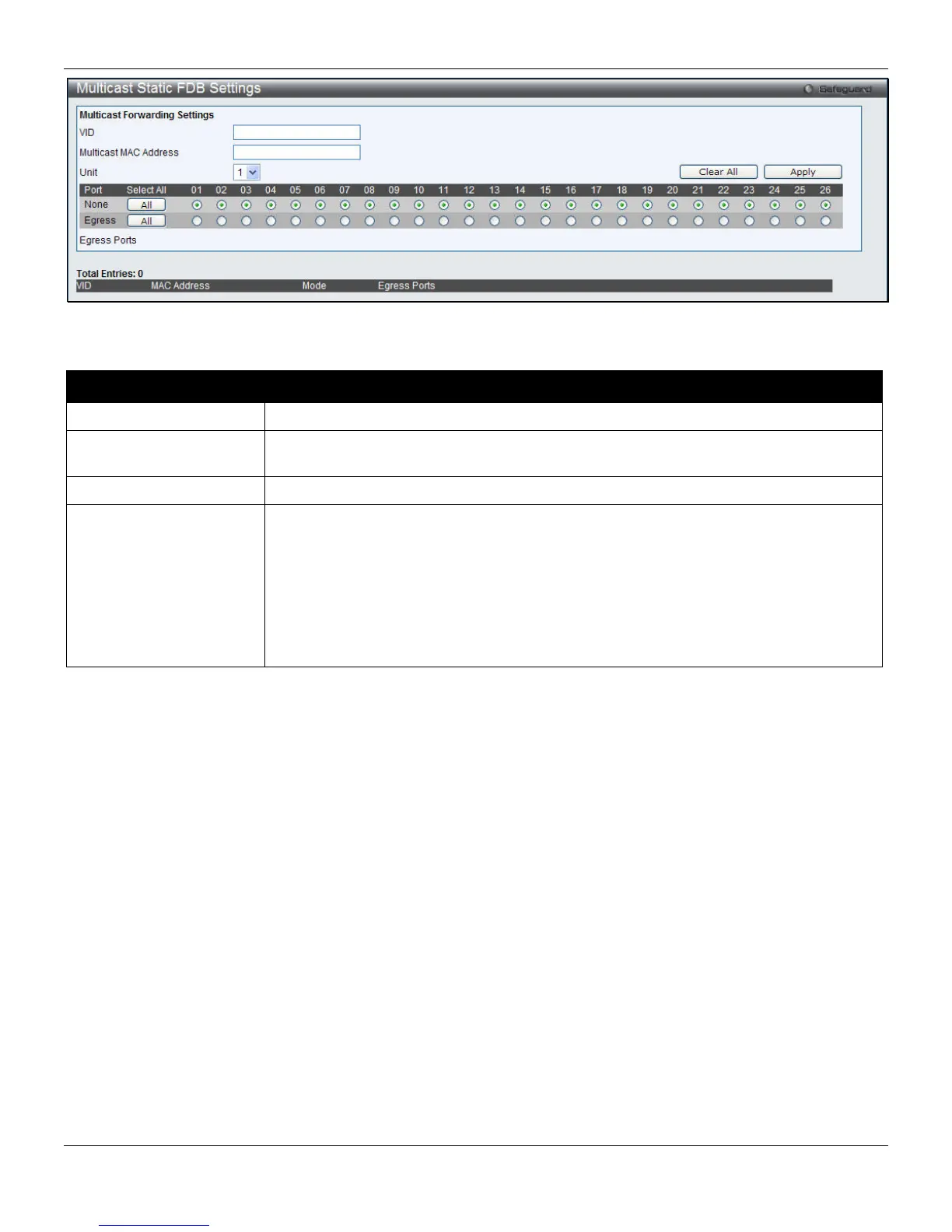
Figure 4-37 Multicast Static FDB Settings window
The fields that can be configured are described below:
Parameter Description
VID
The VLAN ID of the VLAN the corresponding MAC address belongs to.
Multicast MAC Address
The static destination MAC address of the multicast packets. This must be a multicast
MAC address.
Unit
Select the unit to configure.
Port
Allows the selection of ports that will be members of the static multicast group and
ports that are either forbidden from joining dynamically, or that can join the multicast
group dynamically, using GMRP. The options are:
None - No restrictions on the port dynamically joining the multicast group. When None
is chosen, the port will not be a member of the Static Multicast Group. Click the All
button to select all the ports.
Egress - The port is a static member of the multicast group. Click the All button to
select all the ports.
Click the Clear All button to clear out all the information entered.
Click the Apply button to accept the changes made.
MAC Notification Settings
MAC notification is used to monitor MAC addresses learned and entered into the forwarding database. This window
allows you to globally set MAC notification on the Switch. Users can set MAC notification for individual ports on the
Switch.
To view the following window, click L2 Features > FDB > MAC Notification Settings, as shown below:
95












 To Next Page