xStack® DES-3528/DES-3552 Series Layer 2 Stackable Fast Ethernet Managed Switch Web UI Reference Guide
Maximum Frame Size
The Maximum Frame Size indicates that LLDP agent should transmit 'Maximum-
frame-size TLV. The default state is Disabled.
Power Via MDI
Use the drop-down menu to enable or disable power via MDI.
Click the Apply button to accept the changes made.
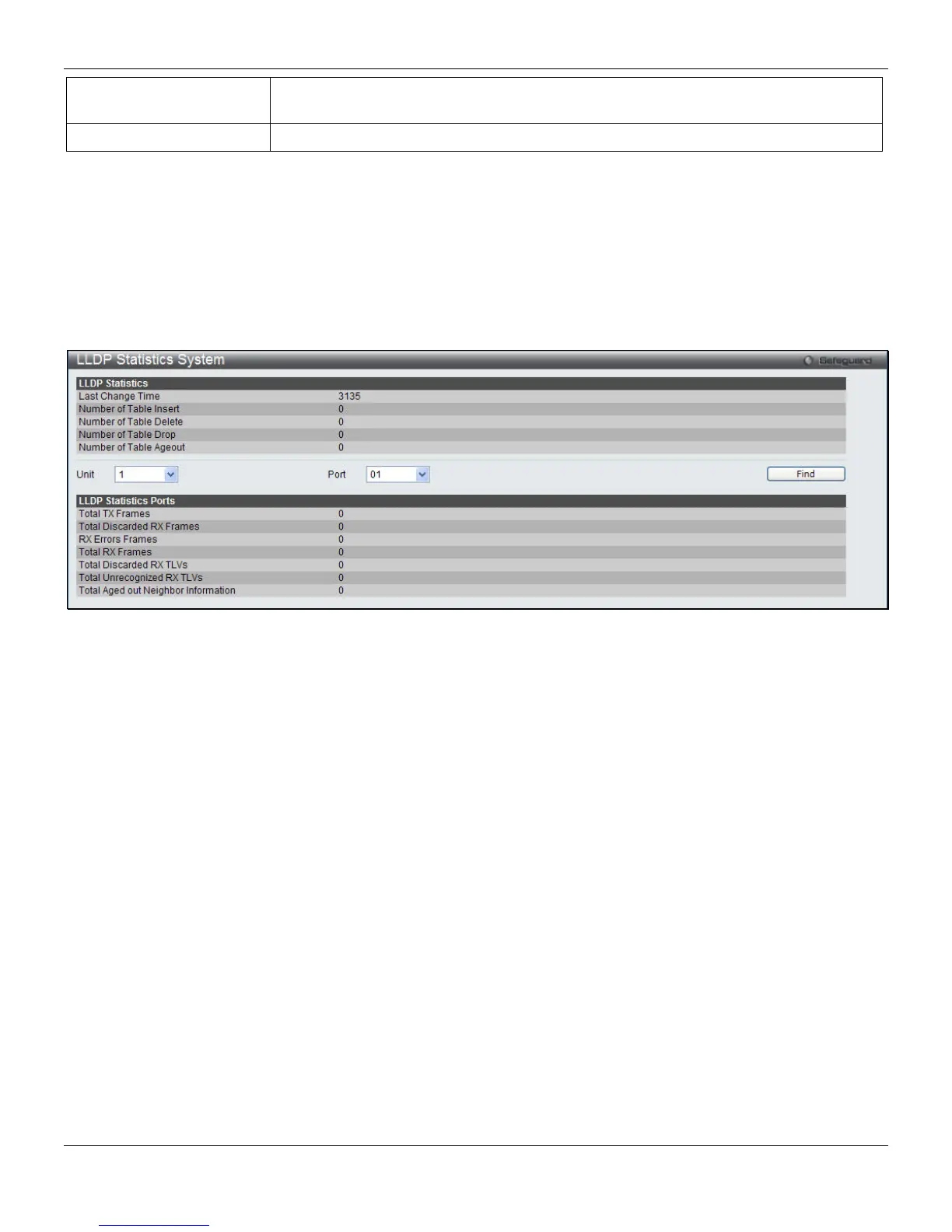
LLDP Statistic System
The LLDP Statistics System page allows you an overview of the neighbor detection activity, LLDP Statistics and the
settings for individual ports on the Switch. Select a Port number from the drop-down menu and click the Find button to
view statistics for a certain port.
To view the following window, click L2 Features > LLDP > LLDP Statistic System, as shown below:
Figure 4-90 LLDP Statistics System window
LLDP Local Port Information
The LLDP Local Port Information page displays the information on a per port basis currently available for populating
outbound LLDP advertisements in the local port brief table shown below.
To view the following window, click L2 Features > LLDP > LLDP Local Port Information, as shown below:
137












 To Next Page