xStack® DES-3528/DES-3552 Series Layer 2 Stackable Fast Ethernet Managed Switch Web UI Reference Guide
Target IP Address
Enter an IP address to be pinged.
Repeat Pinging for
Enter the number of times desired to attempt to Ping either the IPv4 address or the IPv6
address configured in this window. Users may enter a number of times between 1 and
255.
Size
For IPv6 only, enter a value between 1 and 6000. The default is 100.
Timeout
Select a timeout period between 1 and 99 seconds for this Ping message to reach its
destination. If the packet fails to find the IP address in this specified time, the Ping
packet will be dropped.
Click the Start button to initiate the Ping Test.
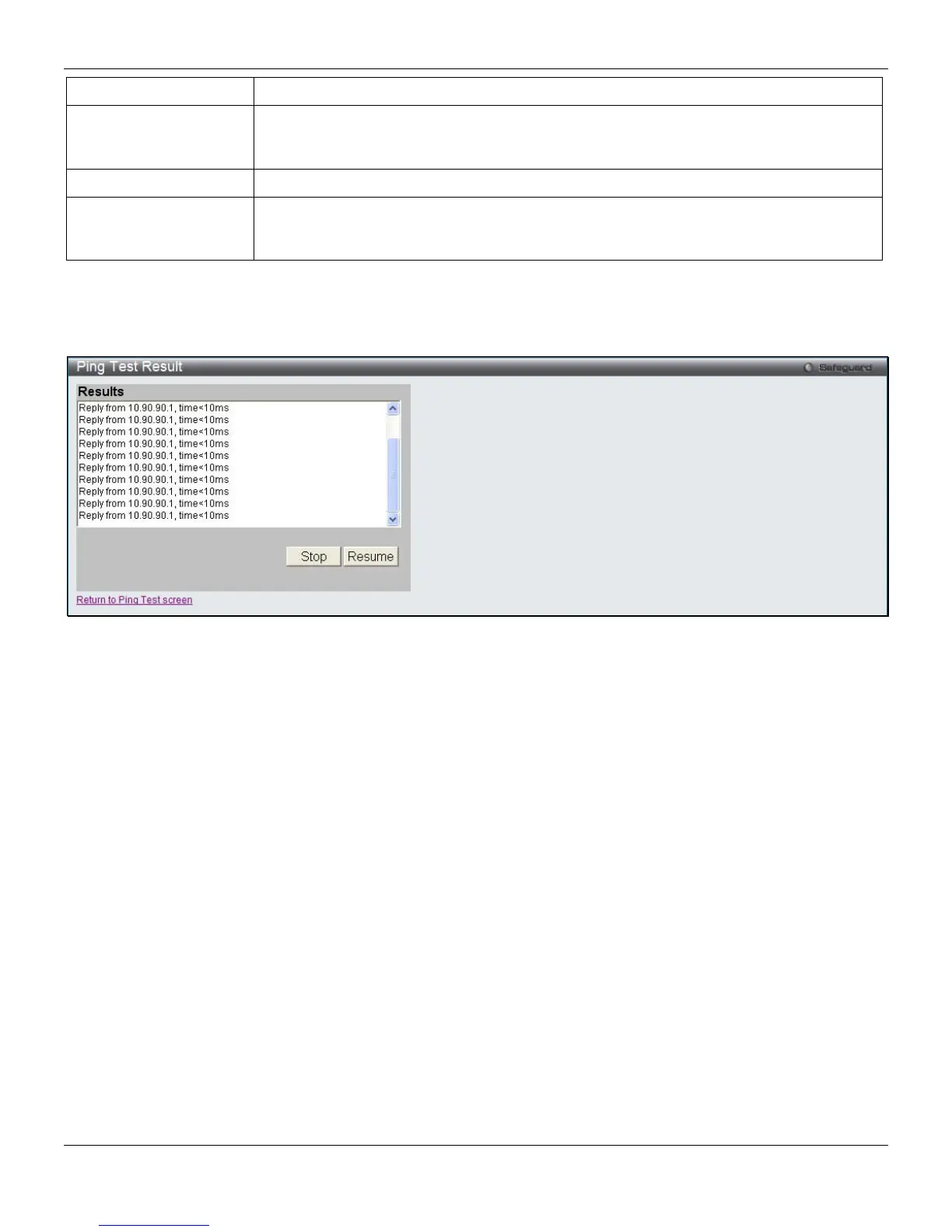
After clicking the Start button, the following page will appear:
Figure 11-24 Ping Test Result window
Click the Stop button to halt the Ping Test.
Click the Resume button to resume the Ping Test.
Trace Route
The trace route page allows the user to trace a route between the Switch and a given host on the network.
To view this window, click Monitoring > Trace Route, as shown below:
329












 To Next Page