xStack® DES-3528/DES-3552 Series Layer 2 Stackable Fast Ethernet Managed Switch Web UI Reference Guide
RADIUS Accounting Settings
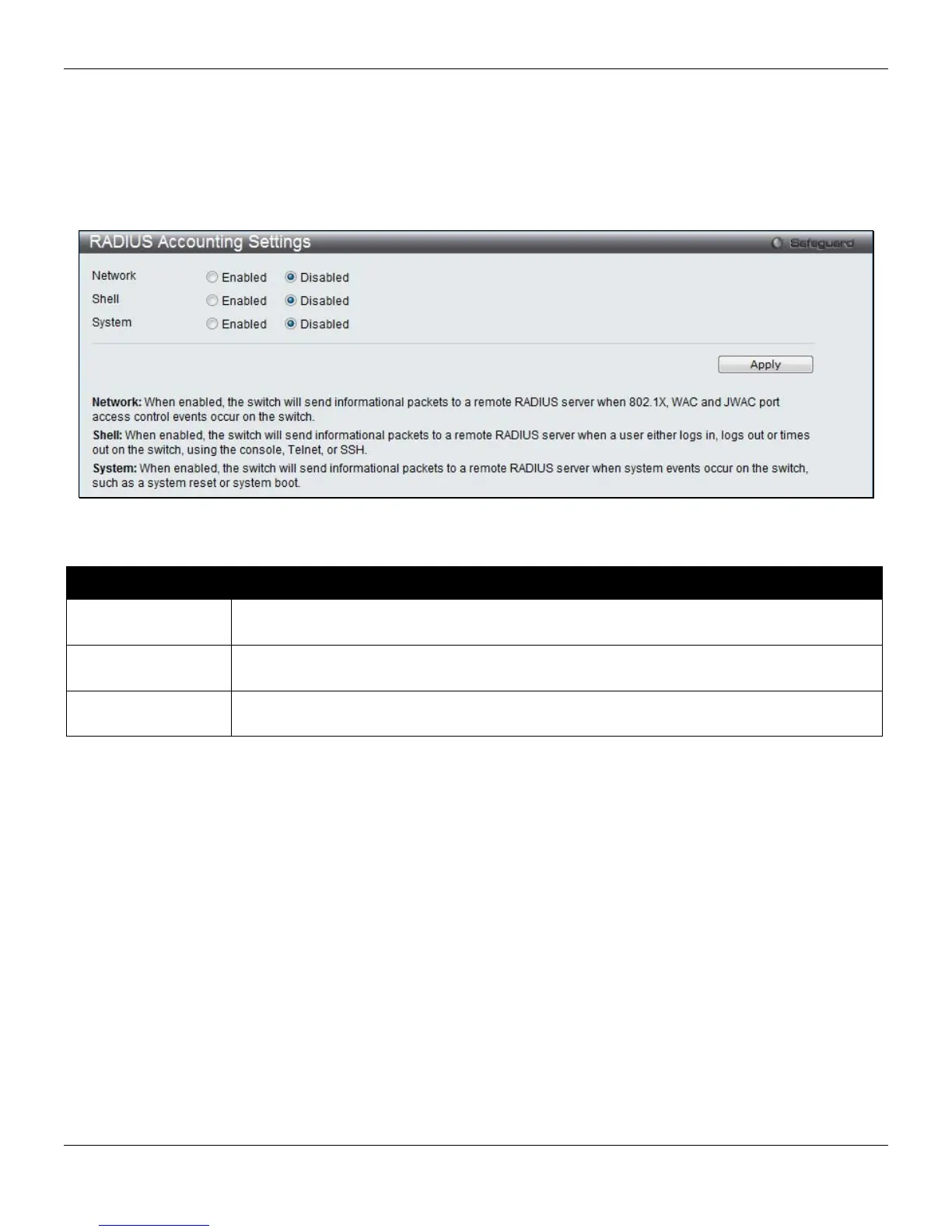
Users can configure the state of the specified RADIUS accounting service.
To view this window, click Security > RADIUS > RADIUS Accounting Settings, as shown below:
Figure 8-21 RADIUS Accounting Settings window
The fields that can be configured are described below:
Parameter Description
Network
When enabled, the Switch will send informational packets to a remote RADIUS server when
802.1X, WAC and JWAC port access control events occur on the Switch.
Shell
When enabled, the Switch will send informational packets to a remote RADIUS server when
a user either logs in, logs out or times out on the Switch, using the console, Telnet, or SSH.
System
When enabled, the Switch will send informational packets to a remote RADIUS server when
system events occur on the Switch, such as a system reset or system boot.
Click the Apply button to accept the changes made.
RADIUS Authentication
Users can display information concerning the activity of the RADIUS authentication client on the client side of the
RADIUS authentication protocol.
To view this window, click Security > RADIUS > RADIUS Authentication, as shown below:
216












 To Next Page