xStack® DES-3528/DES-3552 Series Layer 2 Stackable Fast Ethernet Managed Switch Web UI Reference Guide
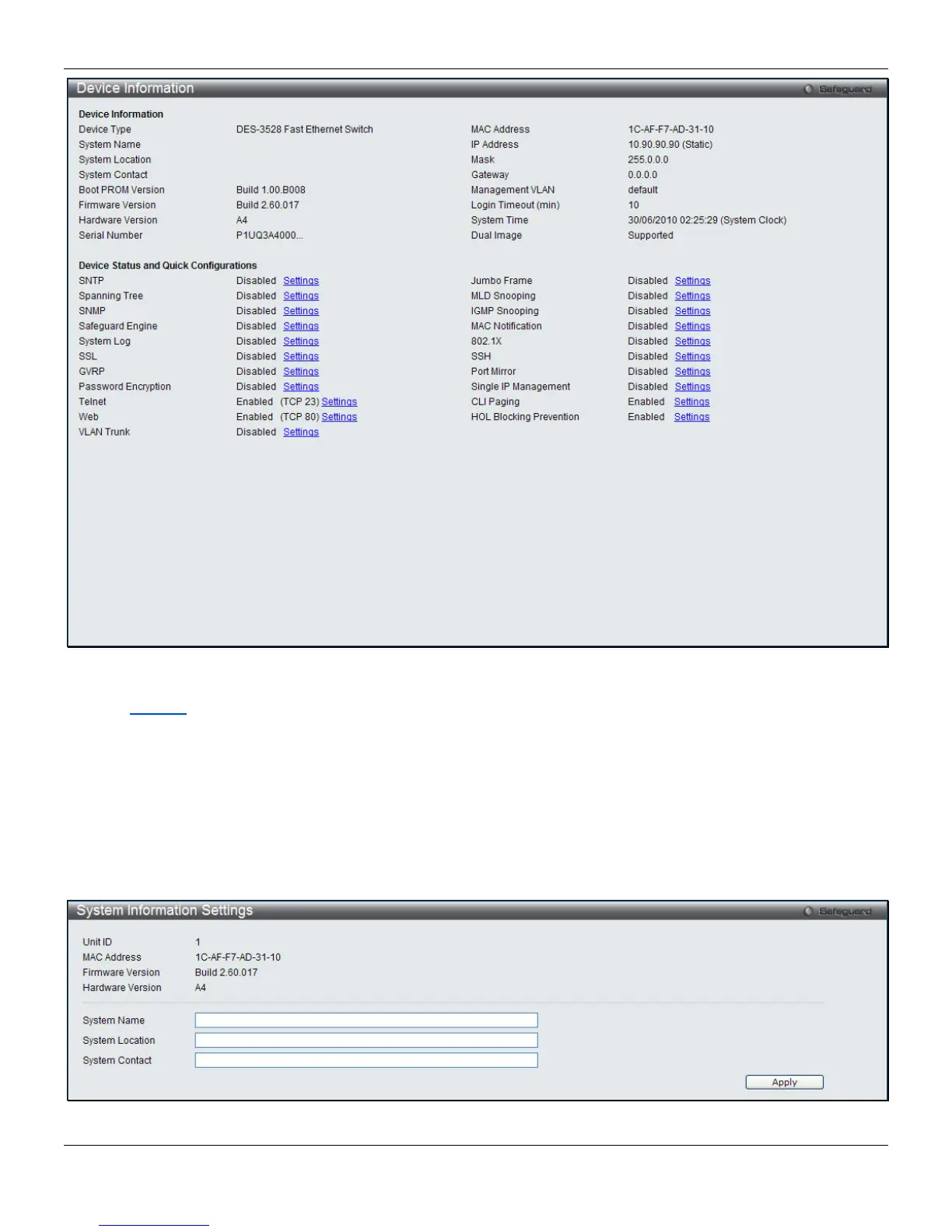
Figure 2-1 Device Information window
Click the Settings
link to navigate to the appropriate feature page for configuration.
System Information Settings
The user can enter a System Name, System Location, and System Contact to aid in defining the Switch. This window
also displays the MAC Address, Firmware Version and Hardware Version.
To view the following window, click System Configuration > System Information Settings, as shown below:
Figure 2-2 System Information Settings window
6












 To Next Page