xStack® DES-3528/DES-3552 Series Layer 2 Stackable Fast Ethernet Managed Switch Web UI Reference Guide
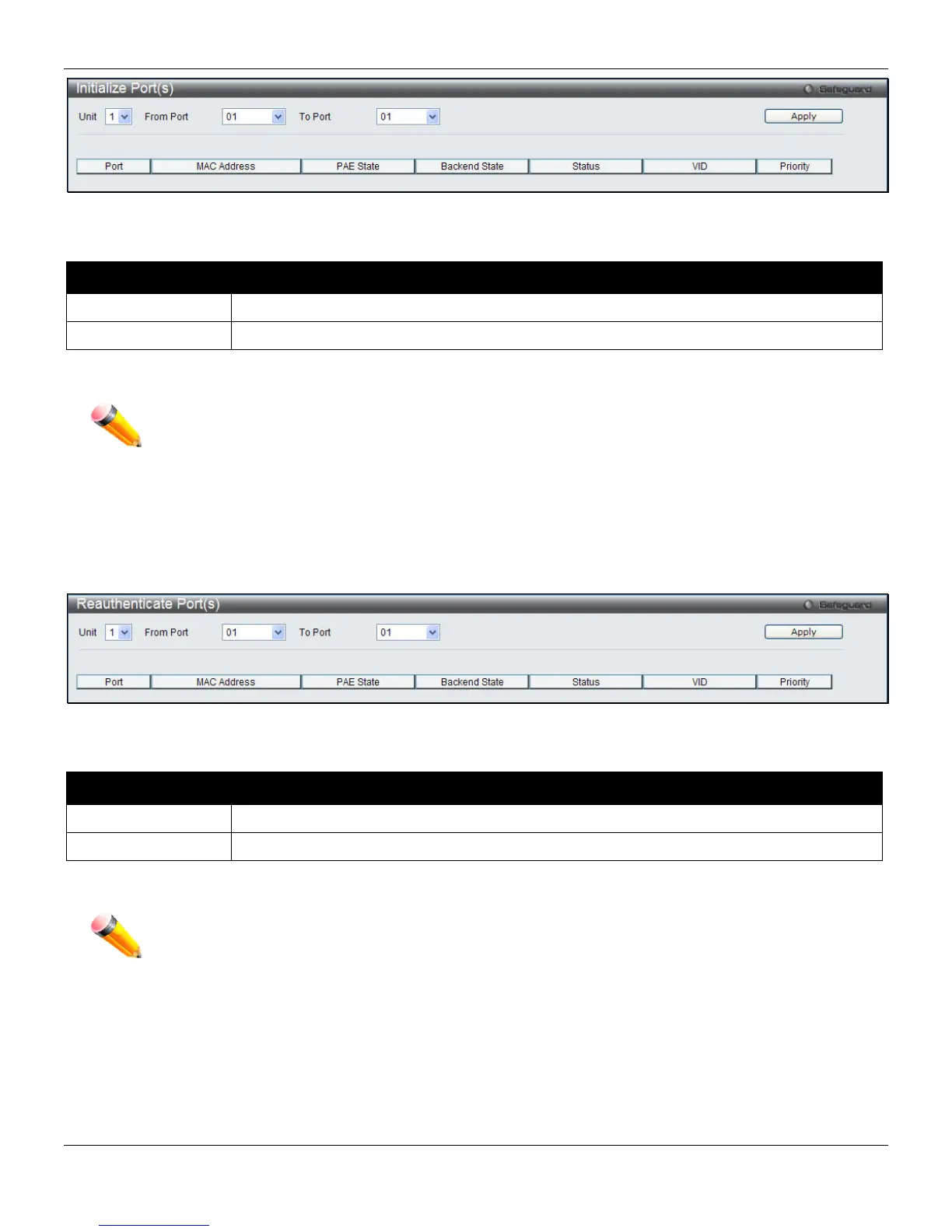
Figure 8-18 Initialize Port(s) window
The fields that can be configured are described below:
Parameter Description
Unit
Select the unit to be displayed.
From Port / To Port
Select a port or range of ports to be displayed.
Click the Apply button to accept the changes made.
NOTE: The Initialize Port(s) cannot be viewed on the Switch unless 802.1X is enabled. To enable
802.1X, go to Security > 802.1X > 802.1X Global Settings, and select Enabled from the
Authentication State drop-down menu.
Reauthenticate Port(s)
This window displays reauthentication of a port or group of ports.
To view this window, click Security > 802.1X > Reauthenticate Port(s), as shown below:
Figure 8-19 Reauthenticate Port(s) window
The fields that can be configured are described below:
Parameter Description
Unit
Select the unit to be displayed.
From Port / To Port
Select a port or range of ports to be displayed.
Click the Apply button to see the current status of the reauthenticated port(s).
NOTE: The Reauthenticate Port(s) cannot be viewed on the Switch unless 802.1X is enabled. To
enable 802.1X, go to Security > 802.1X > 802.1X Global Settings, and select Enabled from
the Authentication State drop-down menu.
214












 To Next Page