xStack® DES-3528/DES-3552 Series Layer 2 Stackable Fast Ethernet Managed Switch Web UI Reference Guide
Click the Stop button to halt the Trace Route.
Click the Resume button to resume the Trace Route.
Peripheral
Device Status
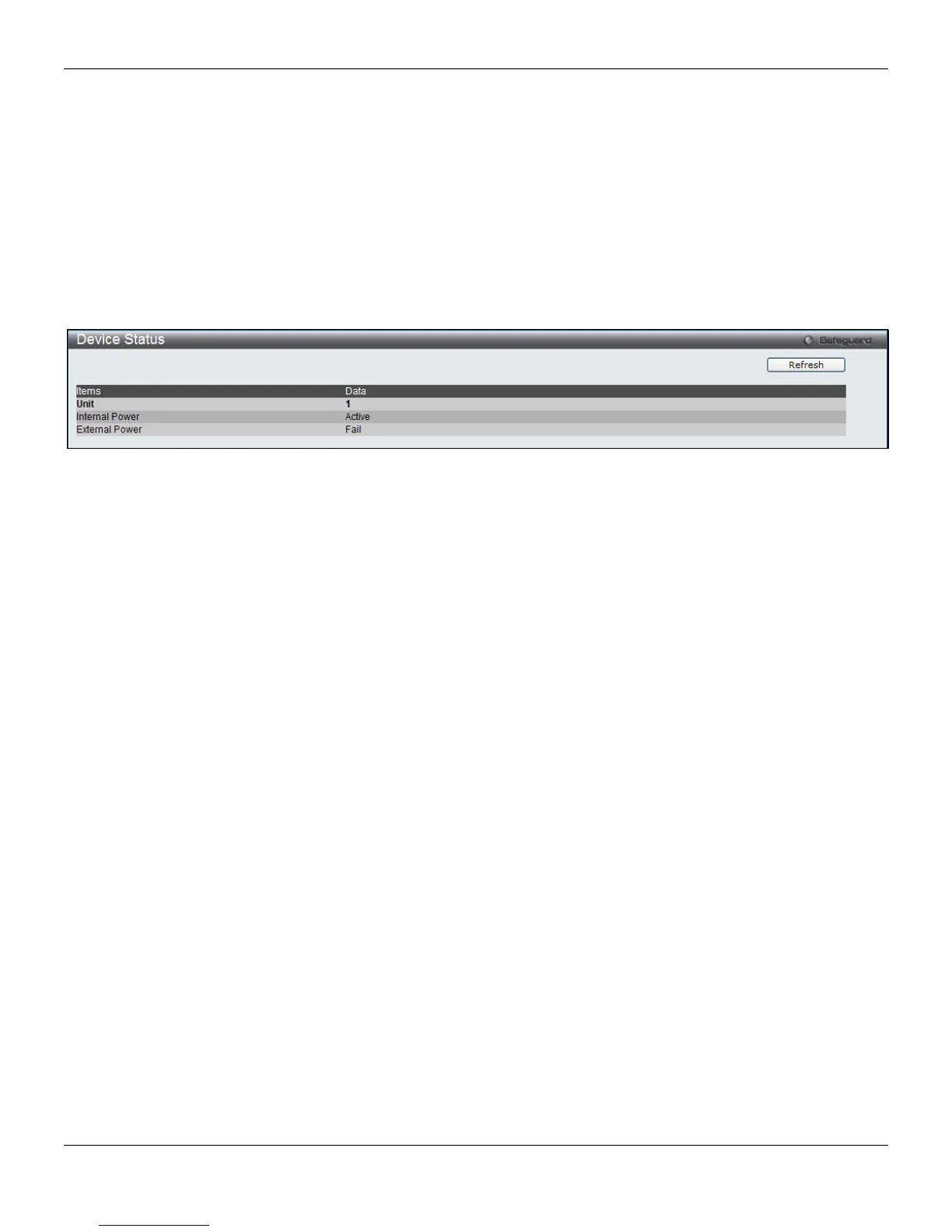
This window displays power and fan status of the Switch.
To view this window, click Monitoring > Peripheral > Device Status, as shown below:
Figure 11-27 Device Status window
Click the Refresh button to refresh the display table.
331












 To Next Page