xStack® DES-3528/DES-3552 Series Layer 2 Stackable Fast Ethernet Managed Switch Web UI Reference Guide
802.1p User Priority Settings
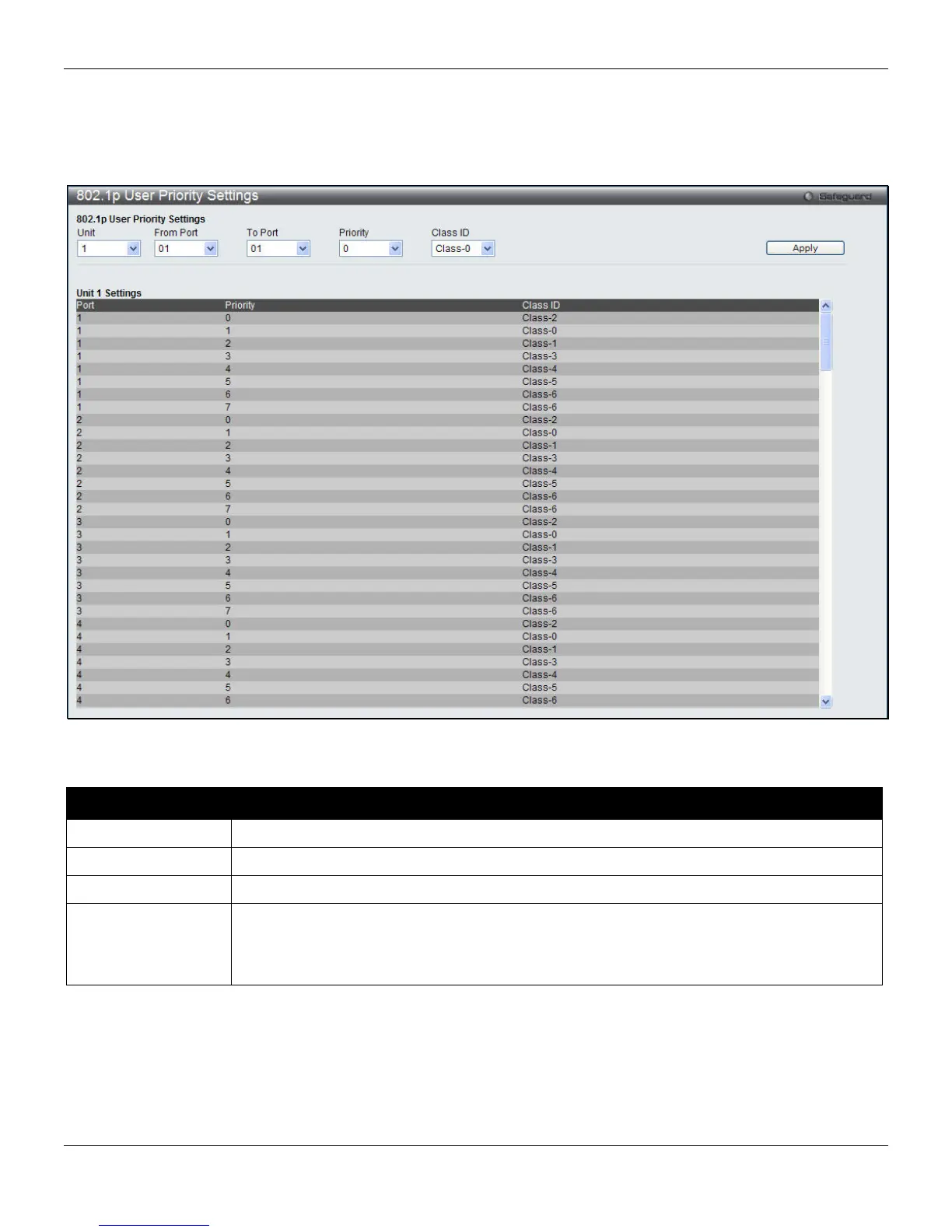
The Switch allows the assignment of a class of service to each of the 802.1p priorities.
To view the following window, click QoS > 802.1p Settings > 802.1p User Priority Settings, as shown below:
Figure 6-3 802.1p User Priority Settings window
The fields that can be configured are described below:
Parameter Description
Unit
Select the unit to configure.
From Port / To Port
Select the starting and ending ports to use.
Priority
Use the drop-down menu to select a value from 0 to 7.
Class ID
Once a priority has been assigned to the port groups on the Switch, then a Class may be
assigned to each of the eight levels of 802.1p priorities using the drop-down menus on this
window. User priority mapping is not only for the default priority configured in the last page,
but also for all the incoming tagged packets with 802.1p tag.
Click the Apply button to accept the changes made.
148












 To Next Page