xStack® DES-3528/DES-3552 Series Layer 2 Stackable Fast Ethernet Managed Switch Web UI Reference Guide
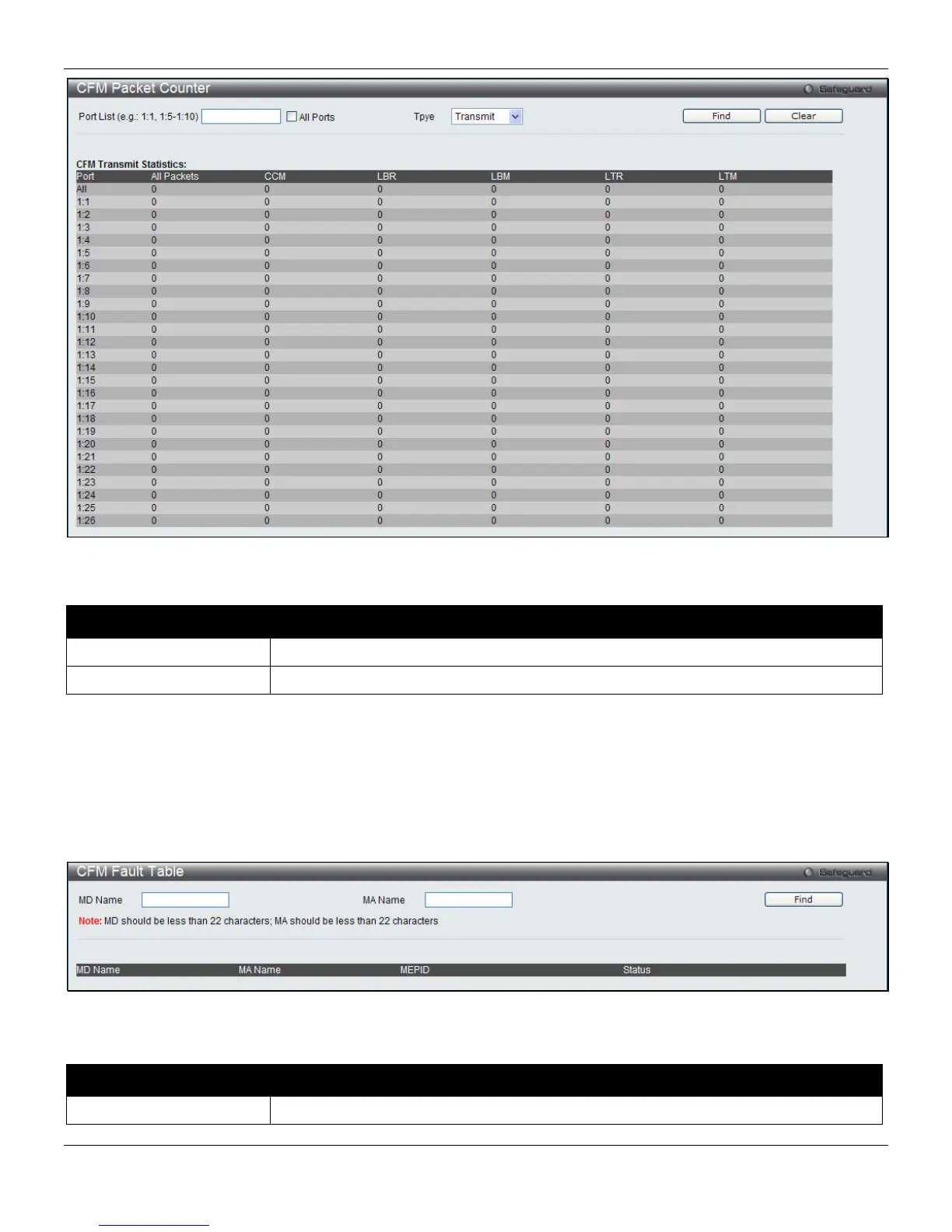
Figure 10-11 CFM Packet Counter List window
The fields that can be configured are described below:
Parameter Description
Port List
Specify which ports’ counter to show. Tick All Ports to view all ports.
Type
This drop-down menu allows you to select among Transmit, Receive and CCM.
Click the Find button to locate a specific entry based on the information entered.
Click the Clear button to clear all the information entered in the fields.
CFM Fault Table
This window is used to display the CFM Fault table on the Switch.
To view this window, click OAM > CFM > CFM Fault Table, as shown below:
Figure 10-12 CFM Fault Table window
The fields that can be configured are described below:
Parameter Description
MD Name
The Maintenance Domain Name.
301












 To Next Page