xStack® DES-3528/DES-3552 Series Layer 2 Stackable Fast Ethernet Managed Switch Web UI Reference Guide
• Collapse – To collapse the group that will be represented by a single icon.
• Expand – To expand the SIM group, in detail.
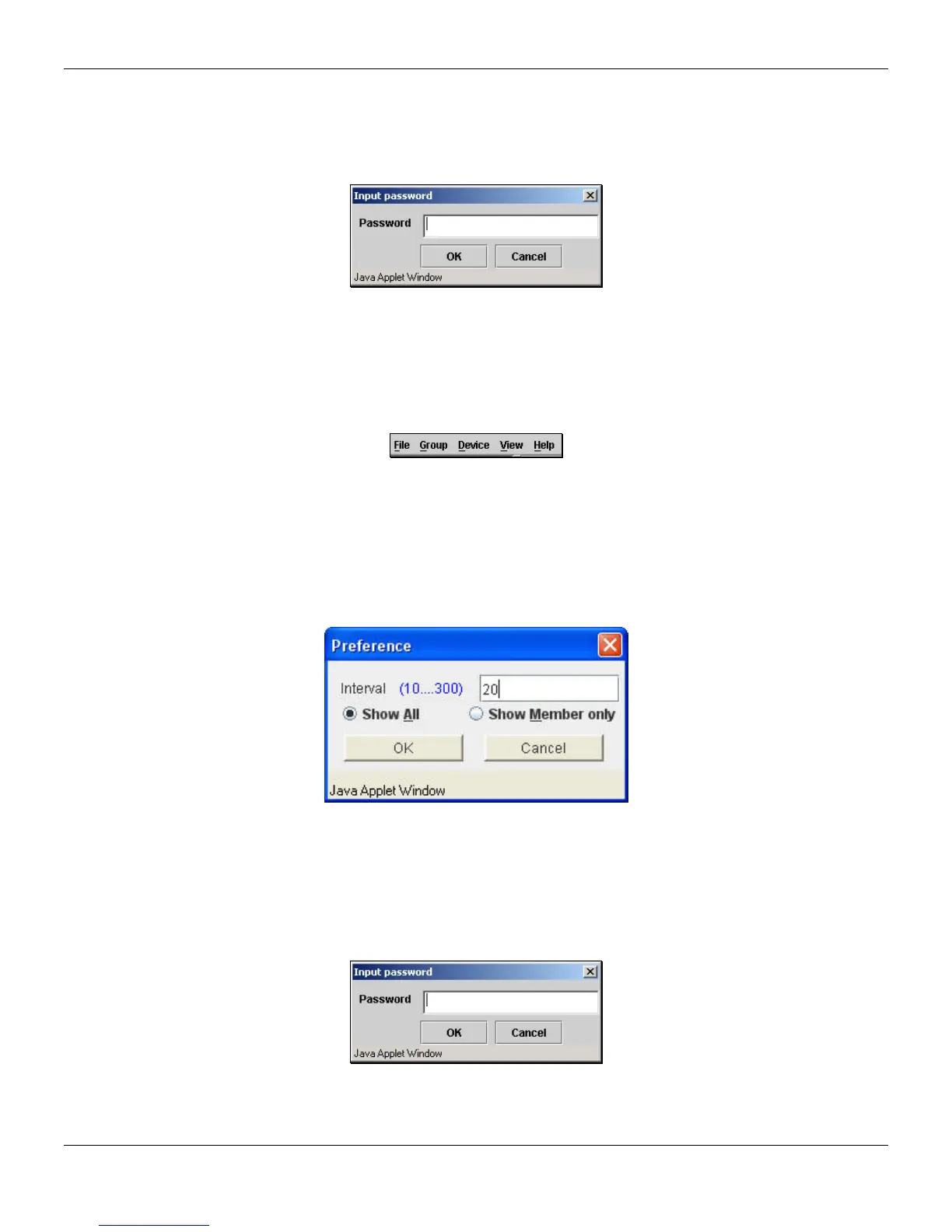
• Add to group – Add a candidate to a group. Clicking this option will reveal the following dialog box for the
user to enter a password for authentication from the Candidate Switch before being added to the SIM group.
Click OK to enter the password or Cancel to exit the dialog box.
Figure 3-25 Input password window
• Property – To pop up a window to display the device information.
Menu Bar
The Single IP Management window contains a menu bar for device configurations, as seen below.
Figure 3-26 Menu Bar of the Topology View
File
• Print Setup – Will view the image to be printed.
• Print Topology – Will print the topology map.
• Preference – Will set display properties, such as polling interval, and the views to open at SIM startup.
Figure 3-27 Preference window
Group
• Add to group – Add a candidate to a group. Clicking this option will reveal the following dialog box for the
user to enter a password for authentication from the Candidate Switch before being added to the SIM group.
Click OK to enter the password or Cancel to exit the dialog box.
Figure 3-28 Input password window
• Remove from Group – Remove an MS from the group.
Device
43












 To Next Page