xStack® DES-3528/DES-3552 Series Layer 2 Stackable Fast Ethernet Managed Switch Web UI Reference Guide
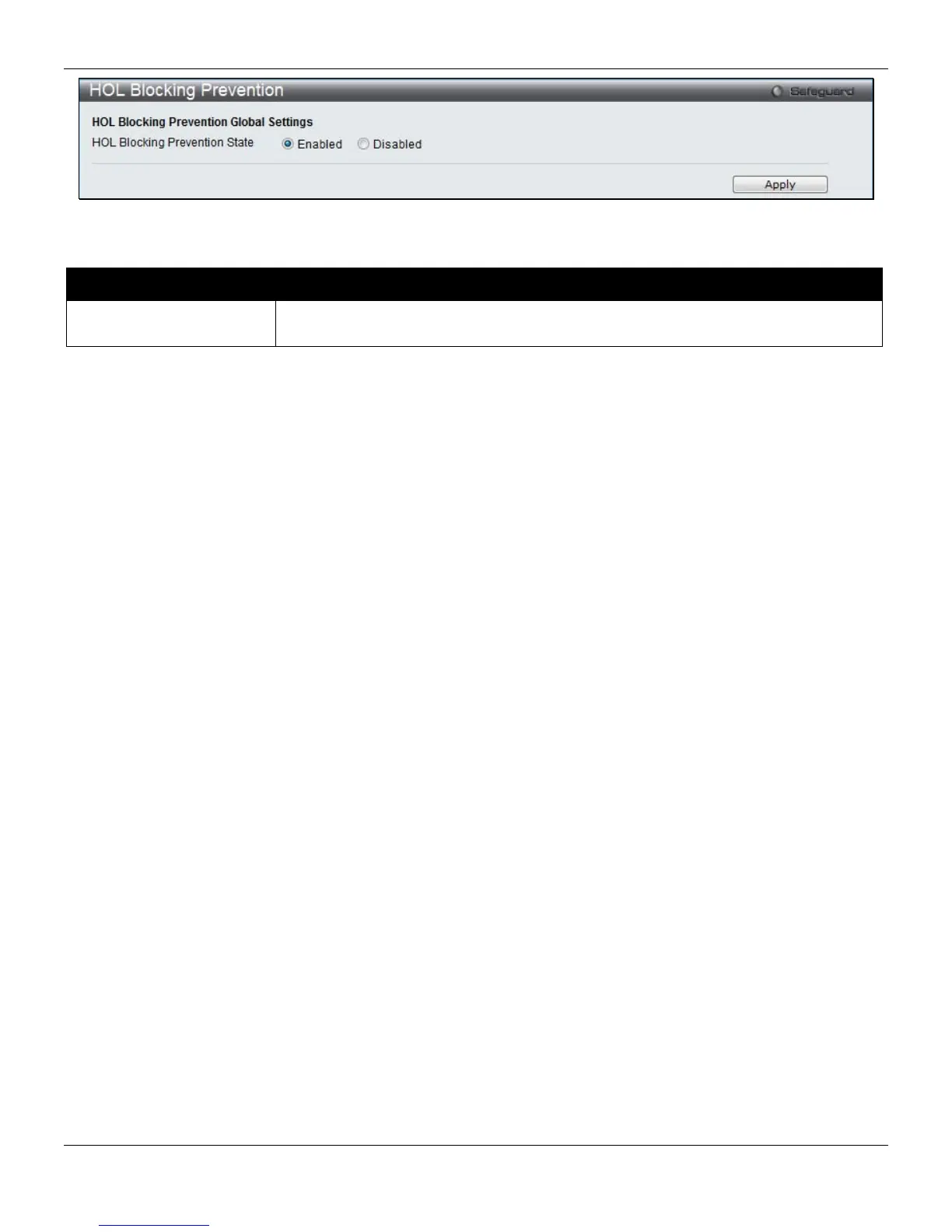
Figure 6-11 HOL blocking Prevention window
The fields that can be configured are described below:
Parameter Description
HOL Blocking Prevention
State
Click the radio buttons to enable of disable the HOL blocking prevention global
settings.
Click the Apply button to accept the changes made.
Scheduling Settings
QoS Scheduling
This window specifies the rotation mechanism regarding to the packets in the seven hardware priority queue are being
handled and emptied.
To view this window, click QoS > Scheduling Settings > QoS Scheduling, as shown below:
159












 To Next Page