xStack® DES-3528/DES-3552 Series Layer 2 Stackable Fast Ethernet Managed Switch Web UI Reference Guide
Chapter 12 Save and Tools
Save Configuration ID 1
Save Configuration ID 2
Save Log
Save All
Stacking Information
Download Firmware
Download Configuration File
Upload Configuration File
Upload Log File
Reset
Reboot System
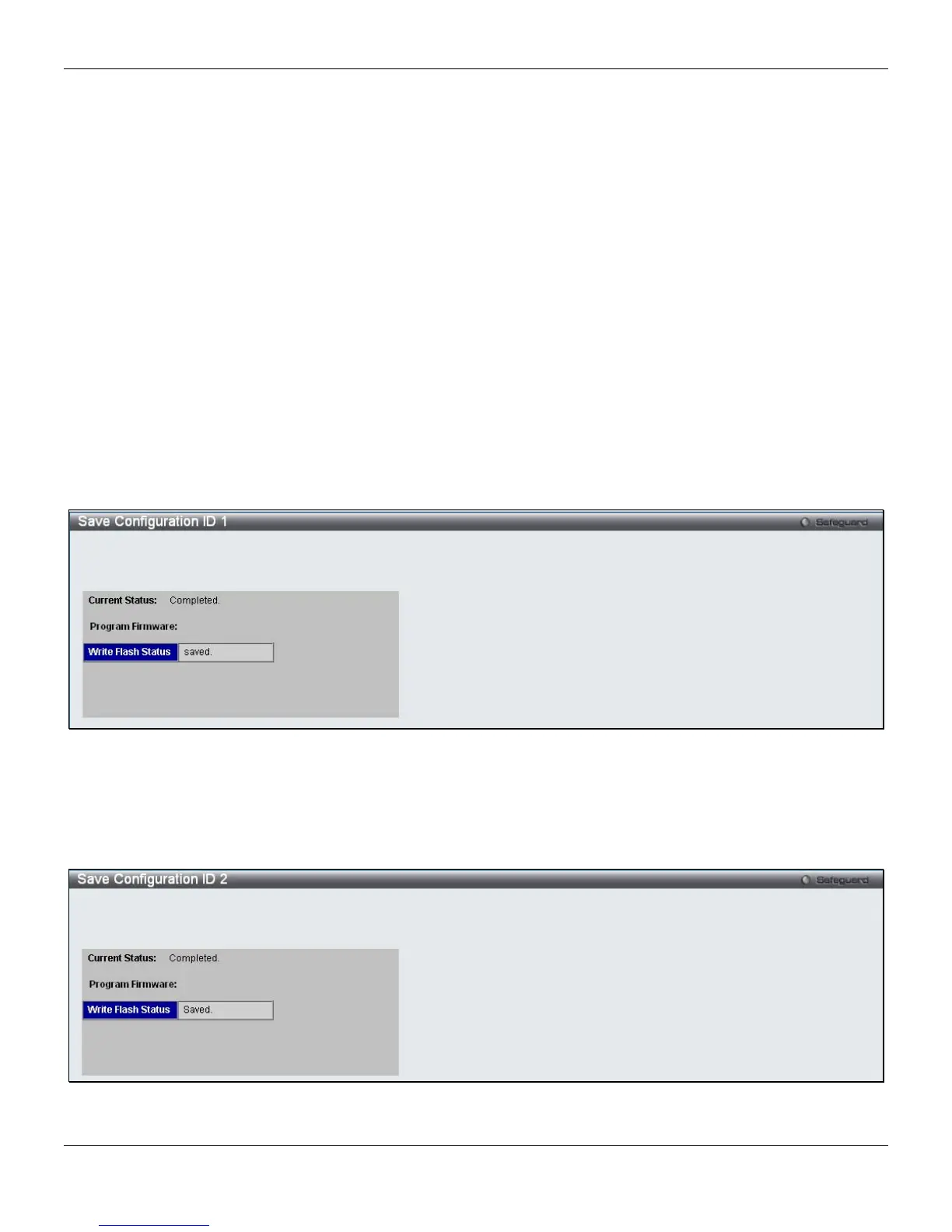
Save Configuration ID 1
Open the Save drop-down menu at the top of the Web manager and click Save Configuration ID 1 to see the
following window:
Figure 12-1 Save Configuration ID 1 window
Save Configuration ID 2
Open the Save drop-down menu at the top of the Web manager and click Save Configuration ID 2 to see the
following window:
Figure 12-2 Save Configuration ID 2 window
332












 To Next Page