xStack® DES-3528/DES-3552 Series Layer 2 Stackable Fast Ethernet Managed Switch Web UI Reference Guide
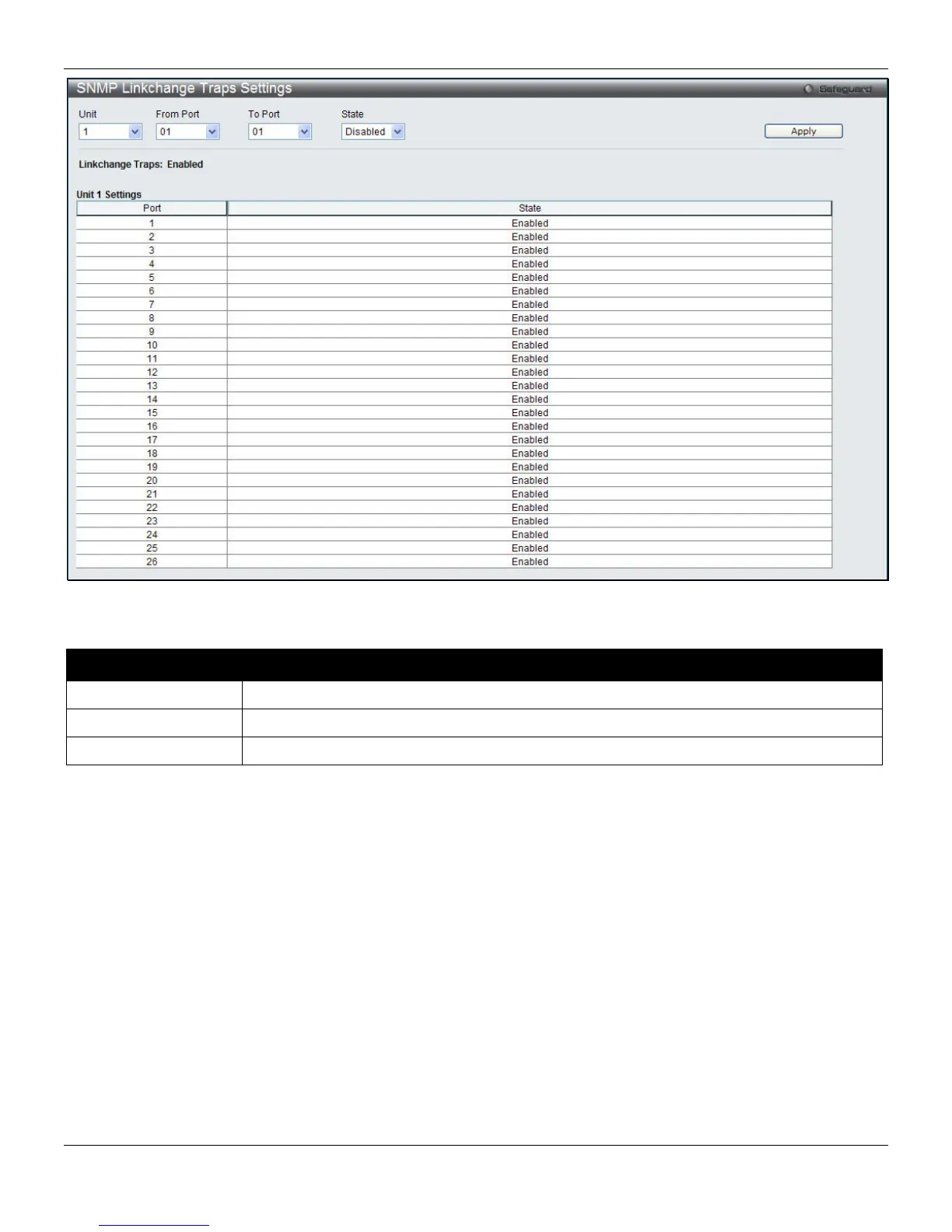
Figure 3-35 SNMP Linkchange Traps Settings window
The fields that can be configured are described below:
Parameter Description
Unit
Select the unit to configure.
From Port / To Port
Select the starting and ending ports to use.
State
Use the drop-down menu to enable or disable the SNMP link change Trap.
Click the Apply button to accept the changes made.
SNMP View Table Settings
Users can assign views to community strings that define which MIB objects can be accessed by a remote SNMP
manager. The SNMP Group created with this table maps SNMP users (identified in the SNMP User Table) to the views
created in the previous window.
To view the following window, click Management > SNMP Settings > SNMP View Table Settings, as shown below:
48












 To Next Page