xStack® DES-3528/DES-3552 Series Layer 2 Stackable Fast Ethernet Managed Switch Web UI Reference Guide
default is enabled.
Twofish256
Use the check box to enable or disable the twofish256 encryption algorithm. The
default is enabled.
Click the Apply button to accept the changes made.
The fields that can be configured for the Data Integrity Algorithm are described below:
Parameter Description
HMAC-SHA1
Use the check box to enable or disable the HMAC (Hash for Message Authentication
Code) mechanism utilizing the Secure Hash algorithm. The default is enabled.
HMAC-MD5
Use the check box to enable or disable the HMAC (Hash for Message Authentication
Code) mechanism utilizing the MD5 Message Digest encryption algorithm. The default
is enabled.
Click the Apply button to accept the changes made.
The fields that can be configured for the Public Key Algorithm are described below:
Parameter Description
HMAC-RSA
Use the check box to enable or disable the HMAC (Hash for Message Authentication
Code) mechanism utilizing the RSA encryption algorithm. The default is enabled.
HMAC-DSA
Use the check box to enable or disable the HMAC (Hash for Message Authentication
Code) mechanism utilizing the Digital Signature Algorithm (DSA) encryption. The
default is enabled.
Click the Apply button to accept the changes made.
SSH User Authentication List
Users can configure parameters for users attempting to access the Switch through SSH. In the window above, the
User Account “username” has been previously set using the User Accounts window in the Configuration folder. A
User Account MUST be set in order to set the parameters for the SSH user.
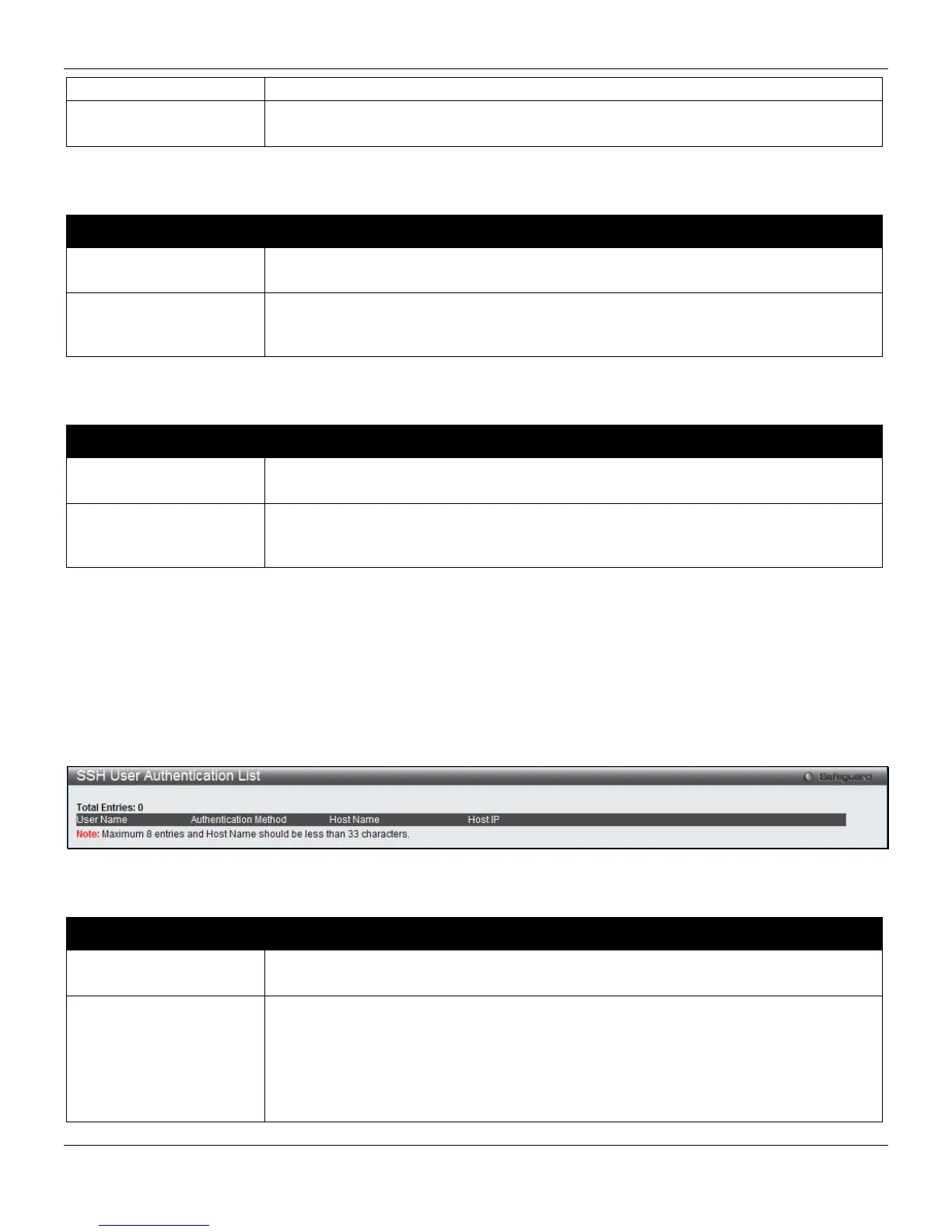
To view this window, click Security > SSH > SSH User Authentication List, as shown below:
Figure 8-72 SSH User Authentication List window
The fields that can be configured are described below:
Parameter Description
User Name
A name of no more than 15 characters to identify the SSH user. This User Name must
be a previously configured user account on the Switch.
Authentication Method
The administrator may choose one of the following to set the authorization for users
attempting to access the Switch.
Host Based – This parameter should be chosen if the administrator wishes to use a
remote SSH server for authentication purposes. Choosing this parameter requires the
user to input the following information to identify the SSH user.
Password – This parameter should be chosen if the administrator wishes to use an
270












 To Next Page