xStack® DES-3528/DES-3552 Series Layer 2 Stackable Fast Ethernet Managed Switch Web UI Reference Guide
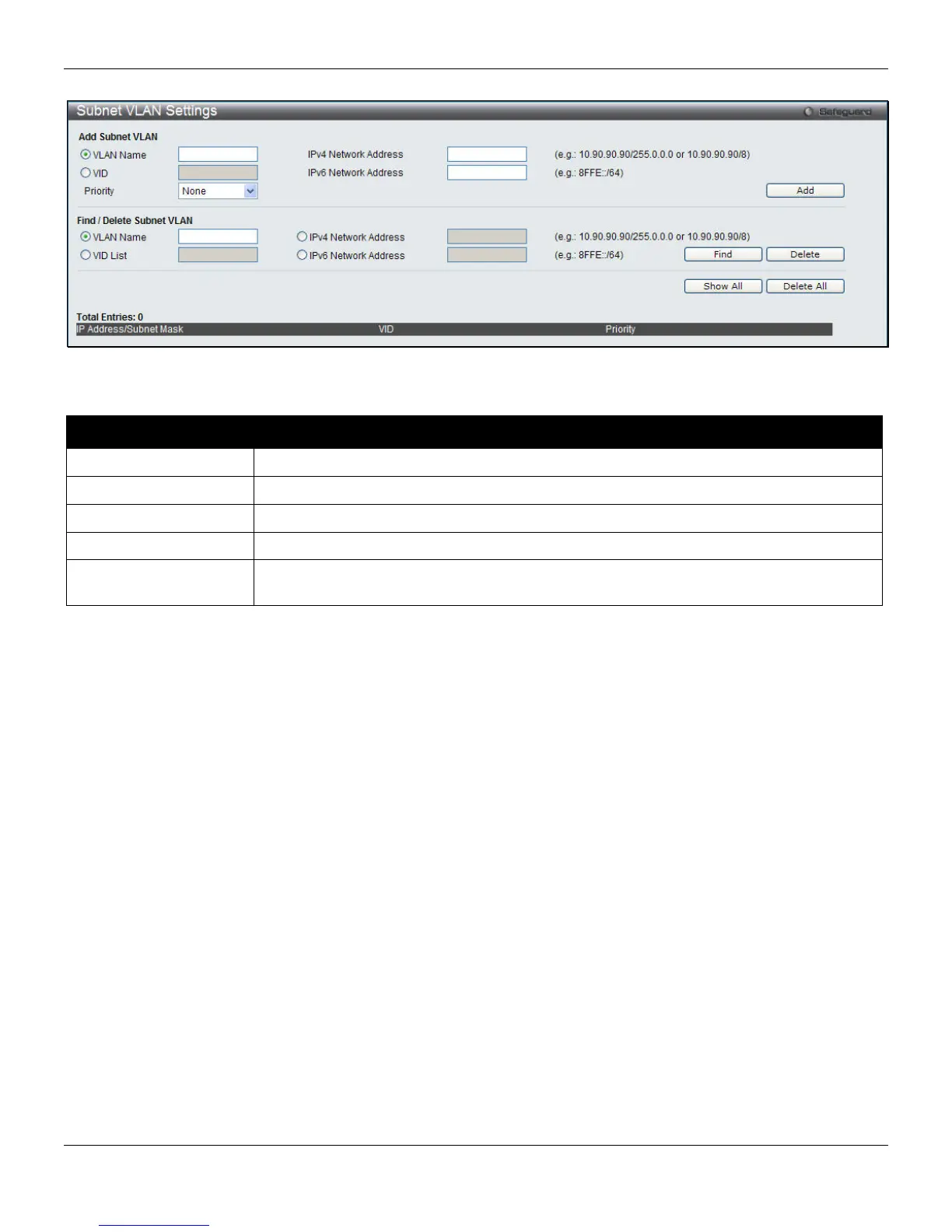
To view this window, click L2 Features > Subnet VLAN > Subnet VLAN Settings, as shown below:
Figure 4-15 Subnet VLAN Settings window
The following parameters can be configured:
Parameter Description
VLAN Name
The VLAN Name to be associated with the subnet.
VID / VID List
The VLAN ID to be associated with the subnet.
Priority
The priority to be associated with the subnet. Its range is 0 to 7.
IPv4 Network Address
Enter an IPv4 network address. The format is IP address/prefix length.
IPv6 Network Address
Enter an IPv6 network address. The format is IP address/prefix length. The prefix length
of the IPv6 network address cannot be greater than 64 bites.
Enter the appropriate information and click Add to create a new entry.
To search for a particular entry enter the appropriate information and click Find.
To remove an entry click Delete.
To view all entries on the Switch click Show All.
To remove all entries click Delete All.
VLAN Precedence Settings
The VLAN precedence settings are used to configure VLAN classification precedence on each port. You can specify
the order of MAC-based VLAN classifications and subnet-based VLAN classifications. If a port’s VLAN classification is
a MAC-based precedence, MAC-based VLAN classification will be processed first. If MAC-based VLAN classification
fails, the subnet-based VLAN classification will be executed. If a port’s VLAN classification is subnet-based VLAN
precedence, the subnet-based VLAN classification will be processed first. If subnet-based VLAN classification fails, the
MAC-based VLAN classification will be executed.
To view this window, click L2 Features > Subnet VLAN > VLAN Precedence Settings, as shown below:
71












 To Next Page