xStack® DES-3528/DES-3552 Series Layer 2 Stackable Fast Ethernet Managed Switch Web UI Reference Guide
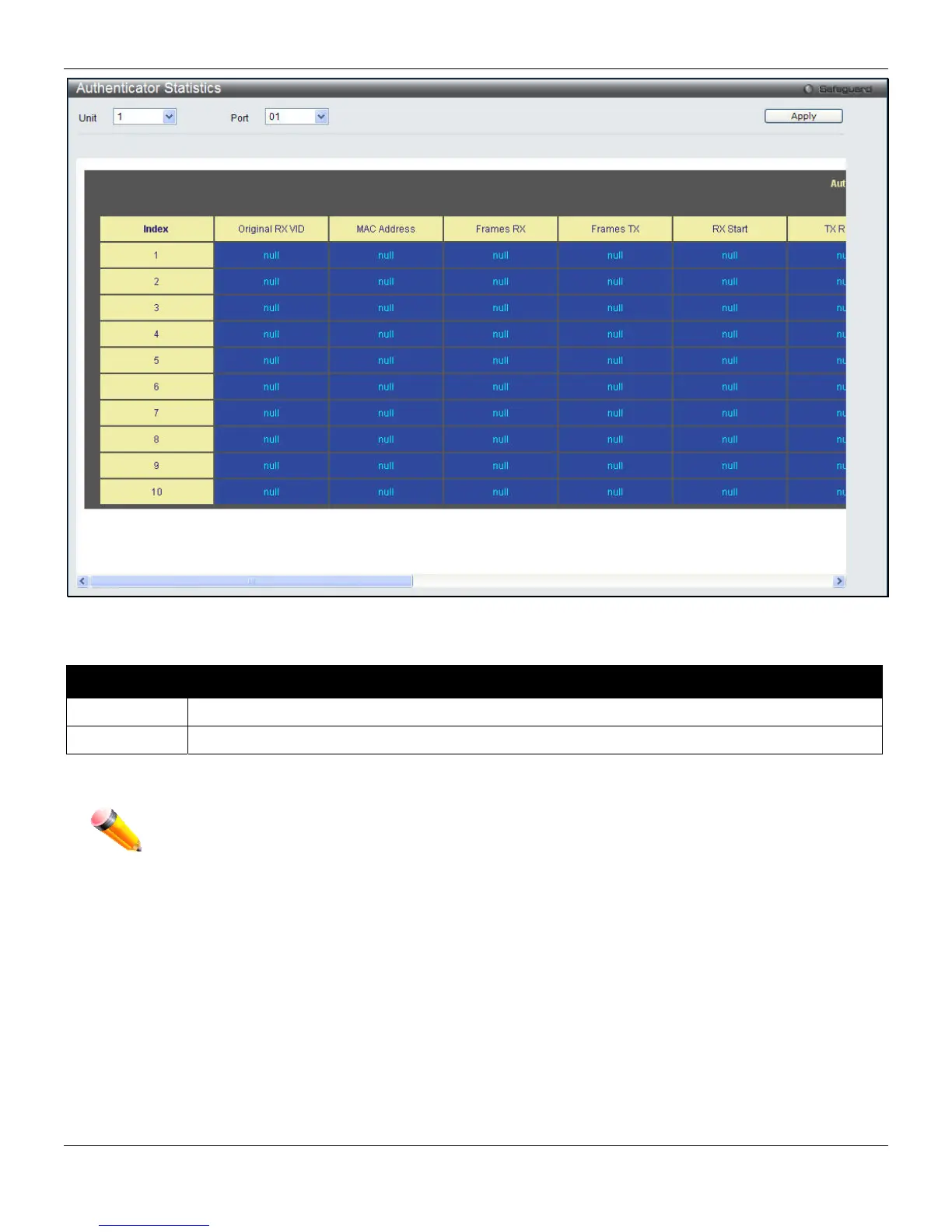
Figure 8-15 Authenticator Statistics window
The fields that can be configured are described below:
Parameter Description
Unit
Select the unit to be displayed.
Port
Select the port to be displayed.
Click the Apply button to accept the changes made.
NOTE: The Authenticator State cannot be viewed on the Switch unless 802.1X is enabled. To enable
802.1X, go to Security > 802.1X > 802.1X Global Settings, and select Enabled from the
Authentication State drop-down menu.
Authenticator Session Statistics
This table contains the session statistics objects for the Authenticator PAE associated with each port. An entry appears
in this table for each port that supports the Authenticator function.
To view this window, click Security > 802.1X > Authenticator Session Statistics, as shown below:
211












 To Next Page