xStack® DES-3528/DES-3552 Series Layer 2 Stackable Fast Ethernet Managed Switch Web UI Reference Guide
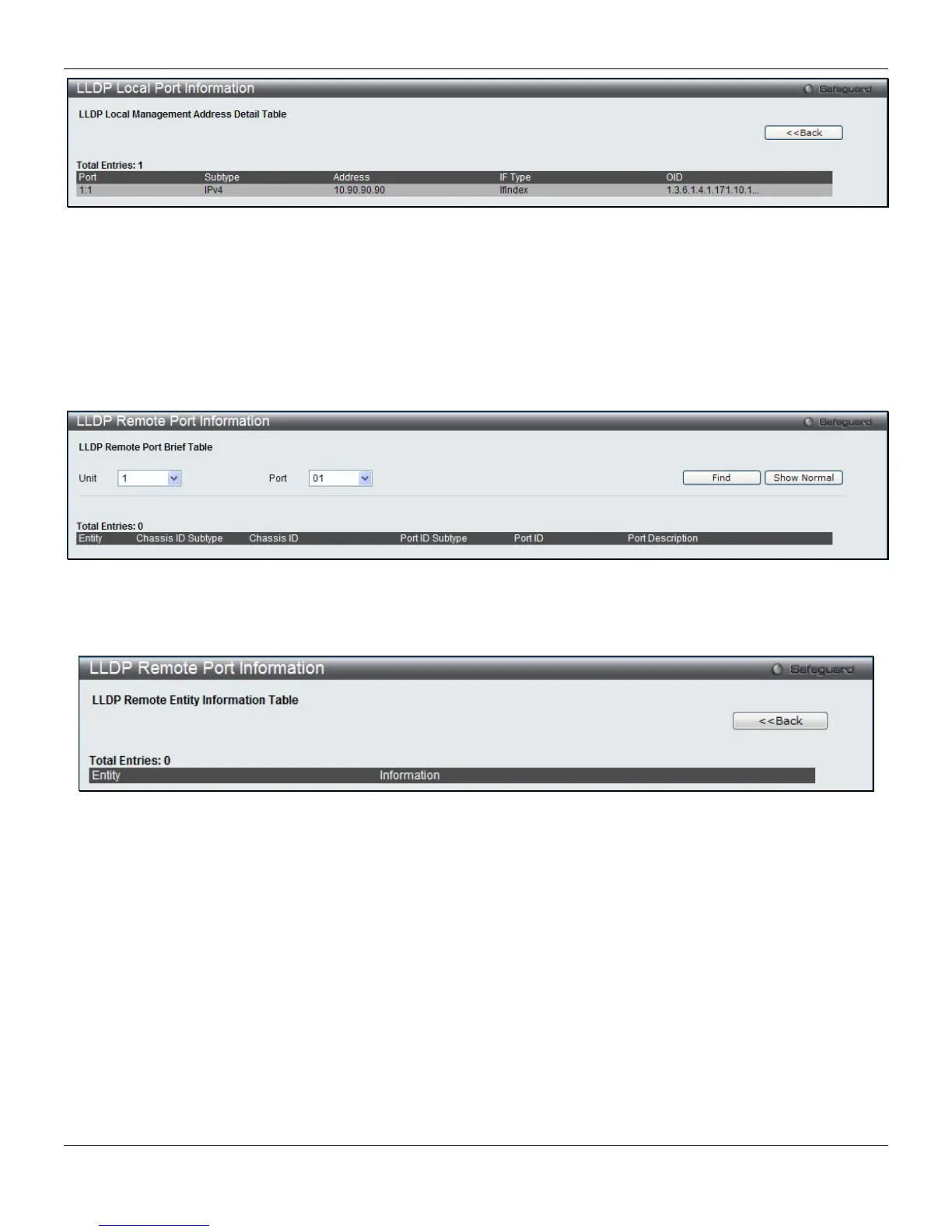
Figure 4-93 LLDP Local Port Information – Show Detail window
Click the <<Back button to return to the previous page.
LLDP Remote Port Information
This page displays port information learned from the neighbors. The Switch receives packets from a remote station but
is able to store the information as local.
To view the following window, click L2 Features > LLDP > LLDP Remote Port Information, as shown below:
Figure 4-94 LLDP Remote Port Information window
Select a Port number and click the Find button to locate a specific entry.
To view the normal LLDP Remote Port information page per port, click the Show Normal button.
Figure 4-95 LLDP Remote Port Information – Show Normal window
Click the <<Back button to return to the previous page.
139












 To Next Page