xStack® DES-3528/DES-3552 Series Layer 2 Stackable Fast Ethernet Managed Switch Web UI Reference Guide
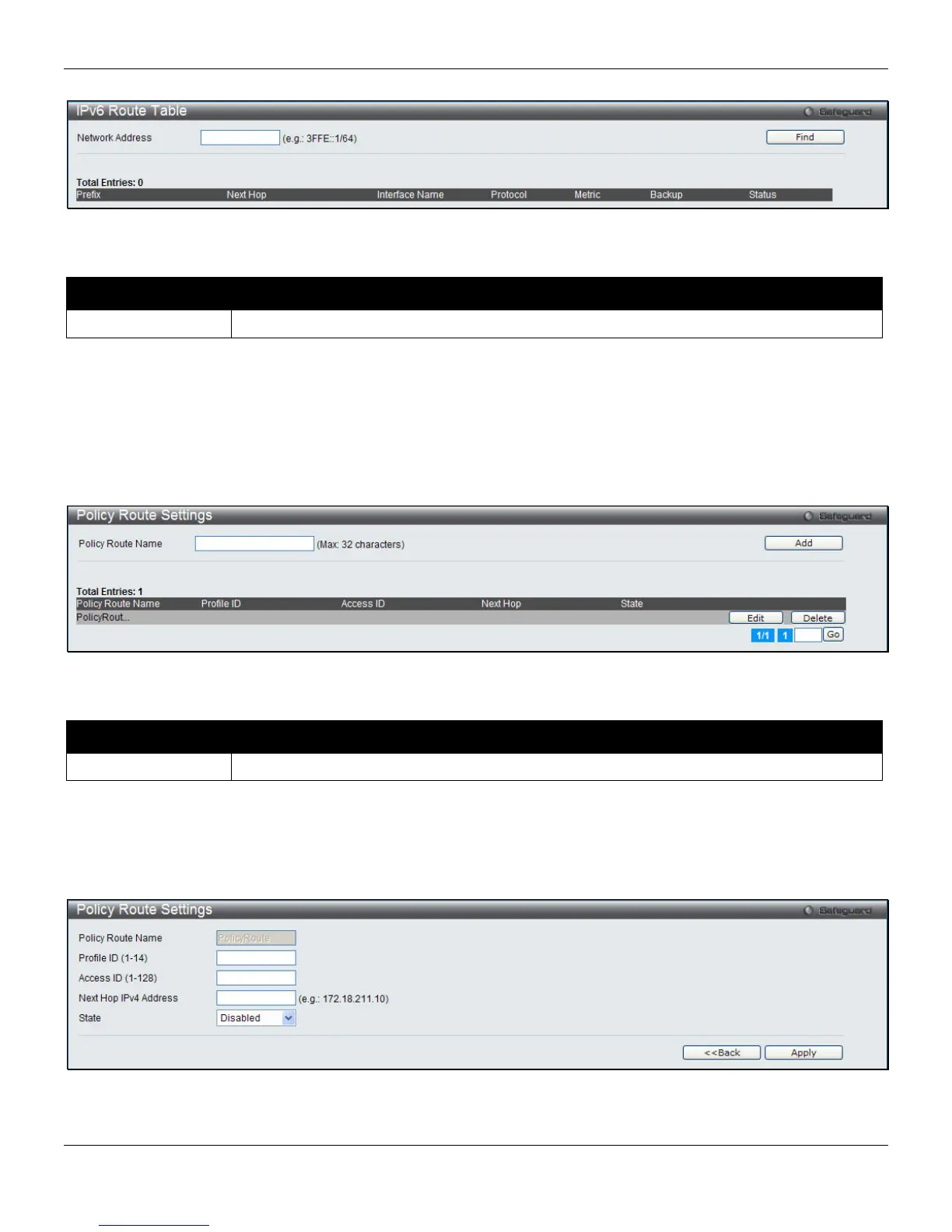
Figure 5-5 IPv6 Route Table window
he fields that can be configured are described below: T
Parameter Description
Network Address
network address. Enter the IPv6
C to l information entered.
formation.
ute Settings, as shown below:
lick the Find button ocate a specific entry based on the
Policy Route Settings
This window is use to configure the policy route in
To view the following window, click L3 Features > Policy Ro
Figure 5-6 Policy Route Settings window
he fields that can be configured are described below: T
Parameter Description
e Name
with maximum 32 characters for the policy route. Enter a name
Policy Rout
C a
ecific entry.
lick the Edit button to see the window as shown below.
lick the Add button to dd the entry.
Click the Edit button to configure the sp
Click the Delete button to remove the specific entry.
C
Figure 5-7 Policy Route Settings - Edit window
he fields that can be configured are described below: T
143












 To Next Page