xStack® DES-3528/DES-3552 Series Layer 2 Stackable Fast Ethernet Managed Switch Web UI Reference Guide
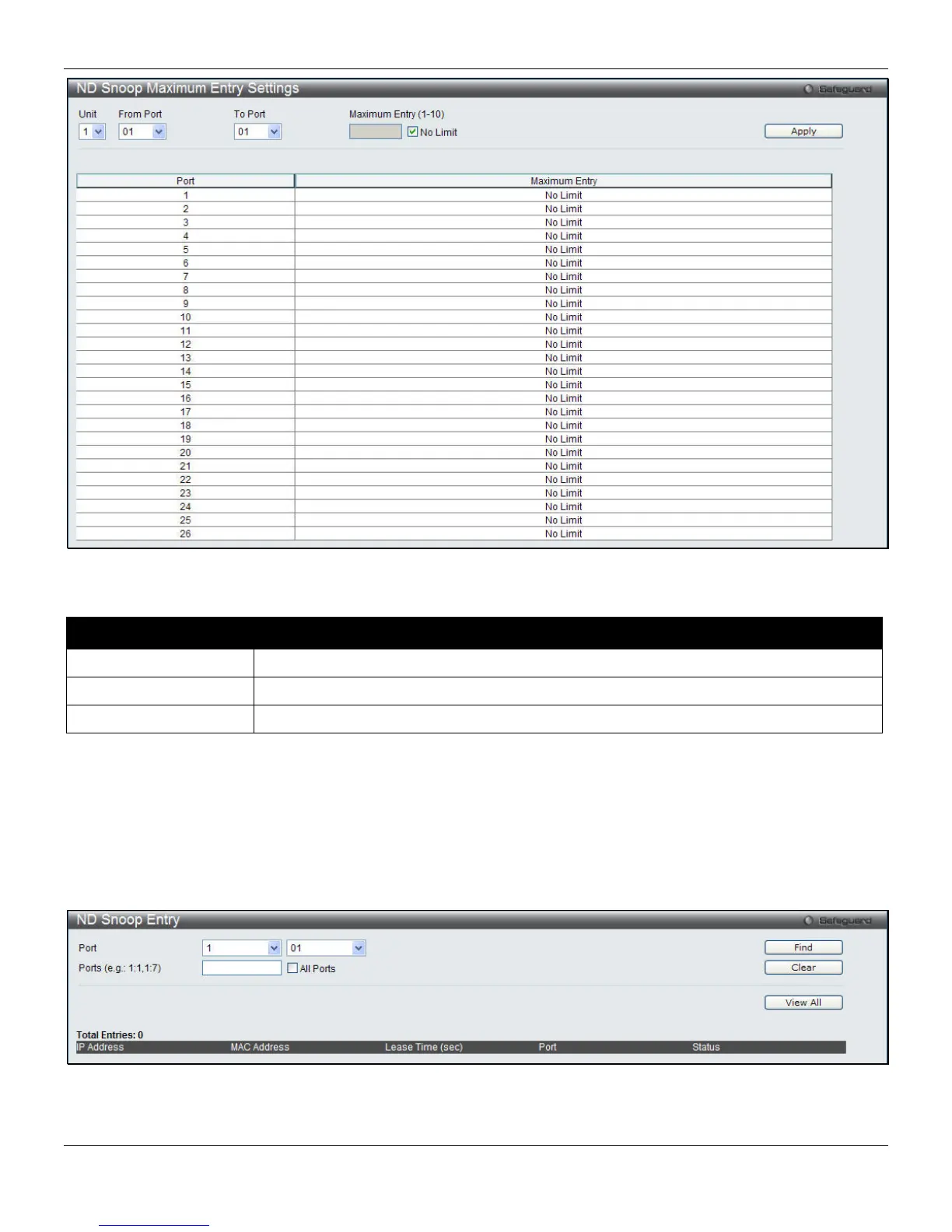
Figure 8-30 ND Snooping Maximum Entry Settings window
The fields that can be configured are described below:
Parameter Description
Unit
Select a unit to configure.
From Port / To Port
Use the drop-down menus to select a range of ports to use.
Maximum Entry (1-10)
Enter the maximum entry value. Tick the No Limit check box to have unlimited entries.
Click the Apply button to accept the changes made.
ND Snooping Entry
This window is used to display ND snooping status on specific ports.
To view this window, click Security > IP-MAC-Port Binding (IMPB) > ND Snooping > ND Snooping Entry, as shown
below:
Figure 8-31 ND Snooping Entry window
The fields that can be configured are described below:
226












 To Next Page