xStack® DES-3528/DES-3552 Series Layer 2 Stackable Fast Ethernet Managed Switch Web UI Reference Guide
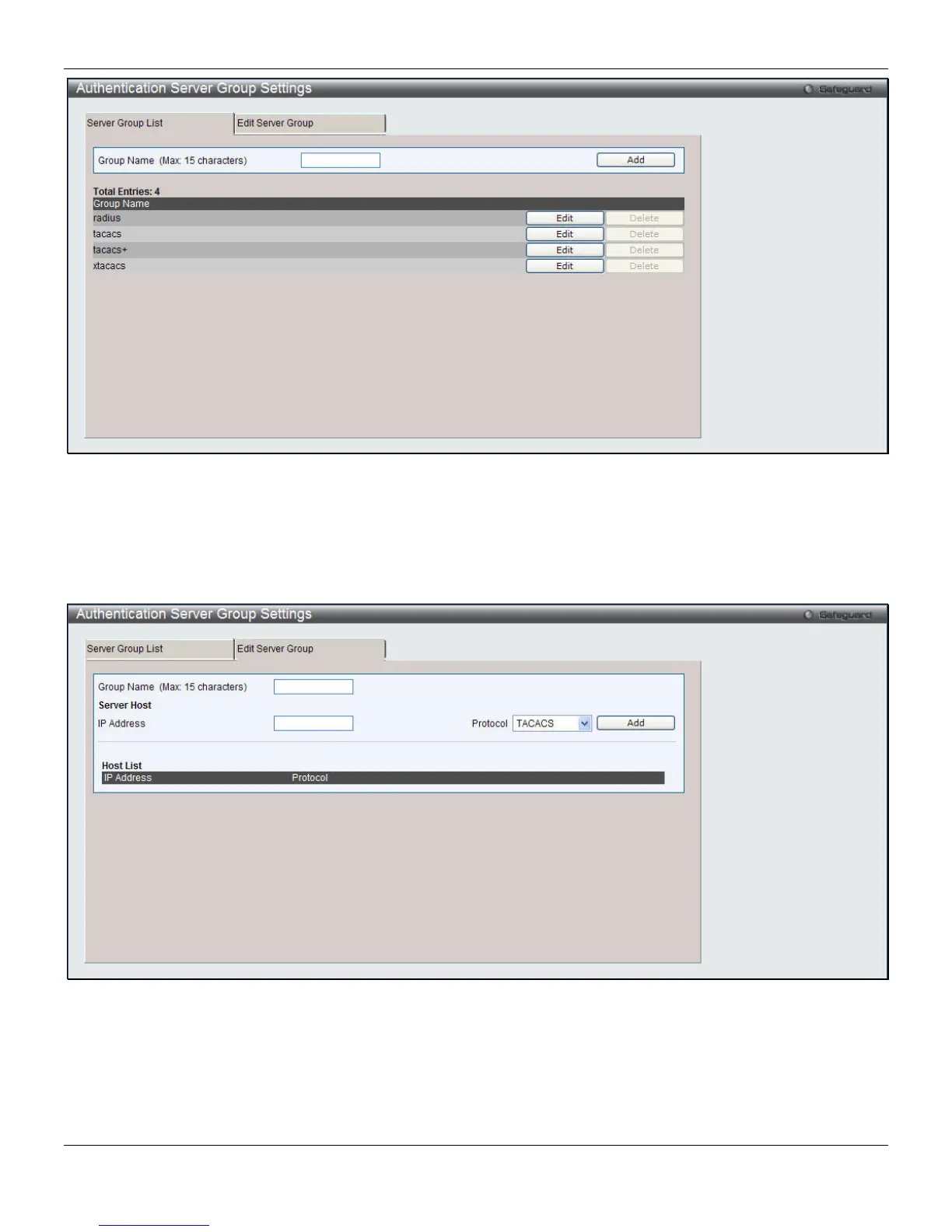
Figure 8-63 Authentication Server Group Settings – Server Group List window
This window displays the Authentication Server Groups on the Switch. The Switch has four built-in Authentication
Server Groups that cannot be removed but can be modified. To add a new Server Group, enter a name in the Group
Name field and then click the Add button. To modify a particular group, click the Edit button (or the Edit Server Group
tab), which will then display the following Edit Server Group tab:
Figure 8-64 Authentication Server Group Settings – Edit Server Group window
To add an Authentication Server Host to the list, enter its name in the Group Name field, IP address in the IP Address
field, use the drop-down menu to choose the Protocol associated with the IP address of the Authentication Server Host,
and then click Add to add this Authentication Server Host to the group. The entry should appear in the Host List at the
bottom of this tab.
260












 To Next Page