xStack® DES-3528/DES-3552 Series Layer 2 Stackable Fast Ethernet Managed Switch Web UI Reference Guide
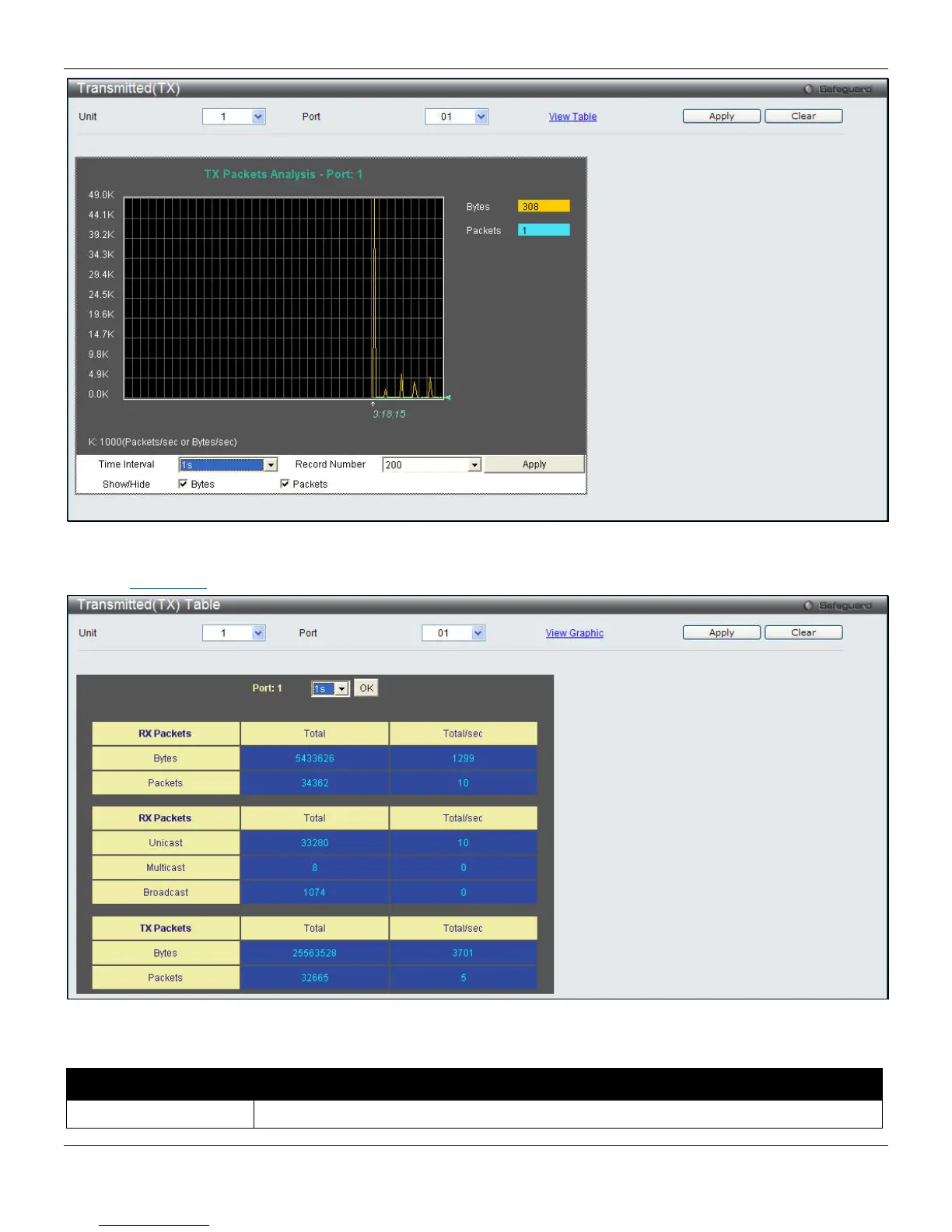
Figure 11-8 Transmitted (TX) window (for Bytes and Packets)
Click the View Table
link to display the information in a table rather than a line graph.
Figure 11-9 Transmitted (TX) Table window (table for Bytes and Packets)
The fields that can be configured are described below:
Parameter Description
Port
Use the drop-down menu to choose the port that will display statistics.
315












 To Next Page