xStack® DES-3528/DES-3552 Series Layer 2 Stackable Fast Ethernet Managed Switch Web UI Reference Guide
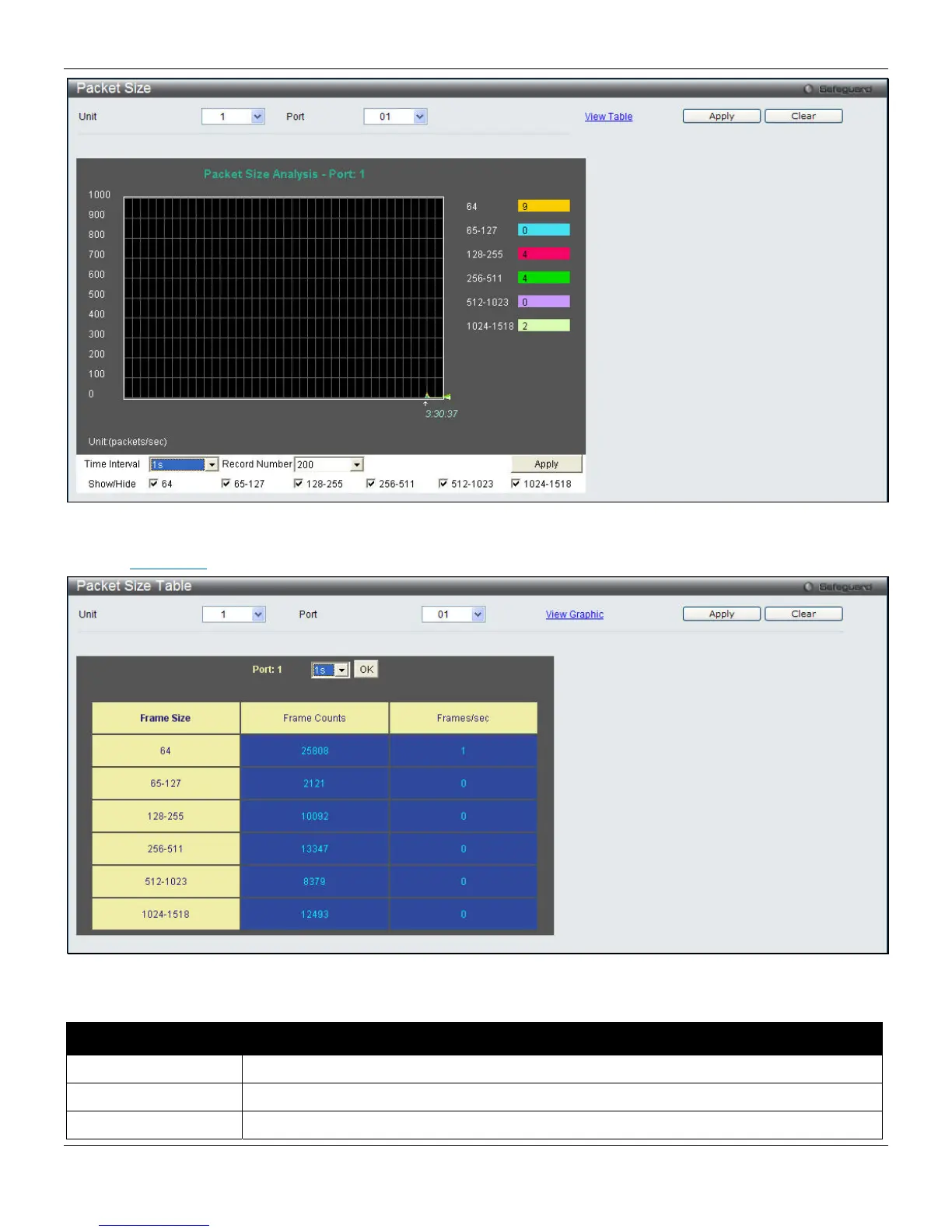
Figure 11-14 Packet Size window
Click the View Table
link to display the information in a table rather than a line graph.
Figure 11-15 RX Size Analysis window (table)
The fields that can be configured are described below:
Parameter Description
Unit
Select the unit to configure.
Port
Use the drop-down menu to choose the port that will display statistics.
Time Interval
Select the desired setting between 1s and 60s, where "s" stands for seconds. The default
321












 To Next Page