User Manual UMN:CLI
V8102
115
5.10 Ethernet Port Configuration
Depending on the type of the interface units (Ethernet, GPON), the number of chassis’
physical ports can be changed. It features highly flexible hardware configurations with
multiple 1 or 10 Gigabit Ethernet components. In this chapter, you can find the instruc-
tions for the basic port configuration such as auto-negotiation, flow control, transmit rate,
etc. Please read the following instructions carefully before you configure a port in the
V8102.
5.10.1 Enabling Ethernet Port
The Ethernet Interface mode contains commands for configuring the 1GE or 10GE inter-
face. You can open this Interface Configuration mode when at least one SFU_10GE4
module is installed in the V8102 chassis.
To open Ethernet Interface Configuration mode, enter the interface gigabitether-
net/tengigabitethernet command, then the system prompt will be changed from
SWITCH(config)# to SWITCH(config-if[GE])# or SWITCH(config-if[XE])#.
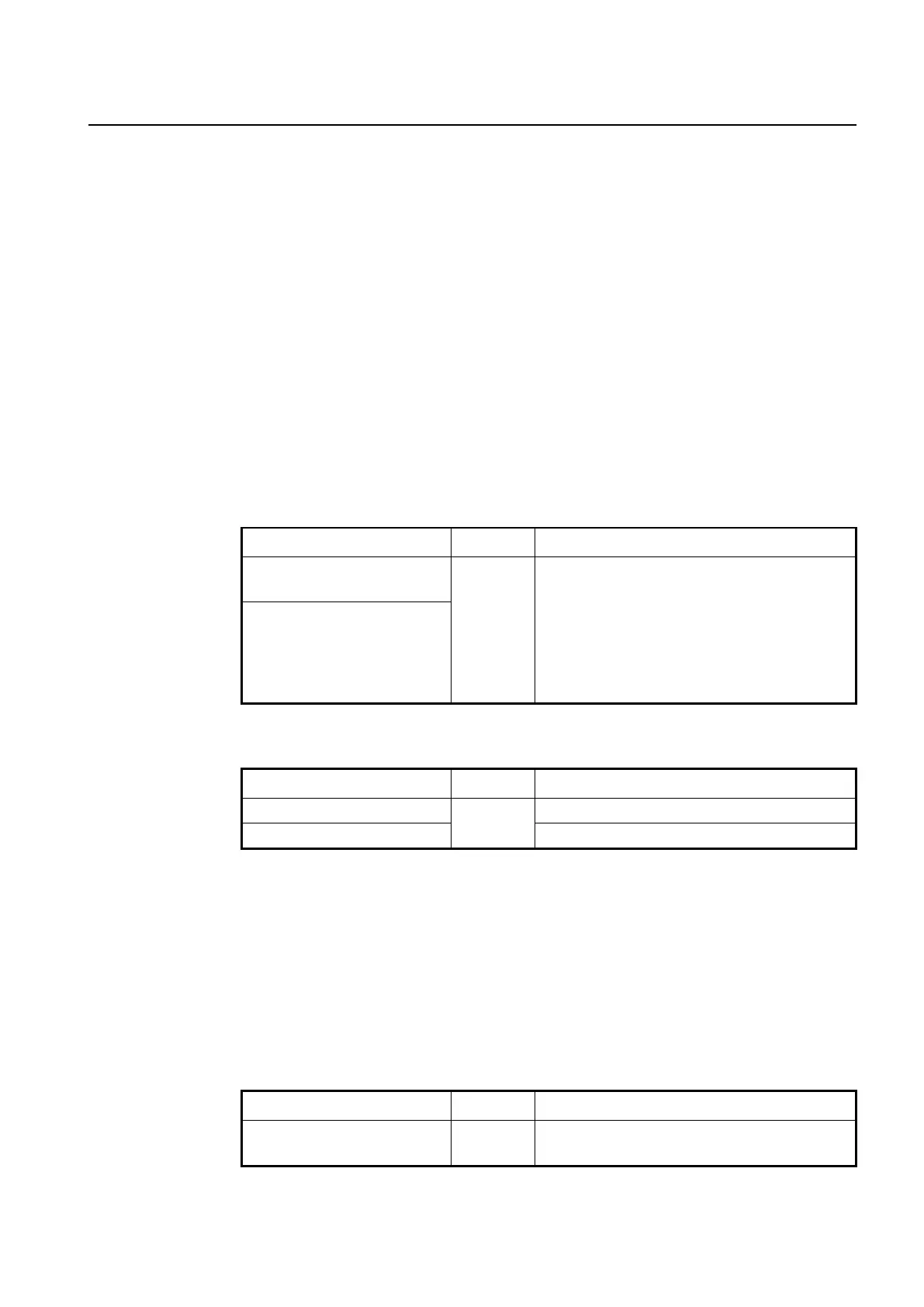
interface {gigabitethernet |
tengigabitethernet} IFPORT
Enters the Interface Configuration mode to configure
an 1G/10G Ethernet type interface.
IFPORT: physical interface port number
(SLOT#/PORT#, e.g. 1/1, 1/2)
IFPORT-RANGE: list of valid ports per Ethernet inter-
face unit. Use a hyphen to designate a range of ports.
(e.g. 1/1-8 or 1/1-1/8)
interface range {gigabitethernet
| tengigabitethernet} IFPORT-
RANGE
To enable/disable the Ethernet interface, use the following command.
Enables an 1G or 10G Ethernet interface.
Disables an 1G or 10G Ethernet interface.
5.10.2 Auto-Negotiation
Auto-negotiation is a mechanism that takes control of the cable when a connection is es-
tablished to a network device. Auto-negotiation detects the various modes that exist in the
network device on the other end of the
wire and advertises it own abilities to automatically configure the highest performance
mode of interoperation. As a standard technology, this allows simple, automatic connec-
tion of devices that support a variety of modes from a variety of manufacturers.
To enable/disable the auto-negotiation on an Ethernet port, use the following command.
Enables/disables the auto-negotiation on a specified
port, enter a port number. (default: on)



 To Next Page