UMN:CLI User Manual
V8102
244
7.18.6.1 Filters Using Standard IP ACLs
To create a standard named ACL to filter traffic based on specific source IP address, use
the following command.
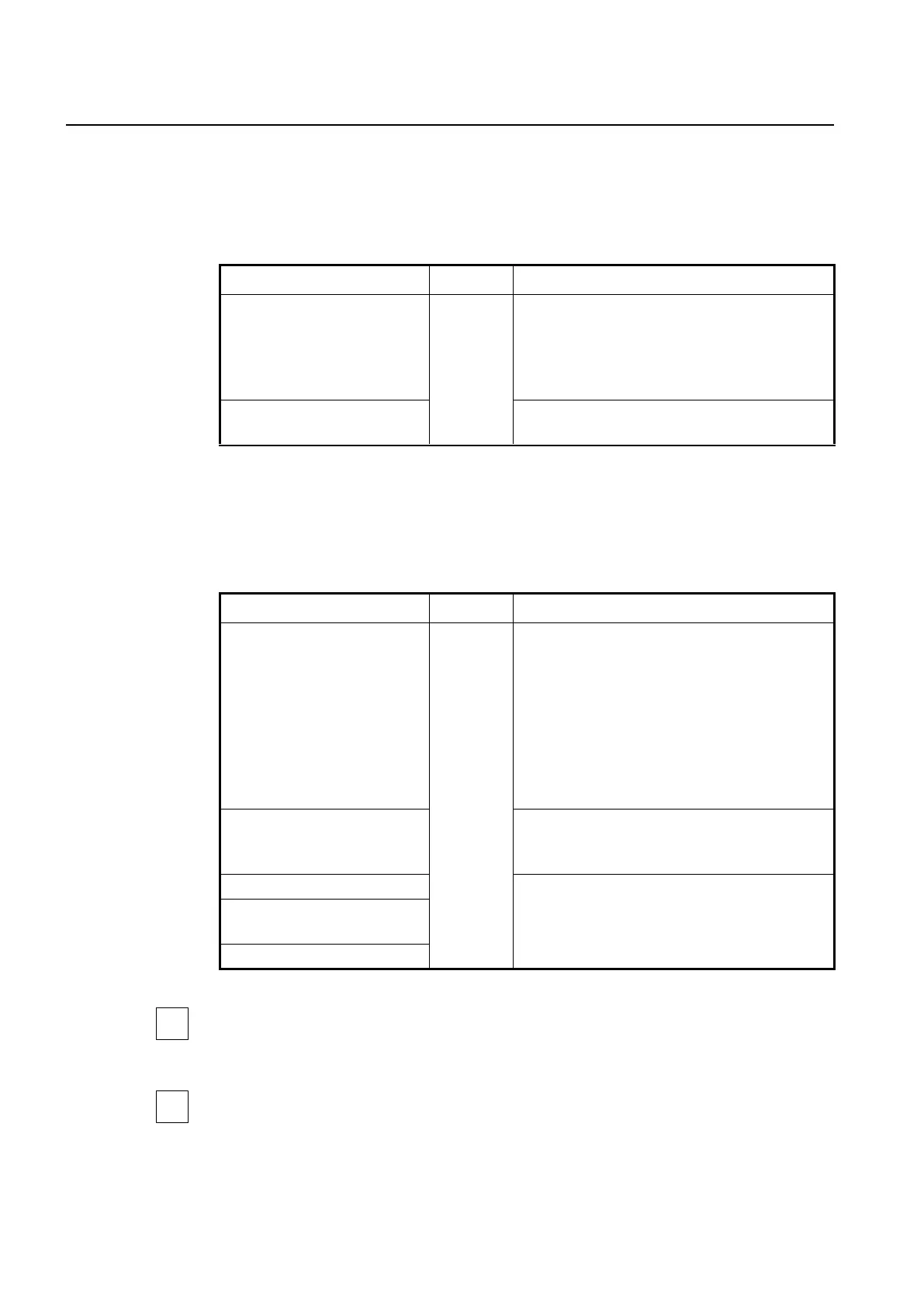
ip access-list standard {<1-99>
| <1300-1999> | WORD}
Creates a standard ACL entry.
1-99: standard IP access list number
1300-1999: standard IP access list number (expanded
range)
WORD: access-list name
no ip access-list standard {<1-
99> | <1300-1999> | WORD}
Deletes the configured standard ACL entry.
After creating a standard IP address-based ACL entry, the prompt changes from
SWITCH(config)# to SWITCH(config-std-nacl])#.
To configure a standard ACL entry, use the following command.
[<1-2147483647>] { deny | per-
mit } {A.B.C.D WILDCARD-BITS |
host A.B.C.D | any}
Specifies a deny or permit statement of the standard
ACL with source IP addresses and wildcard bits
1-2147483647: sequence number
deny: denies access of packet if conditions are
matched.
permit: permits access of packet if conditions are
matched.
A.B.C.D: source IP address to match
WILDCARD-BITS: Bits for use of wildcard masking
Writes comments for this access-list.
LINE: access list entry comments up to 100 charac-
ters
Deletes an entry of the standard ACL.
no { deny | permit } {A.B.C.D
A.B.C.D | host A.B.C.D | any}
Sequence number of ACLs enables you to insert or delete a specific ACL entry in your
statement grouping without having to delete the entire ACL and rebuild it.
If you enter an ACL statement without specifying a sequence number, the V8102 uses the
default increment of 10 when adding the statement to the end of the list.



 To Next Page