UMN:CLI User Manual
V8102
376
9.4.6 STP Basic Configuration
To configure STP, use the following steps.
Step 1
Enable STP function using the spanning-tree command.
Step 2
Configure detail options if specific commands are required.
9.4.6.1 Path-cost Method
After deciding a root switch, you need to decide to which route you will forward the packet.
To do this, the standard is a path-cost.
Generally, a path cost depends on the transmission speed of LAN interface in the switch.
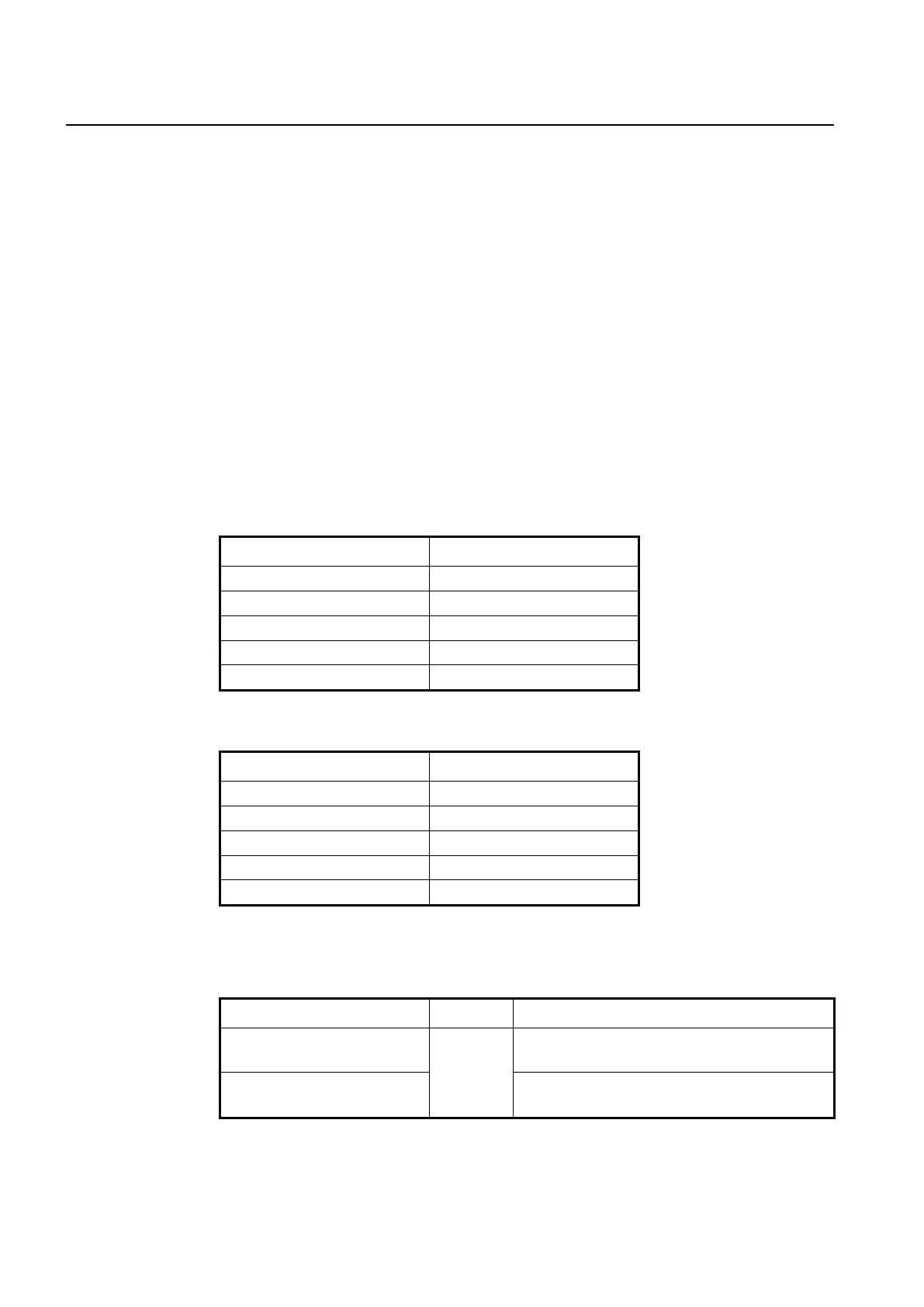
The following table shows the path cost according to the transmit rate of LAN interface.
You can use same commands to configure STP and RSTP, but their path-costs are to-
tally different. Please be careful not to make mistake.
Tab. 9.2 STP Path-cost (short)
Tab. 9.3 RSTP Path-cost (long)
To decide the path-cost calculation method, use the following command.
spanning-tree pathcost method
long
Selects the method for calculating a RSTP path-cost:
long: 32 bits of RSTP path-cost (IEEE 802.1D-2004).
spanning-tree pathcost method
short
Selects the method for calculating a STP path-cost:
short: 16bits of STP path-cost (IEEE 802.1D-1998).
To delete a configured method for caculating the path-cost and return the configuration to



 To Next Page