User Manual UMN:CLI
V8102
81
4.1.9 Telnet Access
To activate/deactivate the connection to a remote host via telnet, use the following com-
mand.
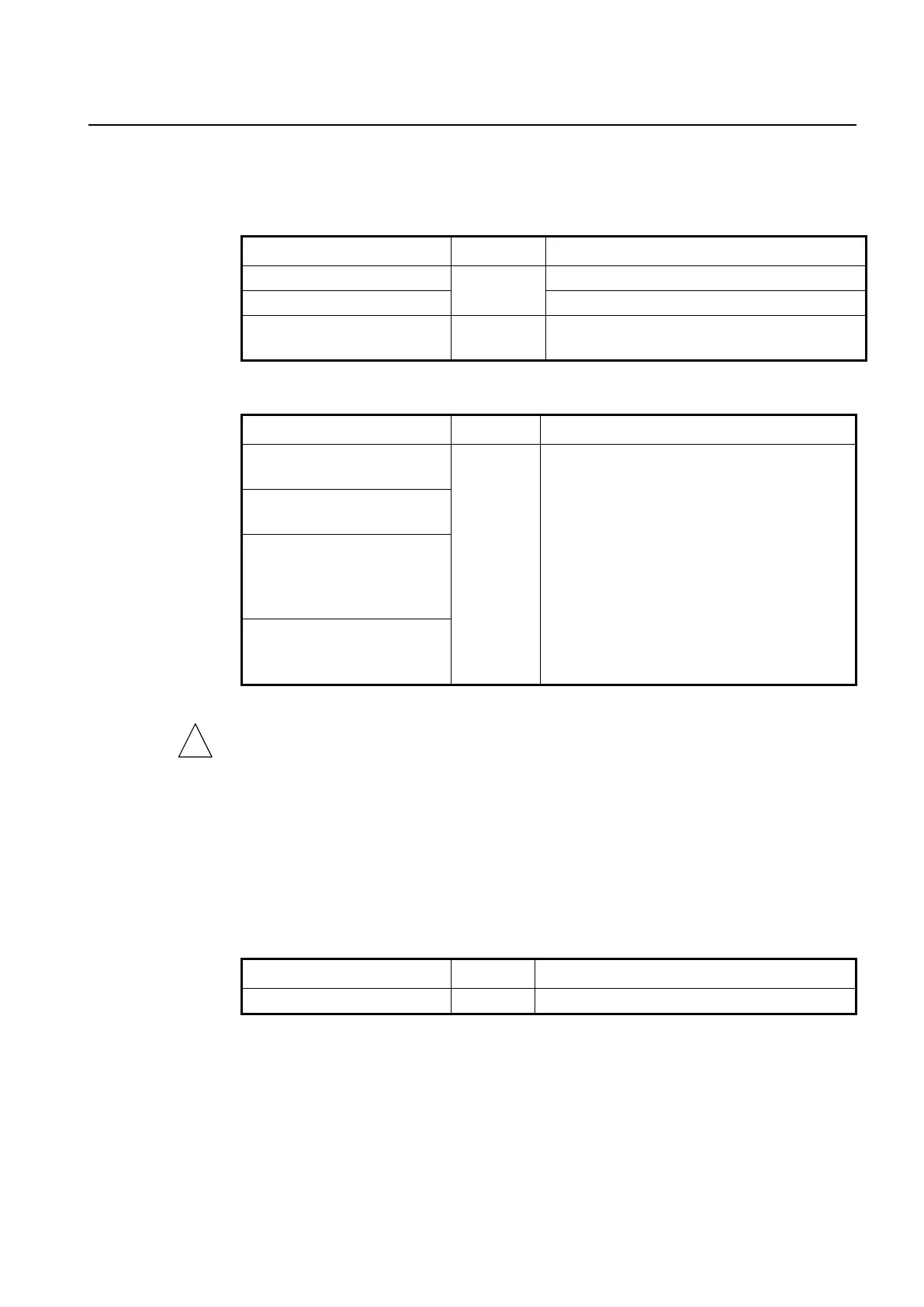
Activates the telnet service.
Deactivates the telnet service.
Shows the status of network connection services
(telnet/ssh/ftp/tftp/snmp).
To connect to a remote host via telnet, use the following command.
telnet {A.B.C.D | ipv6 X:X::X:X}
[vrf NAME]
Connects to a remote host via telnet.
A.B.C.D | X:X::X:X: IPv4/IPv6 address or host name
of a remote system
TCP-PORT: TCP port number
NAME: VPN routing/forwarding instance
telnet {A.B.C.D | ipv6 X:X::X:X}
TCP-PORT [vrf NAME]
telnet A.B.C.D interface
{tengigabitethernet IFPORT |
gpon IFPORT | channelgroup
IFPORT | vlan VLANID}
telnet ipv6 X:X::X:X interface
INTERFACE [{TCP-PORT [vrf
NAME] | vrf NAME}]
In case of telnet connection, you need to wait for the [OK] message, when you save a
system configuration. Otherwise, all changes will be lost when the telnet session is dis-
connected.
SWITCH# write memory
[OK]
SWITCH#
The system administrator can disconnect users connected from remote place. To discon-
nect a user connected through telnet, use the following command.
Disconnects a user connected through telnet.
The following is an example of disconnecting a user connected from a remote place.
SWITCH# where
admin at ttys0 from console for 4 days 22 hours 15 minutes 24.88 seconds
admin at ttyp0 from 10.0.1.4:1670 for 4 days 17 hours 53 minutes 28.76 seconds
admin at ttyp1 from 147.54.140.133:49538 for 6 minutes 34.12 seconds
SWITCH# disconnect ttyp0



 To Next Page