User Manual UMN:CLI
V8102
807
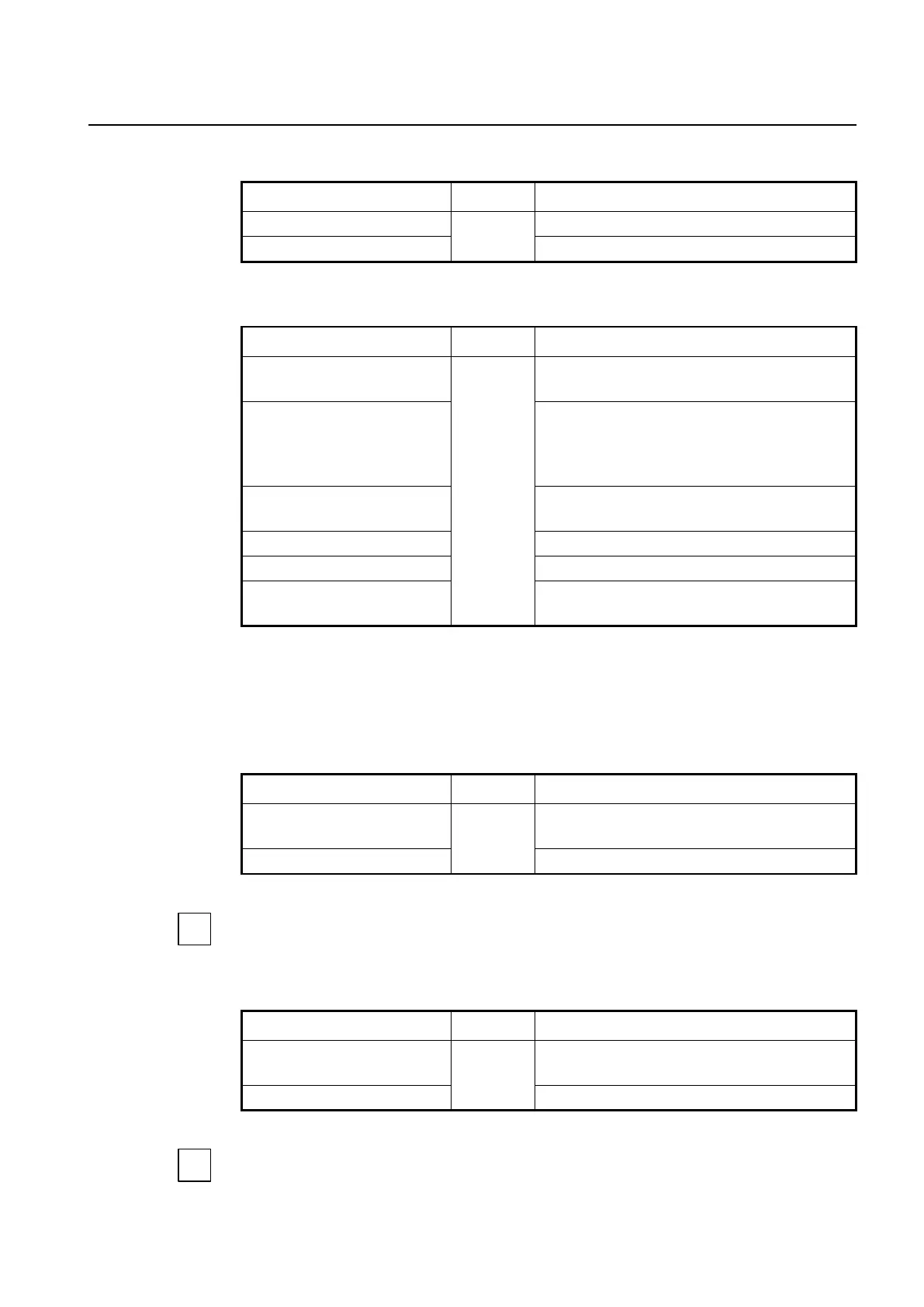
To enable/disable the TR-069 management, use the following command.
Enables the TR-069 management mode.
Disables the TR-069 management mode.
To configure the TR-069 management mode, use the following command.
Configures TR-069 management server address.
URI: URI address of the TR-069 management server
mgmt-mode tr-069 access id ID
password PASSWD
Specifies the user name and password to access man-
agement server.
ID: user name
PASSWD: password
mgmt-mode tr-069
associated-tag VLAN
Specifies a VLAN ID for TR-069 traffic.
Deletes the configured server address.
no mgmt-mode tr-069 access
Deletes the defined user name and password.
no mgmt-mode tr-069 associat-
ed-tag
Deletes the VLAN ID for TR-069 management.
13.3.2.12 Applying Traffic & PM Profile
To add/delete the user-defined Traffic profile to a specified ONU profile, use the following
command.
Adds the existing Traffic profile to ONU profile.
NAME: Traffic profile name
Removes the Traffic profile from ONU profile.
For the details of how to create and configure the traffic profile, see 13.4 Traffic Profile.
To add/delete the user-defined PM profile to a specified ONU profile, use the following
command.
Adds the existing PM profile to ONU profile.
NAME: Traffic profile name
Removes the PM profile from ONU profile.
For the details of how to create and configure the PM profile, see 13.10 Performance
Monitoring (PM) Profile.


 To Next Page