7-4 Infinity Vista VF6
7 RECORDINGS
STEPS: Loading Paper
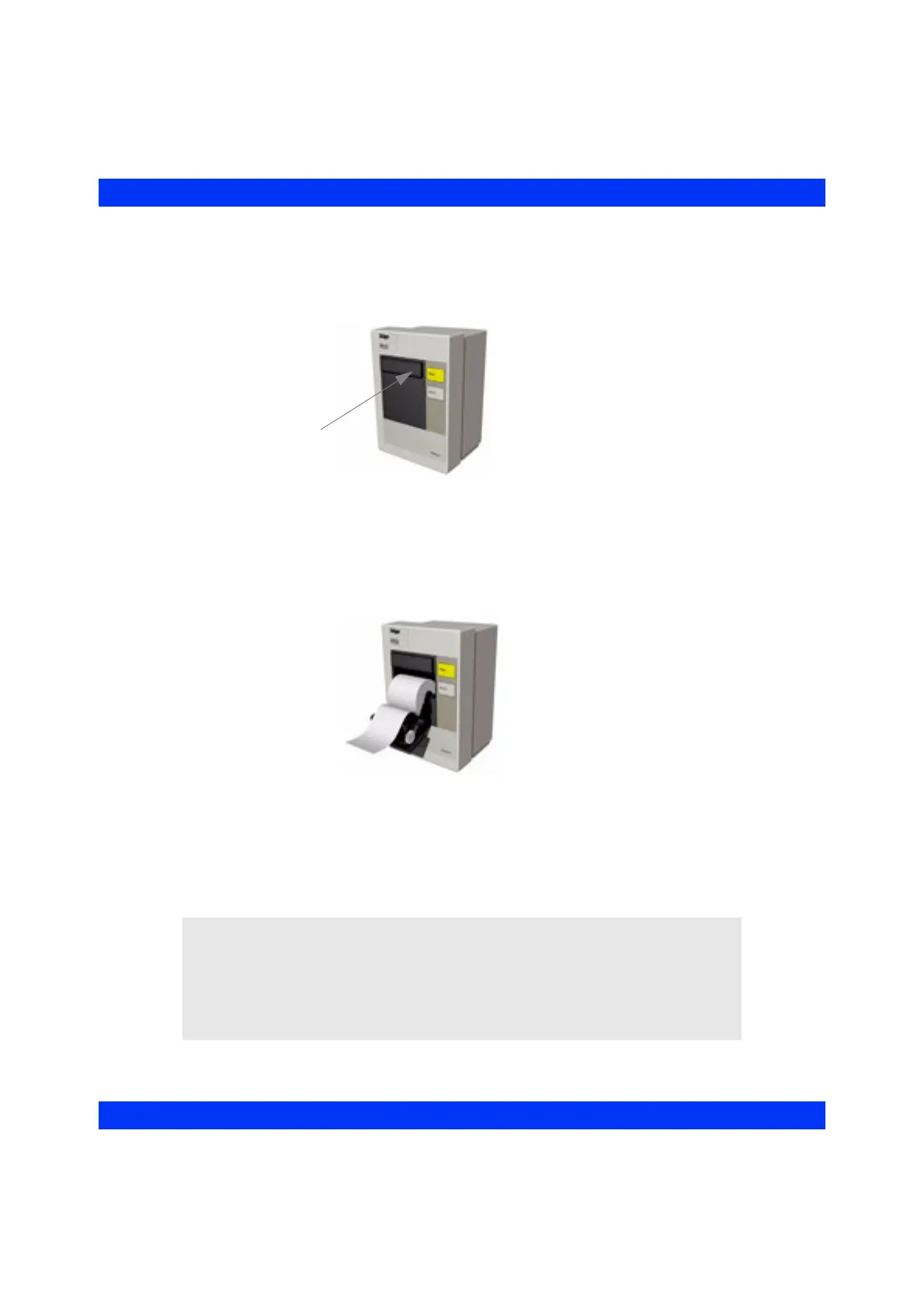
1. Press and release the top right button to open the paper door of the recorder.
2. Pull out the paper roll from the spool holder and any paper remaining in the
printing mechanism.
3. Place a new paper roll into the spool holder. Unroll a few inches of paper from
the bottom. The printed side should be facing up.
4. Align the paper roll with the paper guides. If not aligned, the paper could jam.
5. Close the paper door.
6. To verify proper connection and paper loading, generate a timed recording.
CAUTION:
z Use only the recording paper specified by Dräger. Use of other paper could
result in unclear printing and damage to the printing head.
z Store all paper in an environment that meets the recorder storage specifications
listed in the “Technical Data” appendix. Failure to store paper properly can
result in damage to the recorder.











 To Next Page