NBP MEASUREMENTS
VF6 Infinity Vista 13-9
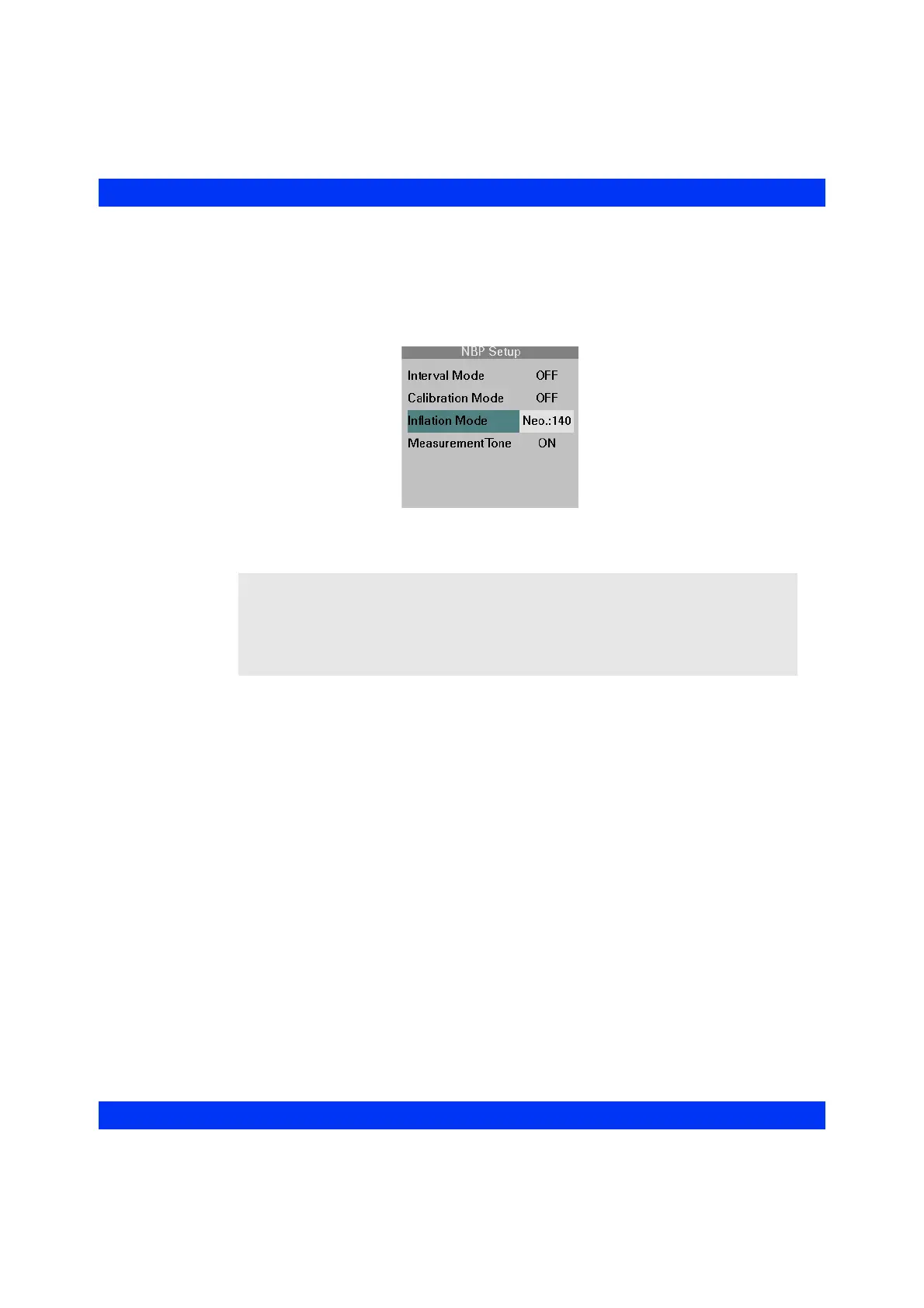
STEPS: Selecting the Inflation Mode
1. Click on the NBP parameter box.
2. Click on
Inflation Mode.
3. Select the desired inflation mode and click the knob.
WARNING: If the neonatal inflation mode is selected, a blood
pressure higher than the inflation range may activate the
“NBP Cannot Measure”, “NBP No Pulsation”, or “NBP Mean
Only” alarms. If this happens, manually check the patient’s
pressure and, if appropriate, switch to a pediatric inflation
mode.











 To Next Page