C-14 Infinity Vista VF6
C DEFAULT SETTINGS AND BIOMEDICAL SUPPORT
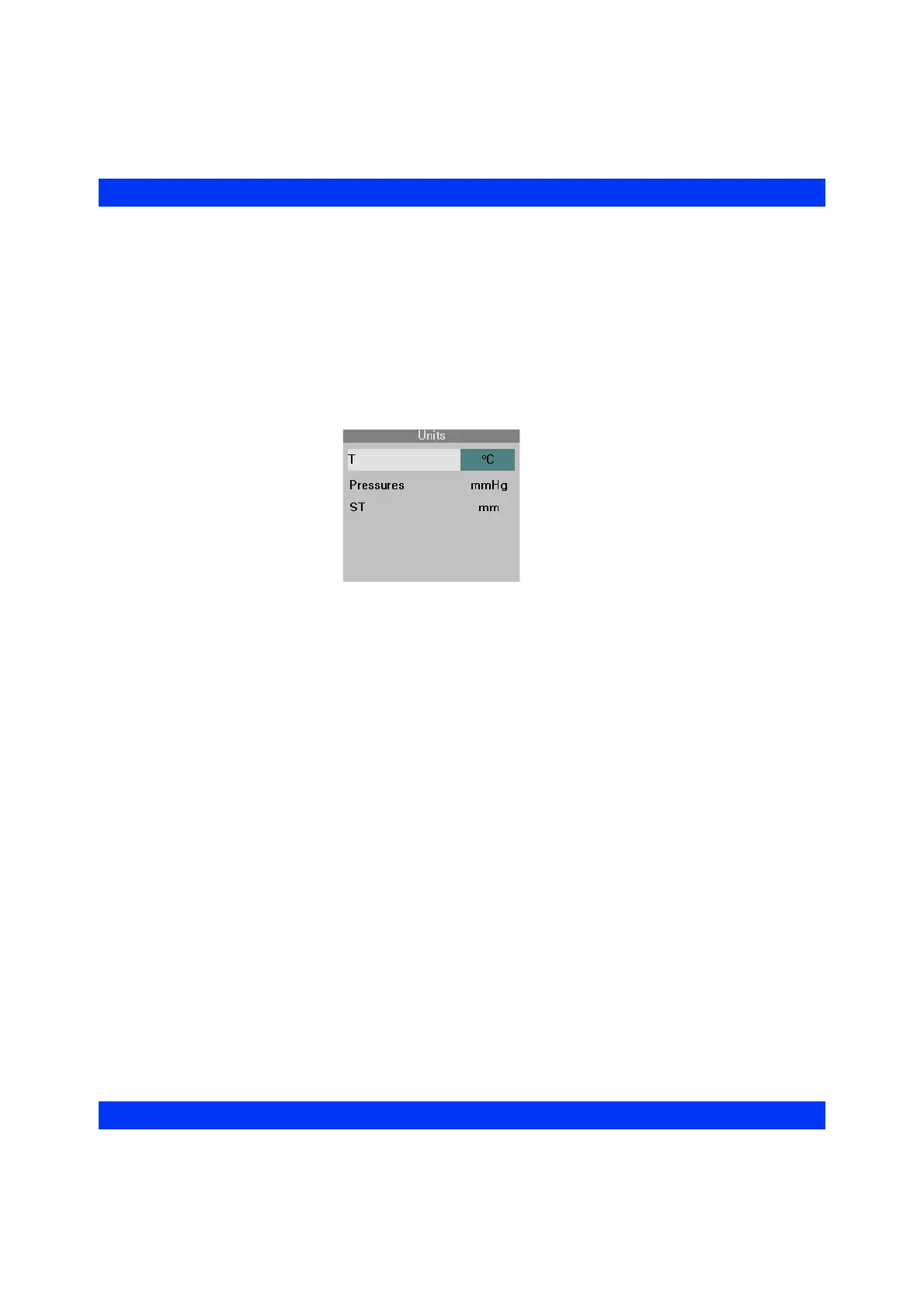
STEPS: Changing Units of Measure
1. Press the Menu fixed key.
2. Click on
Monitor Setup.
3. Click on
Biomed.
4. Enter the Biomed password and click the knob.
5. Click on
Units.
6. Change the units for the desired parameter and click the knob.
7. Click on
New Patient? Yes.
Parameter Colors
Select the parameter display colors as follows:
1. Press the
Menu fixed key.
2. Click on
Monitor Setup.
3. Click on
Biomed.
4. Enter the Biomed password and click the knob again.
5. Click on
Monitor Setup.
6. Click on
Parameter Colors.











 To Next Page