ECG MONITORING SETTINGS
VF6 Infinity Vista 8-7
ECG Monitoring Settings
Cable Type
This option lets you select the number of lead wires connected to your patient. This is
particularly important when monitoring with a 5- or 6-lead cable set to ensure the
proper detection and display of augmented leads.
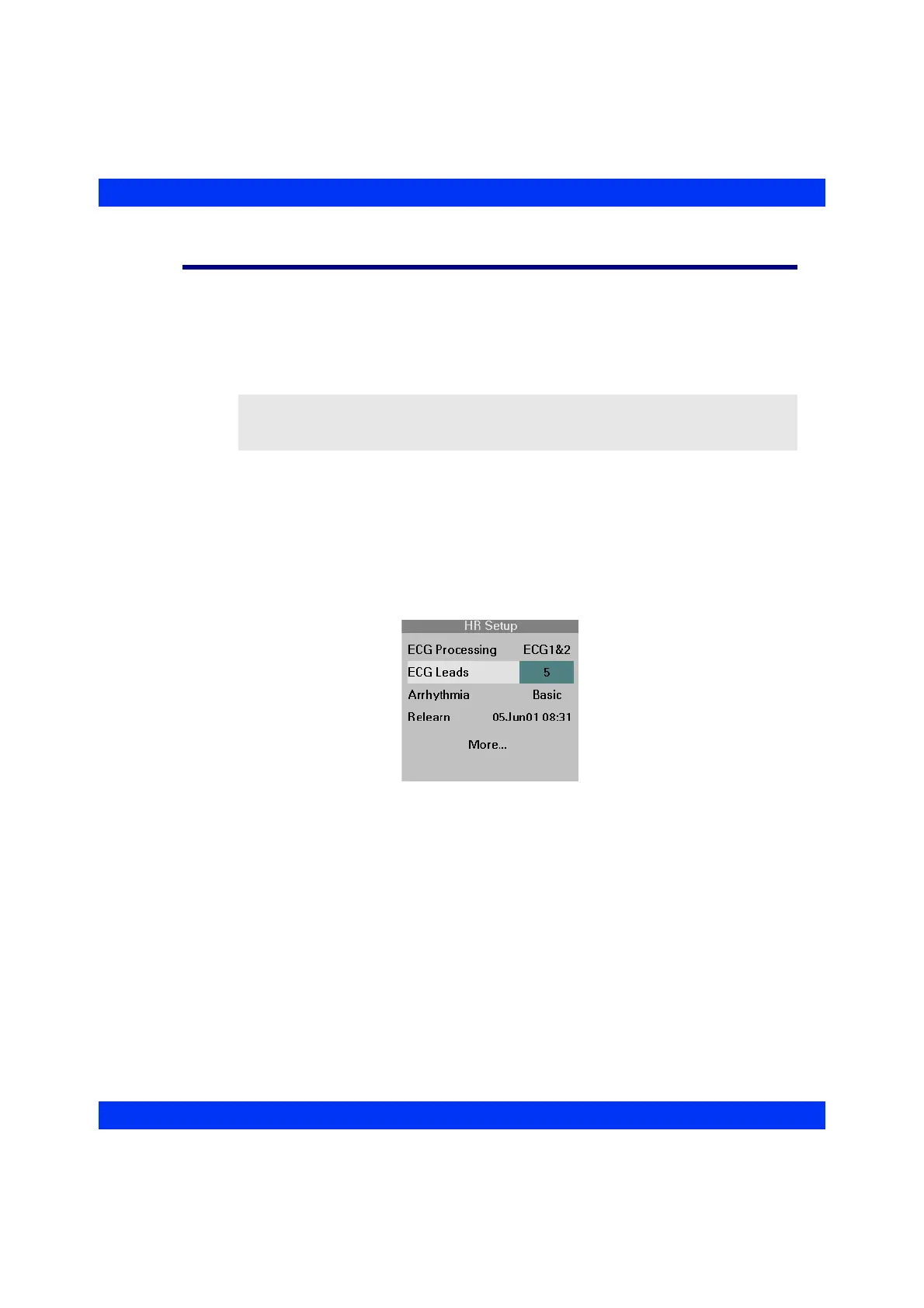
STEPS: Selecting the Cable Type
1. Click on the HR parameter box.
2. Click on
More....
3. Click on
ECG Leads.
4. Dial in the desired cable type and click the knob.
NOTE: If an augmented lead was displayed when switching from a 5-lead or 6-lead
cable to a 3-lead cable set, the monitor defaults to the display of lead II. This ensures the
display of an ECG when switching cable types.











 To Next Page