12-6 Infinity Vista VF6
12 PULSE OXIMETRY
SpO
2
Monitoring Display
The quality of the pulse waveform and the SpO
2
values are an indication that the
sensor is attached to the patient correctly. In most clinical situations, the waveform is
displayed in the second or third channel in order to view the electrocardiogram in the
first channel during SpO
2
monitoring. The message SpO
2
Searching appears
following the connection of the sensor to the patient.
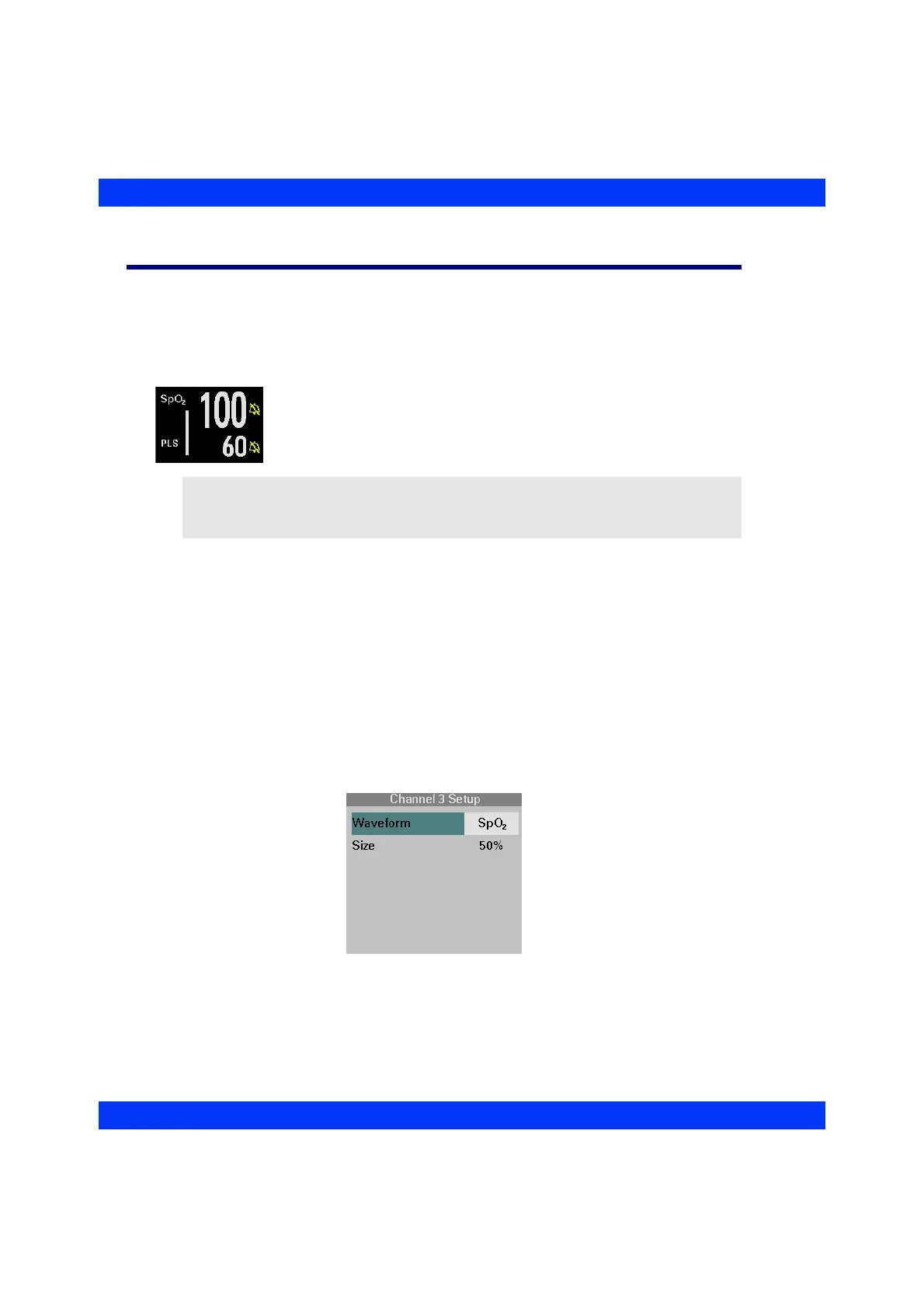
Within seconds, the first pulse oximetry value appears in the SpO
2
parameter box. When the SpO
2
and PLS alarms are turned off, a
crossed bell appears next to the parameter values.
SpO
2
Display Channel
When monitoring with a 5- or 6-lead ECG cable, you can display the SpO
2
waveform
in any waveform channel. If monitoring with a 3-lead ECG cable, you cannot display
the SpO
2
waveform in the top channel.
STEPS: Selecting the SpO
2
Display Channel
1. Click on the desired waveform channel.
2. Click on
Waveform.
3. Select
SpO2 and click the knob.
NOTE: In order to avoid nuisance SpO
2
alarms caused by impeded circulation
in the limb during an NBP measurement, set NBP/SpO
2
Interlock to ON (a
password-protected function).











 To Next Page