8-8 Infinity Vista VF6
8 ECG AND HEART RATE
Lead Selection and Display Amplitude
Select the lead(s) that provides the clearest and most informative electrocardiogram
for your patient. The
Size selection lets you modify the amplitude of the displayed
ECG for optimum viewing. The available ECG sizes are:
z 0.25, 0.5, 1, 2, 4, and 8 mV/cm.
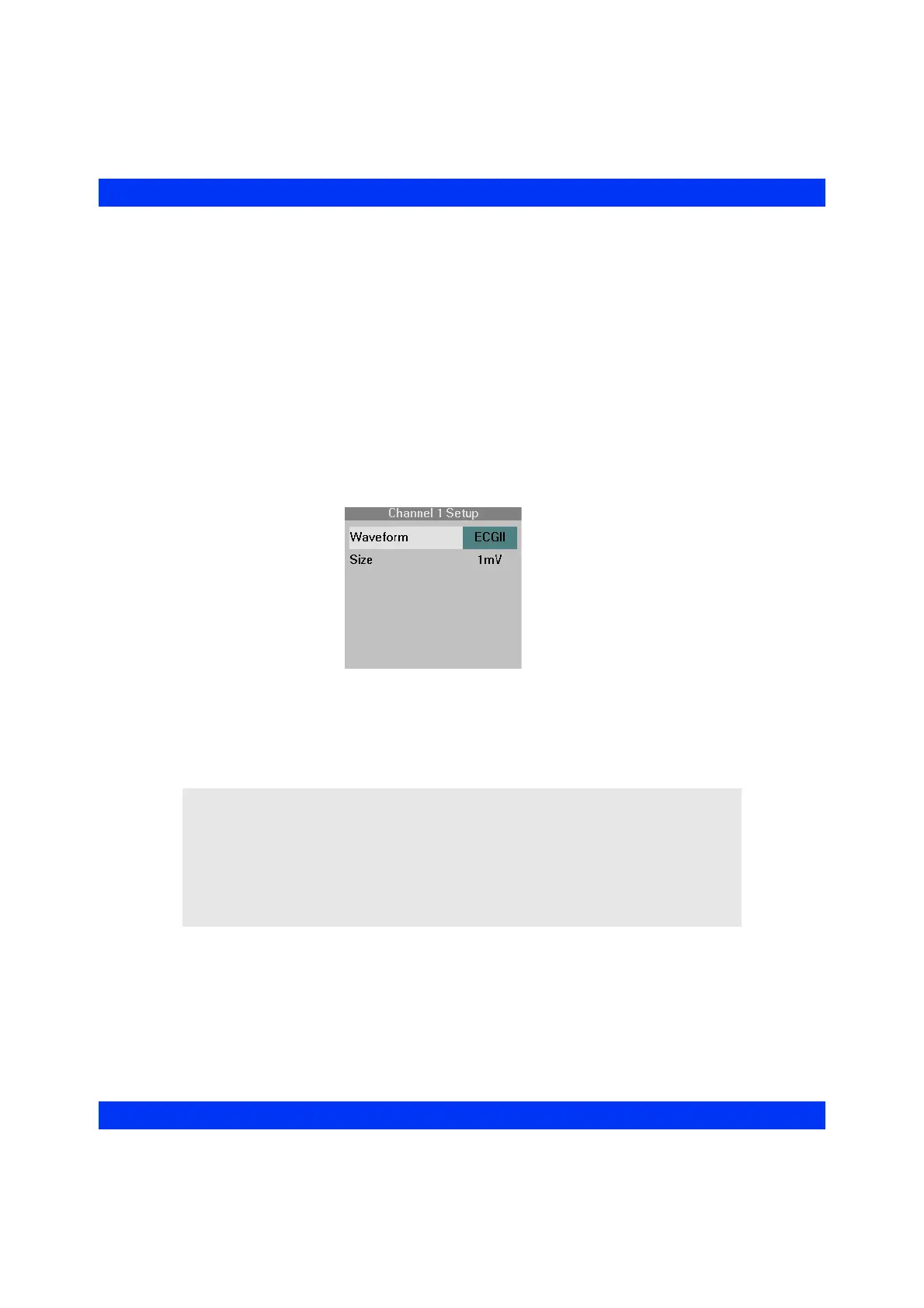
STEPS: Selecting the Lead and Size
1. Click on the waveform channel where the ECG waveform is currently
displayed.
2. Click on
Waveform.
3. Select the desired ECG lead and click the knob.
4. Click on
Size.
5. Select the desired display amplitude and click the knob.
NOTE:
z The lead assigned to the first waveform channel cannot be assigned to the
second waveform channel, except in Cascade mode.
z If you change the monitor’s leads and the central station is storing waveforms
selected manually (Auto Track OFF), you must also change the leads at the
central station. For more information, see the Instructions for Use of the central
station.











 To Next Page