PATIENT D ISCHARGE
VF6 Infinity Vista 4-7
Patient Discharge
You can discharge a patient only at the bedside monitor, not at the central station.
Upon discharge, the monitor deletes all previously stored monitoring data (such as
QRS reference complexes, trends, events, and recordings), and returns to default or
previously stored monitoring settings (see the chapter Default Settings and
Biomedical Support).
STEPS: Discharging a Patient
1. Press the Menu fixed key.
2. Click on
Admit/Discharge.
3. Click on
Discharge.
4. Click on
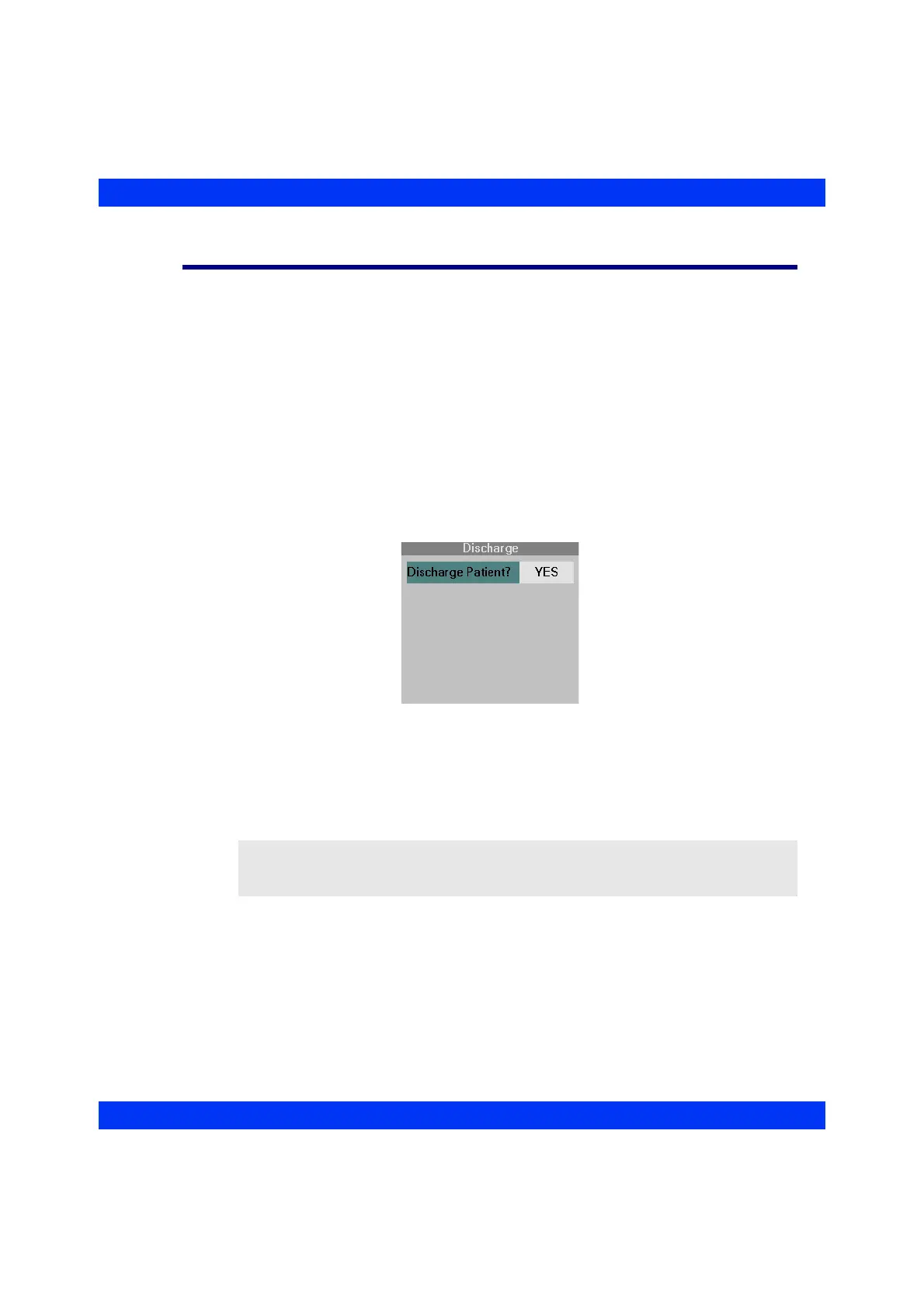
Discharge Patient? YES.
When you discharge a patient at the bedside monitor, the central station deletes the
bedside’s data from the bed view and displays a Discharge banner for this bedside
monitor.
NOTE: You can also discharge a patient from the New Patient? prompt upon leaving
the Standby mode. In this case, however, the patient’s name remains displayed at the
central station until you admit a new patient.











 To Next Page