4-6 Infinity Vista VF6
4 ADMISSION/DISCHARGE/TRANSFER
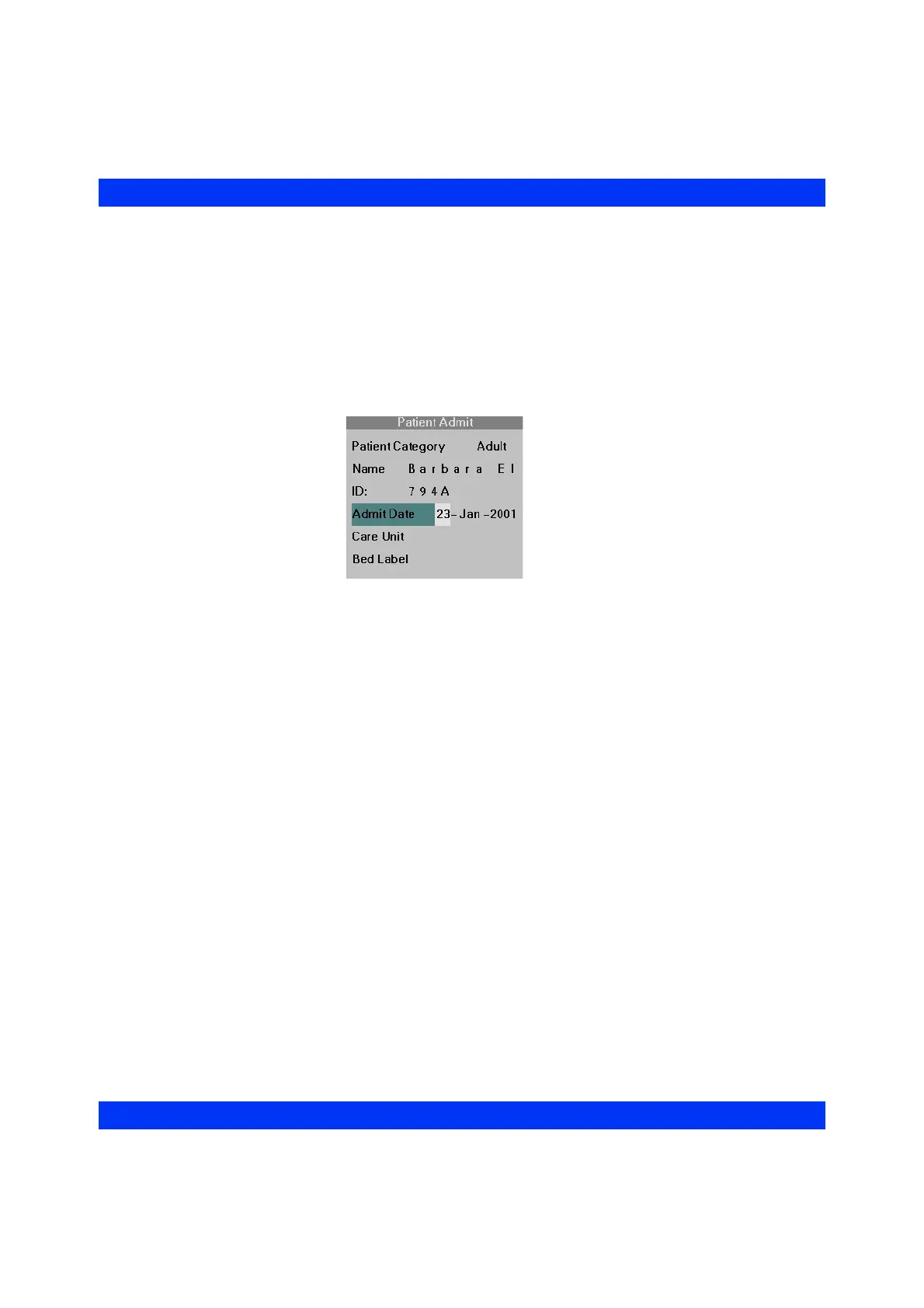
Admit Date
STEPS: Entering the Admit Date
1. Call up the Patient Admit menu (Menu > Admit/Discharge > Patient Admit,
see above).
2. Click on
Admit Date. The monitor automatically enters the current date.
3. If necessary, edit the date by clicking on the day, month, or year entry fields
and dialing in the desired date.
4. To exit the date entry line, simply scroll off to the left or right.











 To Next Page