11-8 Infinity Vista VF6
11 RESPIRATION MONITORING
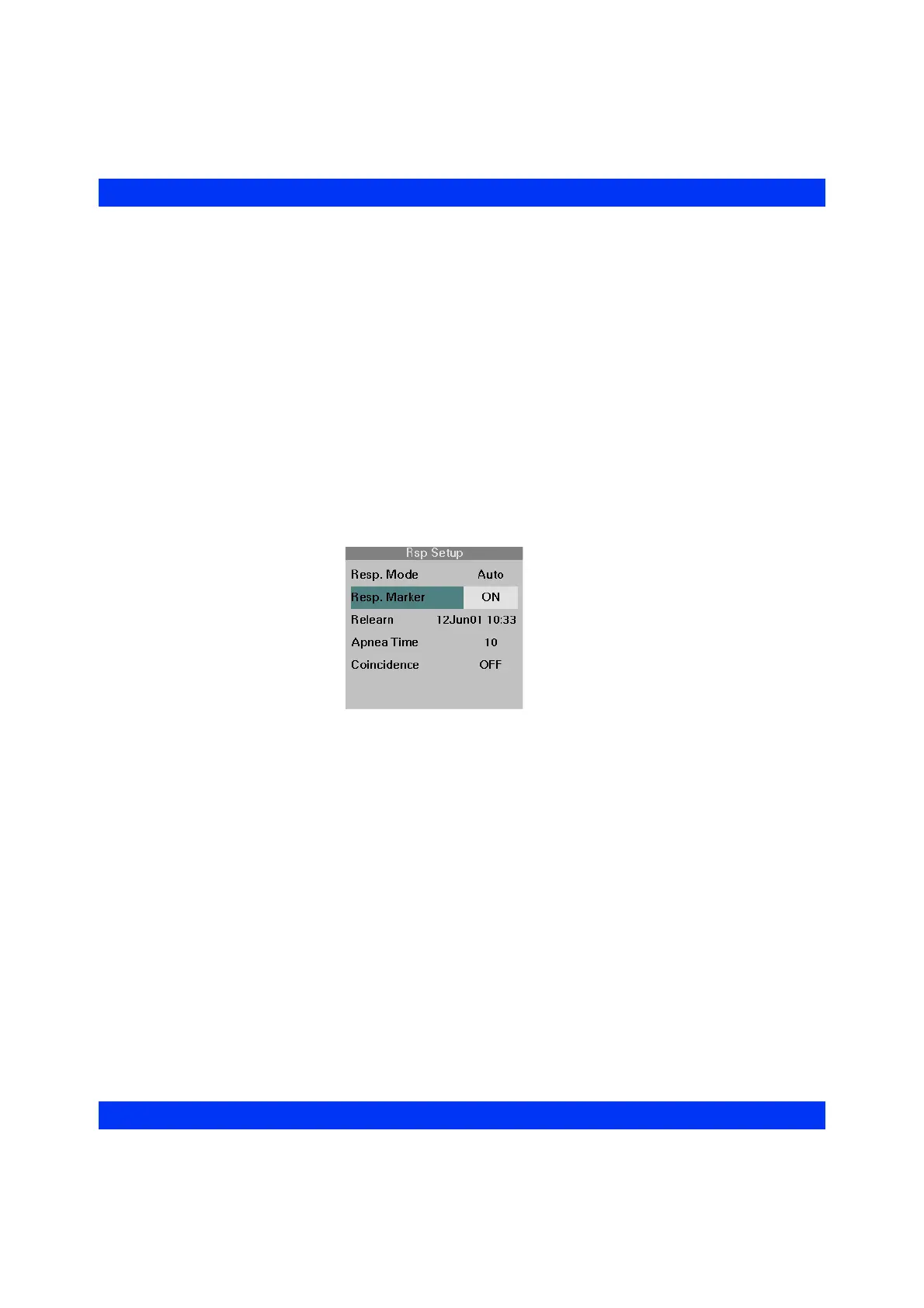
Resp Markers
When you turn respiration markers on, the monitor displays a spike on the respiration
waveform every time it detects a valid breath. (Respiration markers are not printed.) If
breath detection occurs on a clipped portion of the waveform (as when the waveform
exceeds the waveform channel’s selected size), respiration is still detected and
marked.
In manual mode, always use the displayed markers to set the waveform size at a point
where shallow breaths are counted and cardiac artifacts rejected.
STEPS: Displaying Resp Markers
1. Click on the Rsp parameter box.
2. Click on
Rsp. Marker.
3. Select
ON or OFF and click the knob.











 To Next Page