PATIENT A DMISSION
VF6 Infinity Vista 4-5
When switching to the neonatal mode, the monitor also:
z Disables arrhythmia detection and clears all arrhythmia labels from the
screen.
z Disables pacemaker detection.
z Disables ST Segment analysis (if option is available).
z Allows viewing of an Oxy-Cardiorespirogram (if option is available).
Name and ID
STEPS: Entering Name and ID
1. Call up the Patient Admit menu (Menu > Admit/Discharge > Patient Admit,
see above).
2. Click on
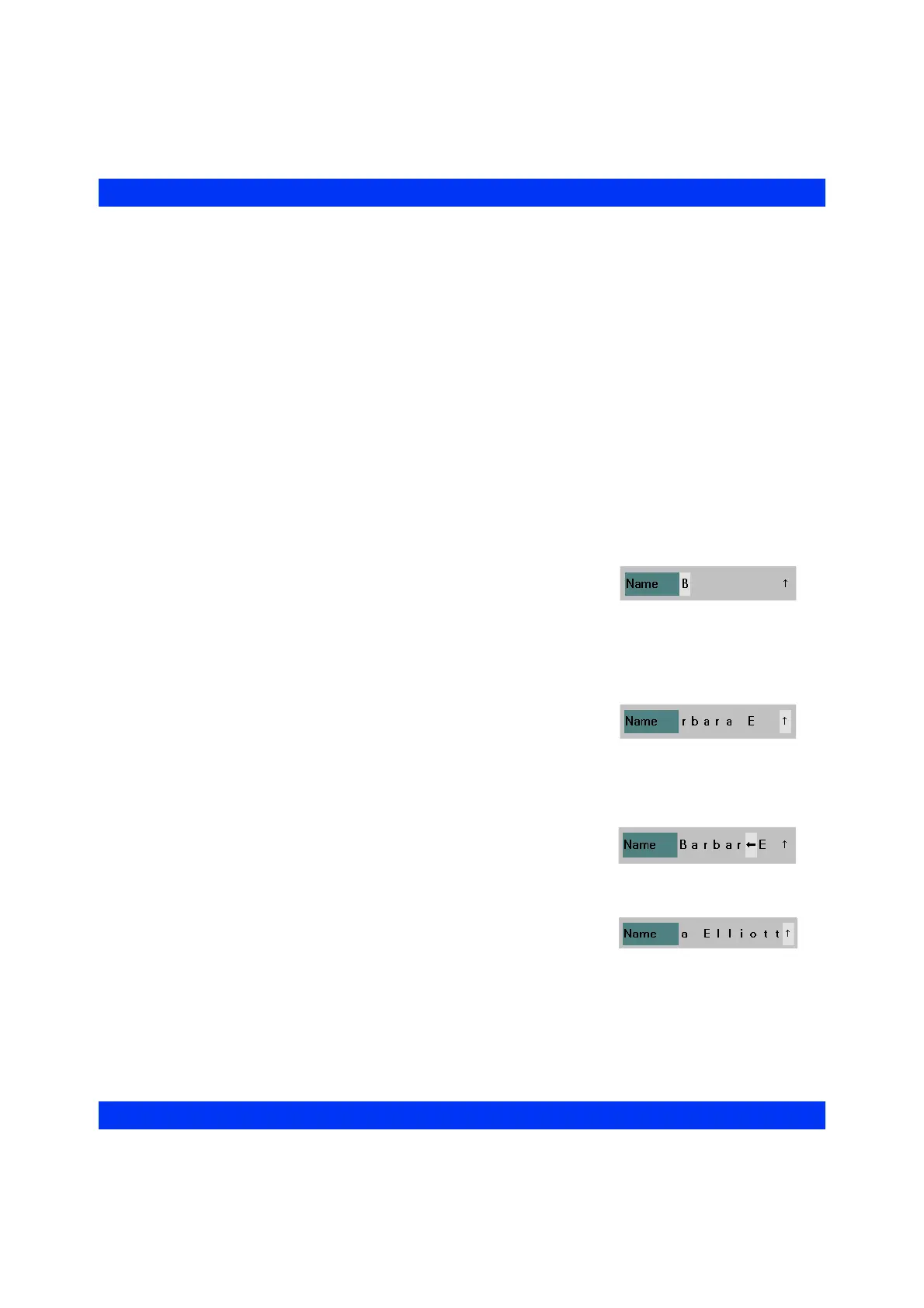
Name. A white entry field appears for the first character of the name.
3. Click the knob, dial in the first character (A-Z, a-z,
0-9) and click the knob again.
4. Turn the knob clockwise to scroll to the next entry field and click. Dial in the
second character and click. If you need to separate words (i.e. first name from
last name), click on a blank space.
5. Enter the remaining characters accordingly.
— The Admit Menu can display up to 9 characters
at a time, but you can enter additional characters
(up to 25 for the name and up to 12 for the ID)
by scrolling past the up arrow ( n) at the end of the line, thereby shifting the
entry to the left. Once entered, the full name does appear in the name field
above the top waveform channel, on central station displays, and on record-
ings.
— To make changes to your entry, you can dial in
and click on the left or right arrow ( m and o ).
Clicking on the left arrow deletes the character
and moves the entry one space to the left; clicking on the right arrow moves
the character and the entry one space to the right.
6. To exit the name entry line, click on the up arrow
( n).
7. Enter the patient ID accordingly.











 To Next Page