4-10 Infinity Vista VF6
4 ADMISSION/DISCHARGE/TRANSFER
Transfer with a Data Memory PC Card
The transfer of patient data with a memory card involves copying data from the source
monitor onto a card and then from the card into the destination monitor.
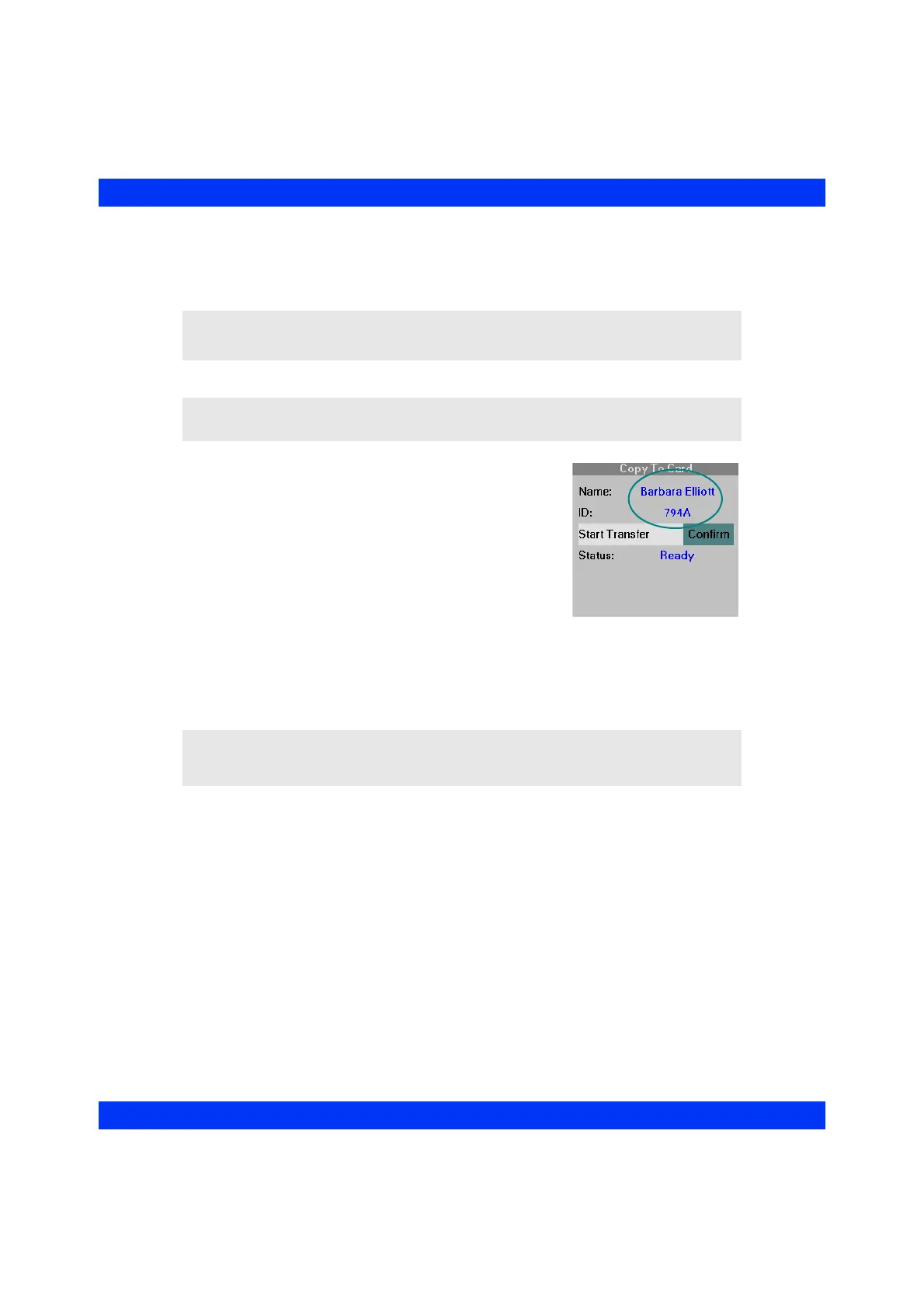
The source monitor copies patient admit data as well as
stored trends onto the card. To assure that the copied data
is correctly identified with the patient, you must have
entered a patient name or ID for the source monitor
before the data transfer can take place. If necessary, enter
the patient’s name or ID before proceeding with the data
transfer (see the section Name and ID, above).
When copying data to a memory card, the source monitor
erases all information previously stored on the card.
Similarly, copying data from a card to a monitor
overwrites (not appends) all data currently stored in the destination monitor. At the
end of a successful data transfer from the card, the destination monitor erases all
contents from the card.
CAUTION: Your monitor may not be equipped with ESD protection for the memory
card slot. Refer to the Service manual or contact your Biomed for further details.
NOTE: You can copy patient data only to an Data Memory PC card.
NOTE: While the monitor is operating in the wireless network, no data transfer via
the memory card can take place, because the wireless card occupies the memory card
slot.











 To Next Page