4-2 Infinity Vista VF6
4 ADMISSION/DISCHARGE/TRANSFER
Overview
The Patient Admit menu allows you to enter and edit a patient’s personal data (name,
ID, admit date) and select the patient category. If your monitor is operating in a
monitoring network, you can also review or change the monitor’s care unit and bed
label assignments in this menu.
In network mode, you can admit patients at the bedside monitor or at the central
station. The central station offers more data entry fields (such as birth date, height,
weight), which the Infinity Vista monitor does not display but which can be reviewed
or edited at the central station (see the Instructions for Use of the central station).
You can transfer patient data between monitors over the Infinity network or with the
help of a data card. If you discharge a patient, the monitor deletes the patient’s
monitoring data.
Patient Admission
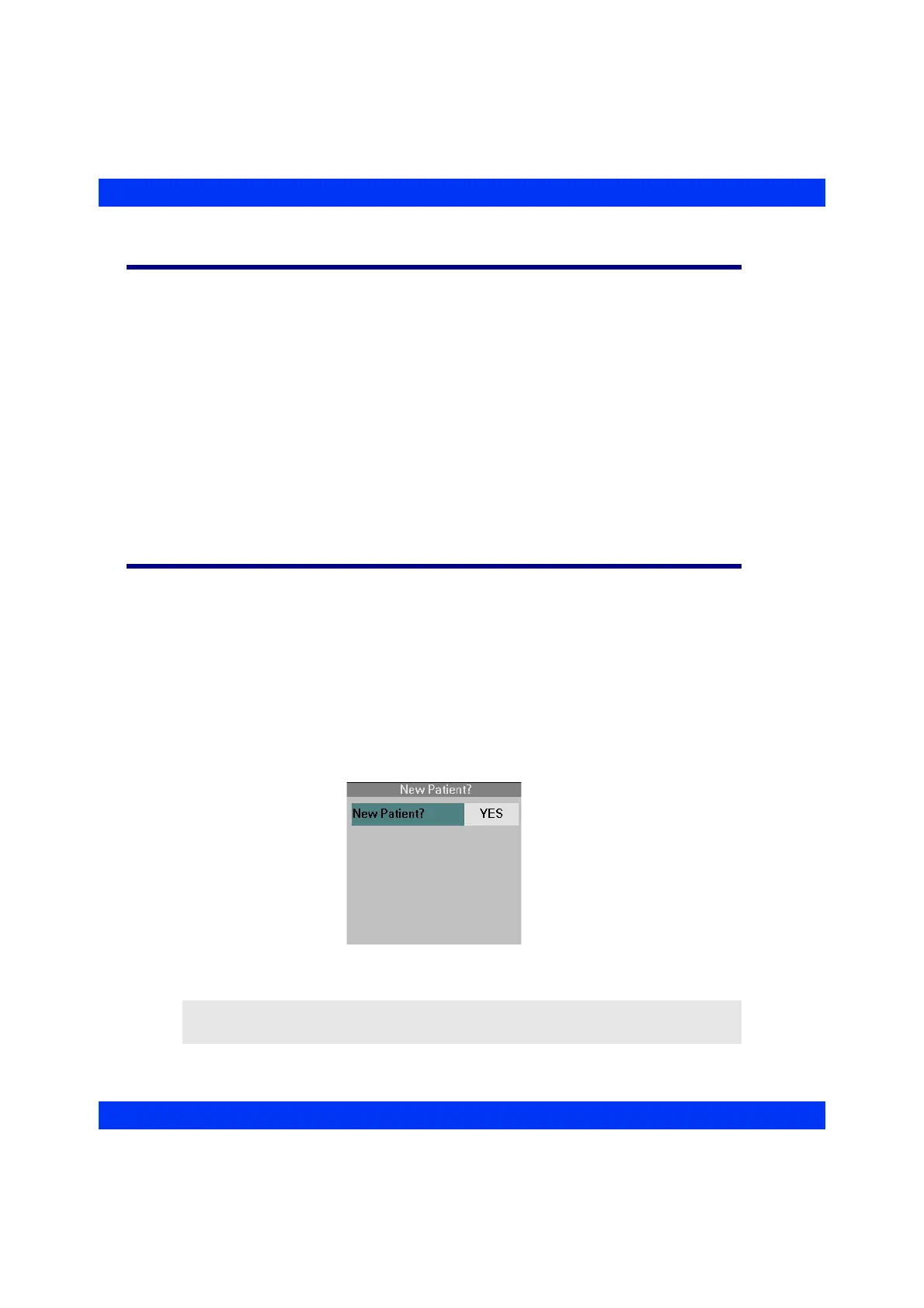
When you turn on the monitor or exit the standby mode, the monitor displays a New
Patient? prompt to assure that previously stored patient data is deleted before you
monitor a new patient.
To start monitoring a new patient, press the rotary knob and click on
New Patient?
YES
. The monitor deletes all previously stored monitoring data, including trends,
events, and recordings.
To continue monitoring a previous patient, press the rotary knob and click on
New
Patient? NO
. The monitor retains previously stored monitoring data.
NOTE: After a power-cycle or upon leaving standby, all alarms are turned off for
three minutes or until you press the All Alarms Off fixed key.











 To Next Page